
By machine and severity
Each destination gets the events and severities it asks for, of all machines or of chosen groups: one customer's alerts to that customer.
qKVM Web App
A self-hosted server you open in a browser. Every KVM, server, PC and virtual machine you run is live on one page, with accounts, single sign-on, alerts and a record of every action. Nothing goes through a cloud.
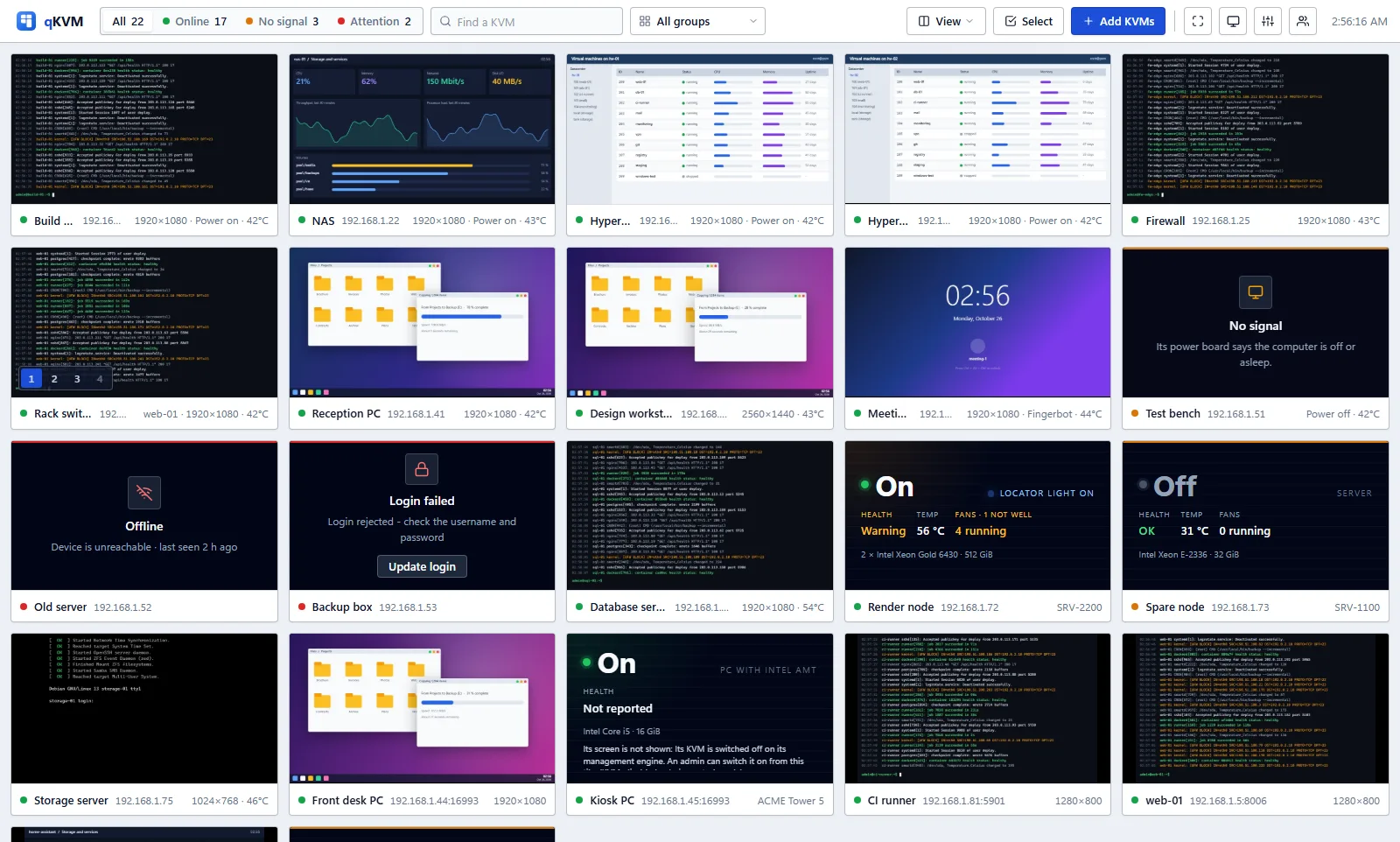
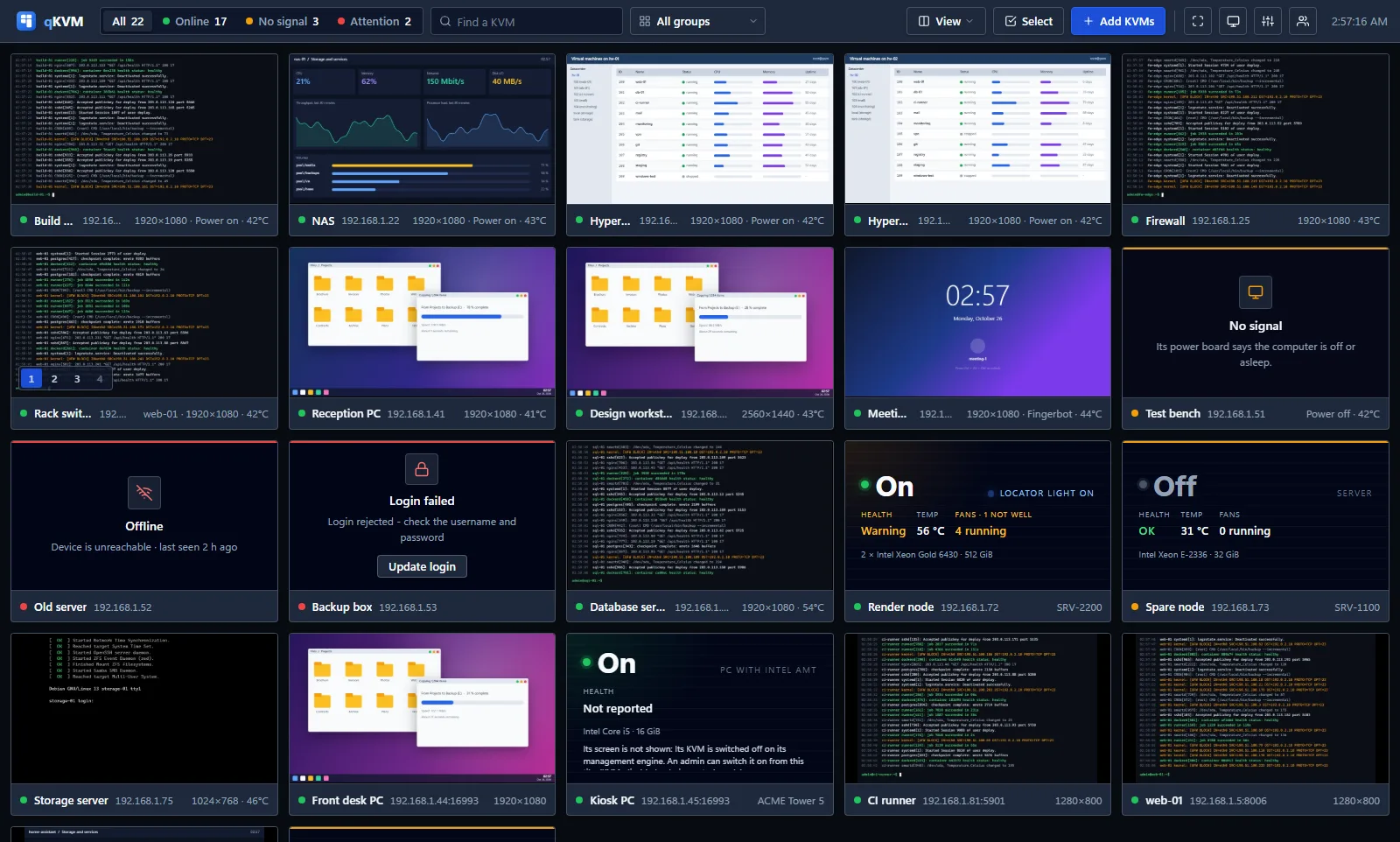
Shown: the live demo, with made-up machines. Version 0.4.0, free software under the AGPL-3.0.
Run it on a server, a mini PC or the machine on your desk. Everybody who looks after the machines opens the same wall in a browser.
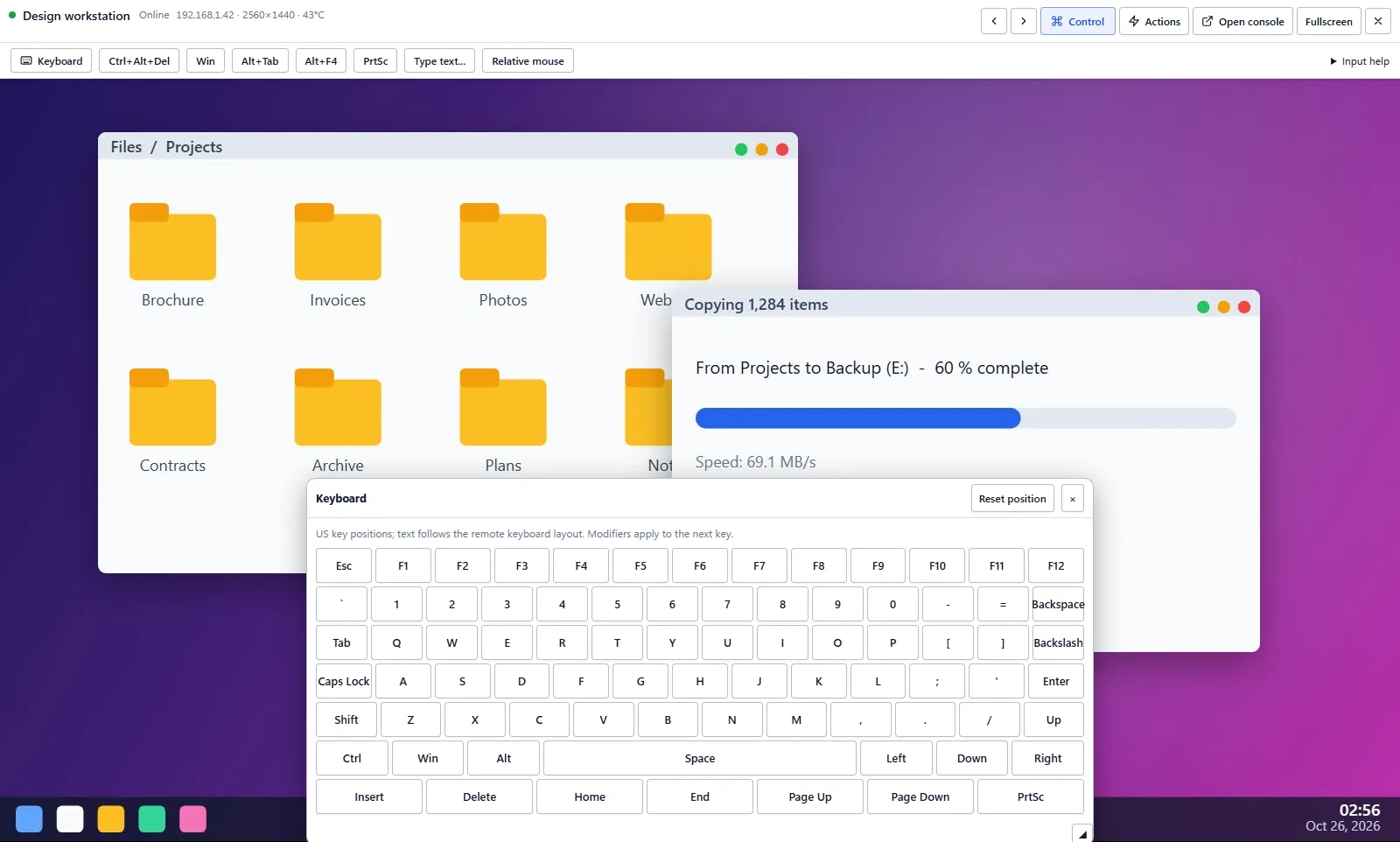
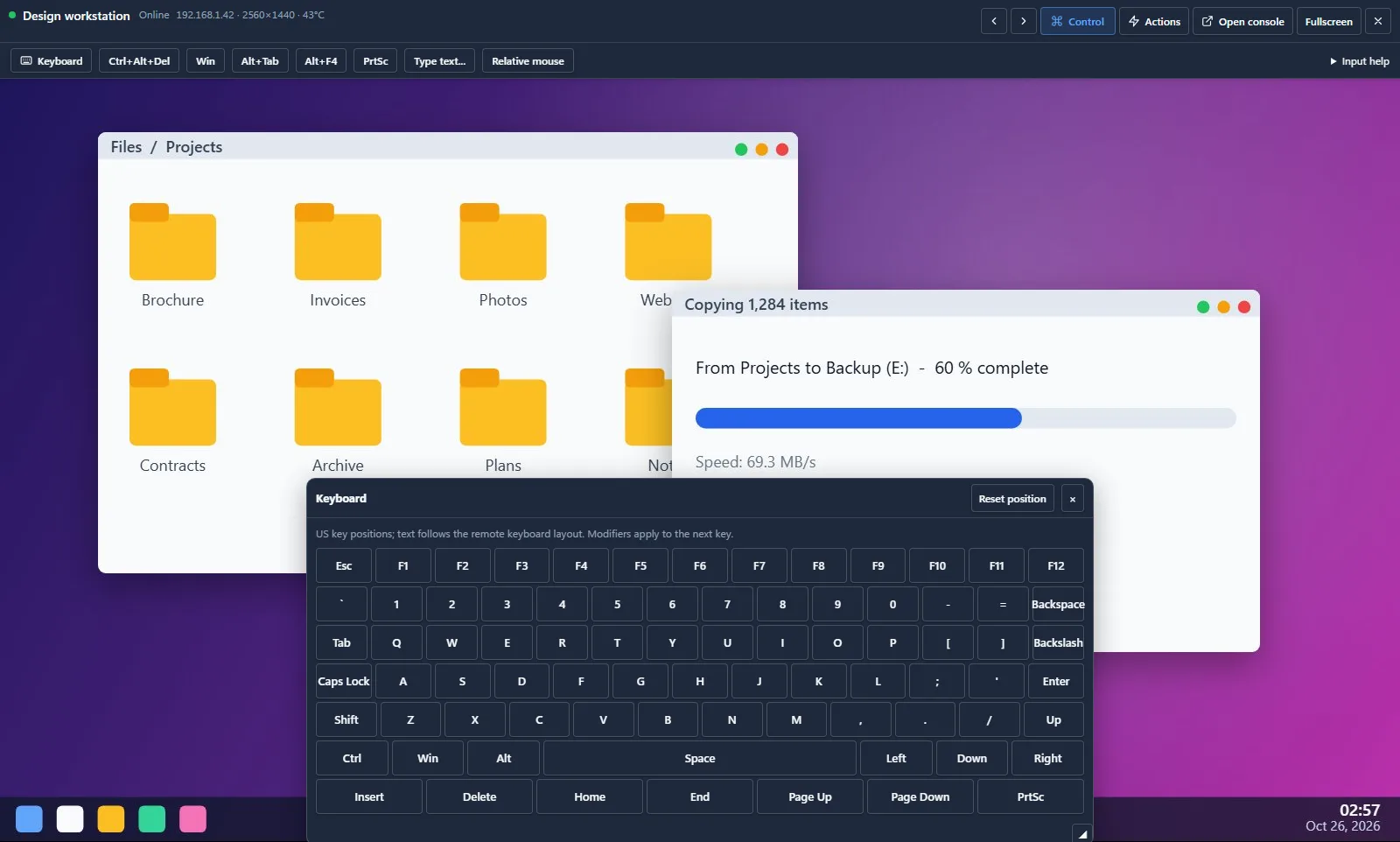
The wall shows each machine's live screen and its state. Open one to take its keyboard and mouse in the browser, type into it, or press its power button. H.264 from a KVM goes to the browser as it comes.
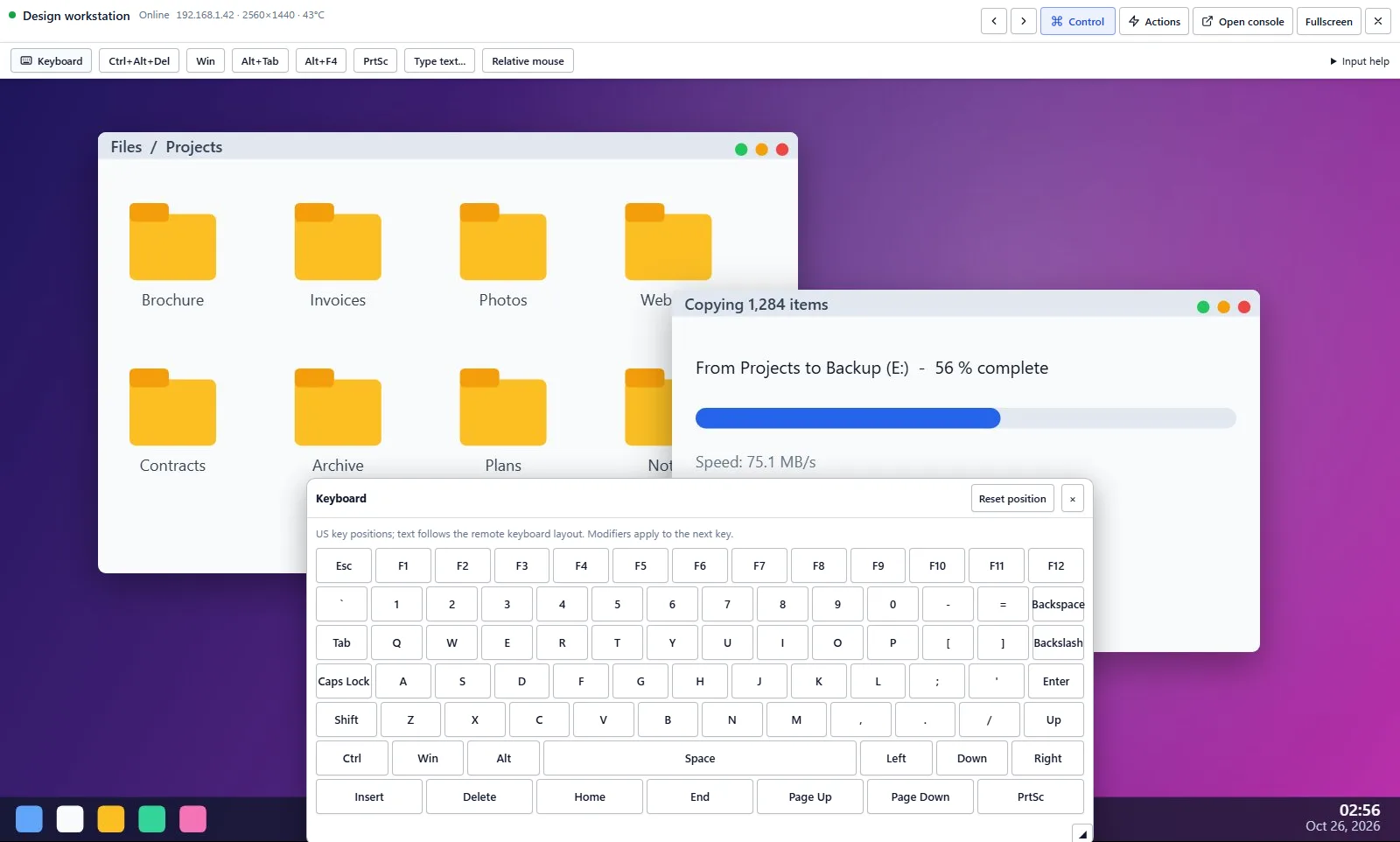
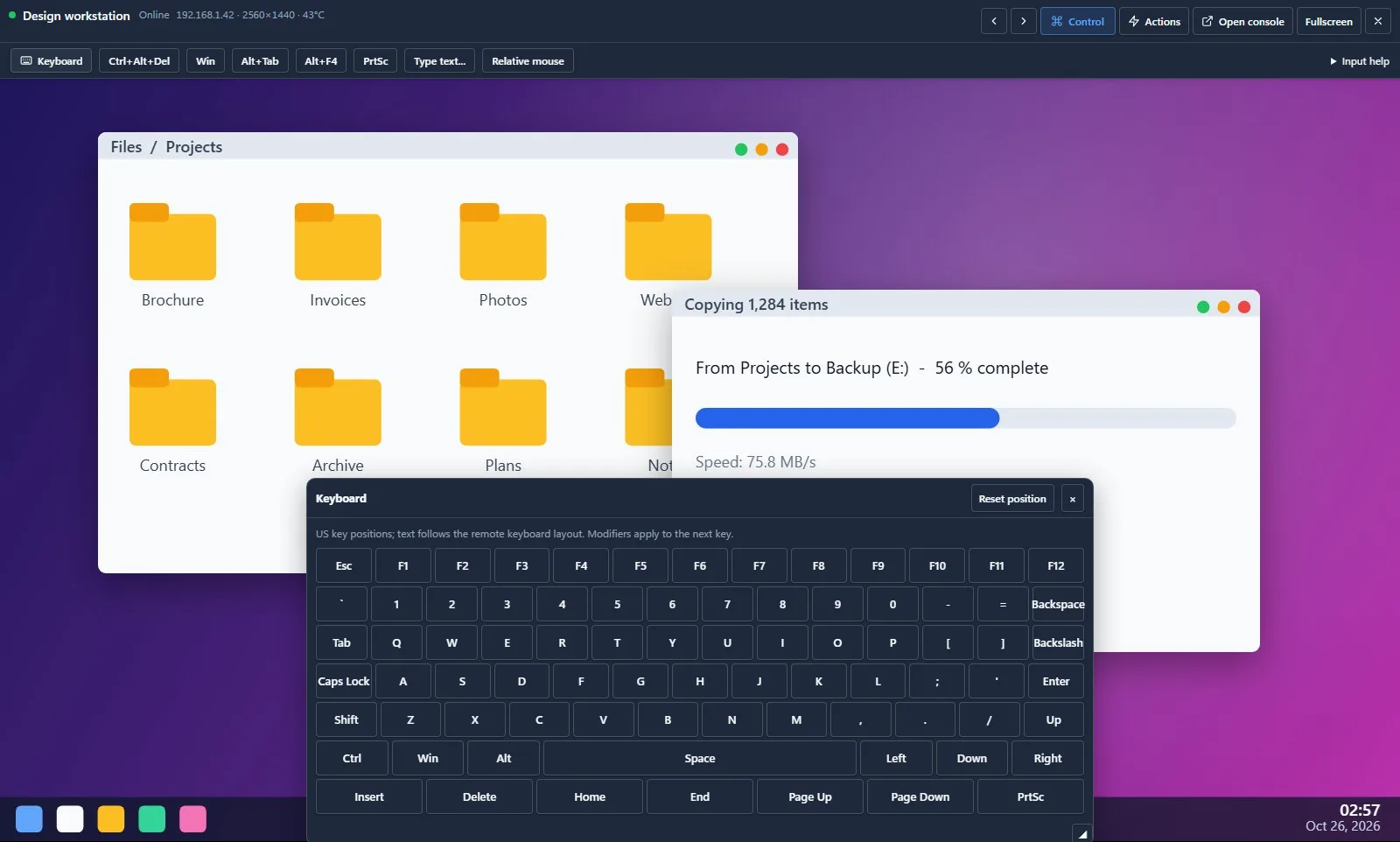
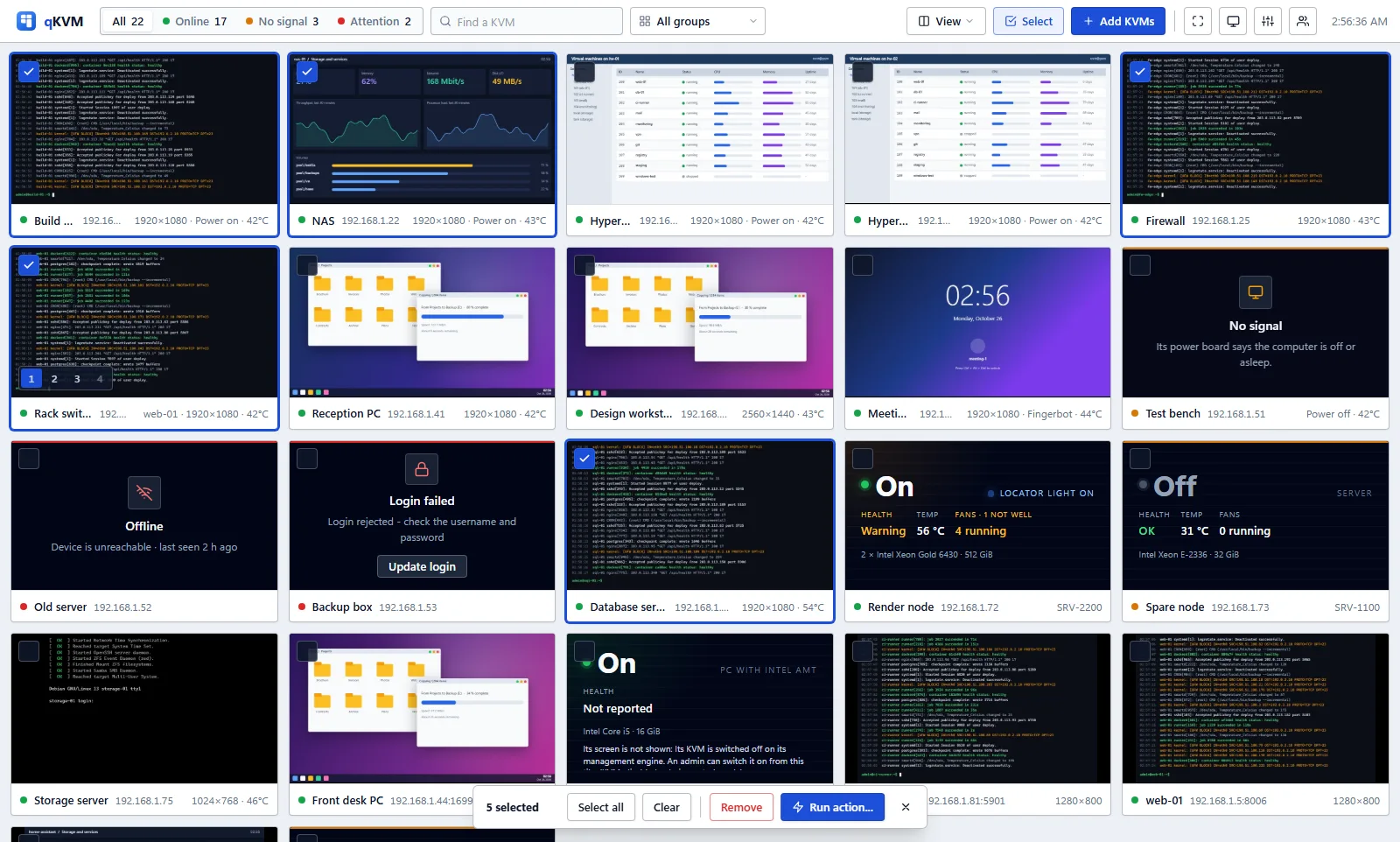
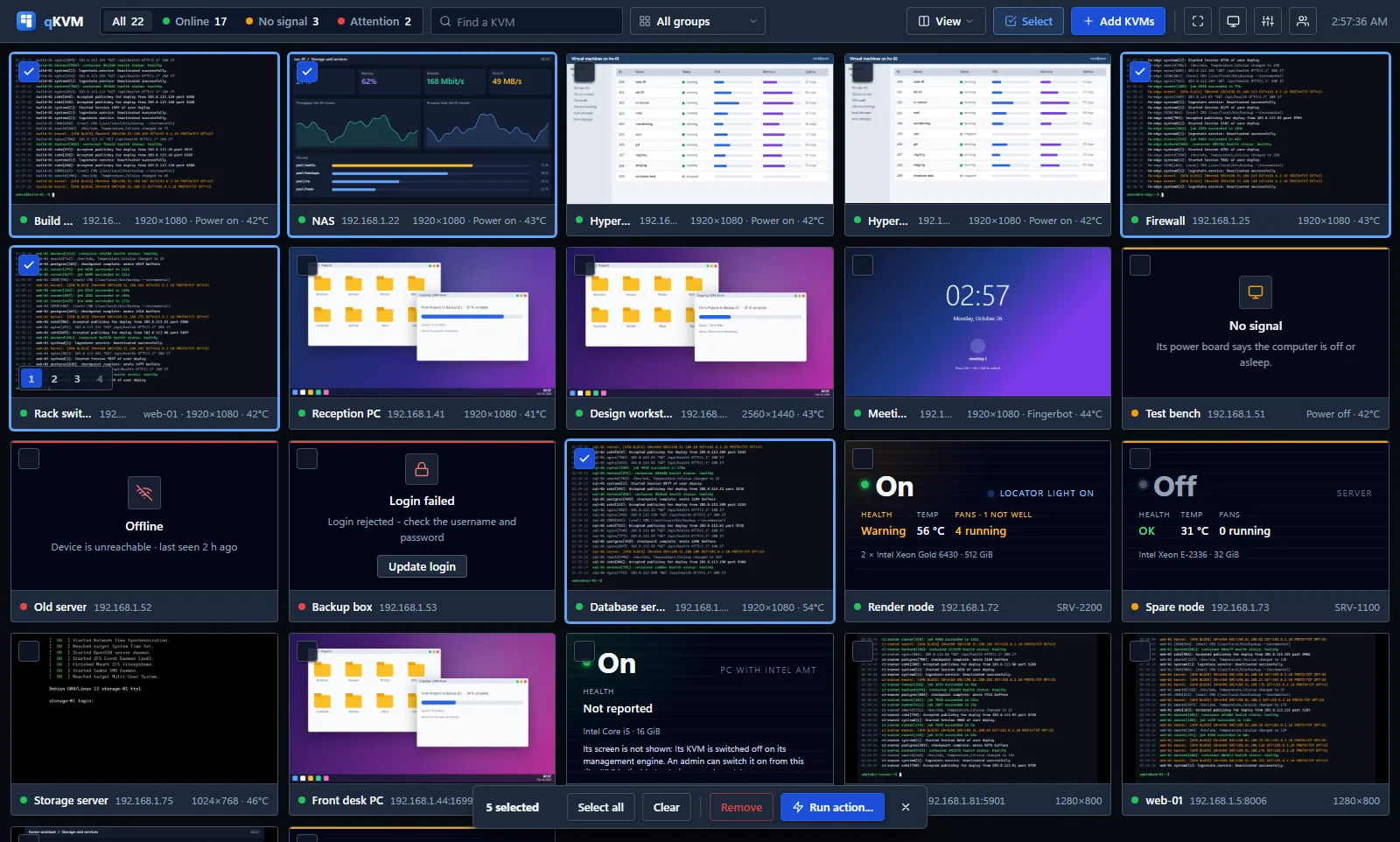
IP KVMs of different makes side by side with servers seen through their own controllers, business PCs through Intel AMT, and virtual machines.
Install or rescue a machine from the wall: an image in the drive of a KVM, a JetKVM, a Proxmox guest or a server's controller, started from once or until taken out.
A machine that goes off, loses its picture or reports a fault is told to the places you choose, up to fifty of them, each told only what it asked for. Even after everybody has signed out.
Each destination gets the events and severities it asks for, of all machines or of chosen groups: one customer's alerts to that customer.
Quiet hours, reminders only if you want them, and one message when many machines drop at once.
An incident is opened when a machine goes and resolved when it is back.
No signal for some minutes, or a screen that has not changed: told, with the picture kept for an admin.
Notifications in the browser by Web Push, encrypted to that browser; a tap opens the machine. Tried in Chrome so far.
An hour or four of quiet, then what changed meanwhile, in one message.
Try a destination and read the service's own answer; the last deliveries and retries are logged.
Each alert opens the wall at that machine, and says so again when it is back to normal.
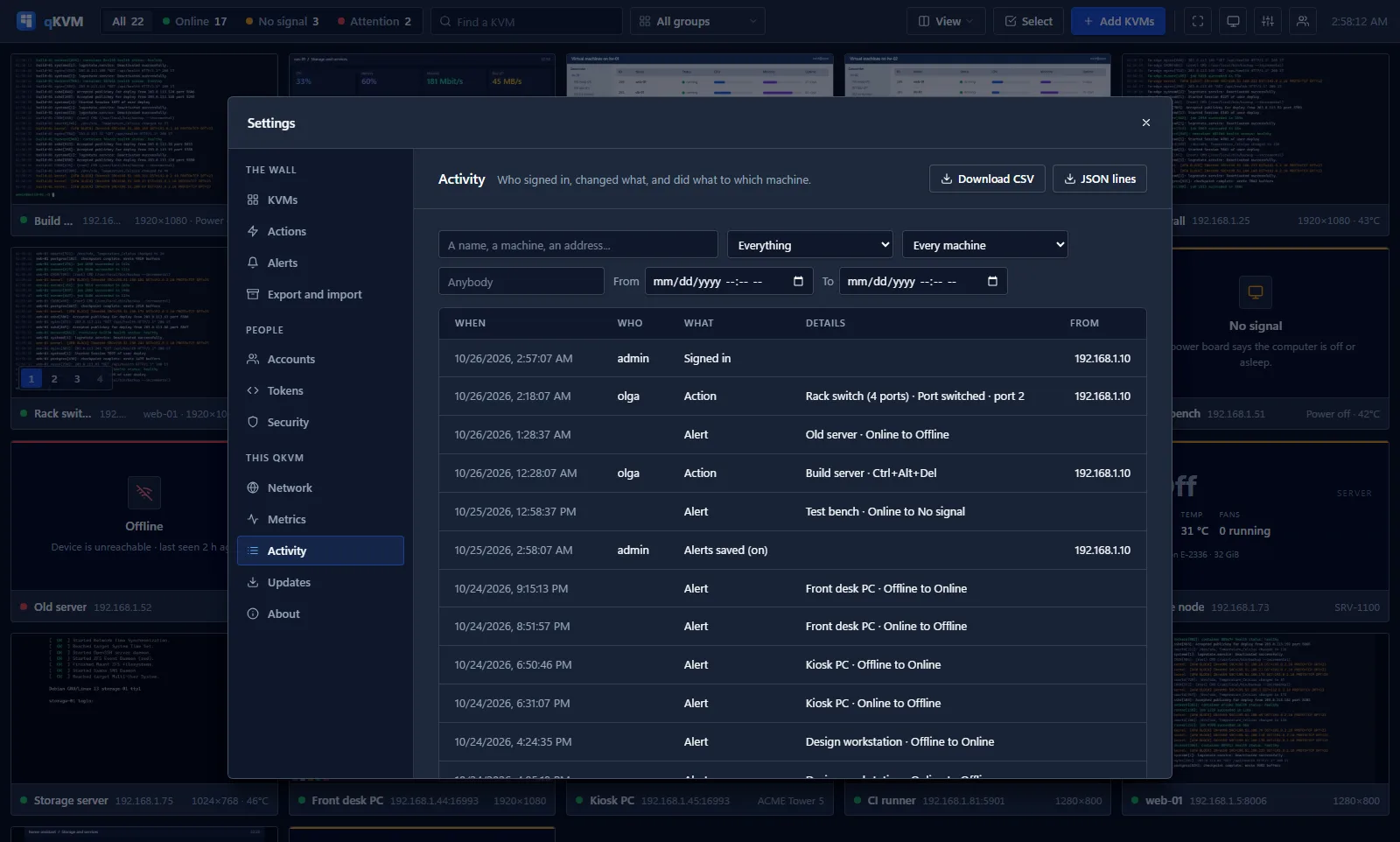
Every sign-in, change and action, with the account behind it. Each line is chained to the one before and signed, so a line taken out or changed shows.
python -m qkvm.checklog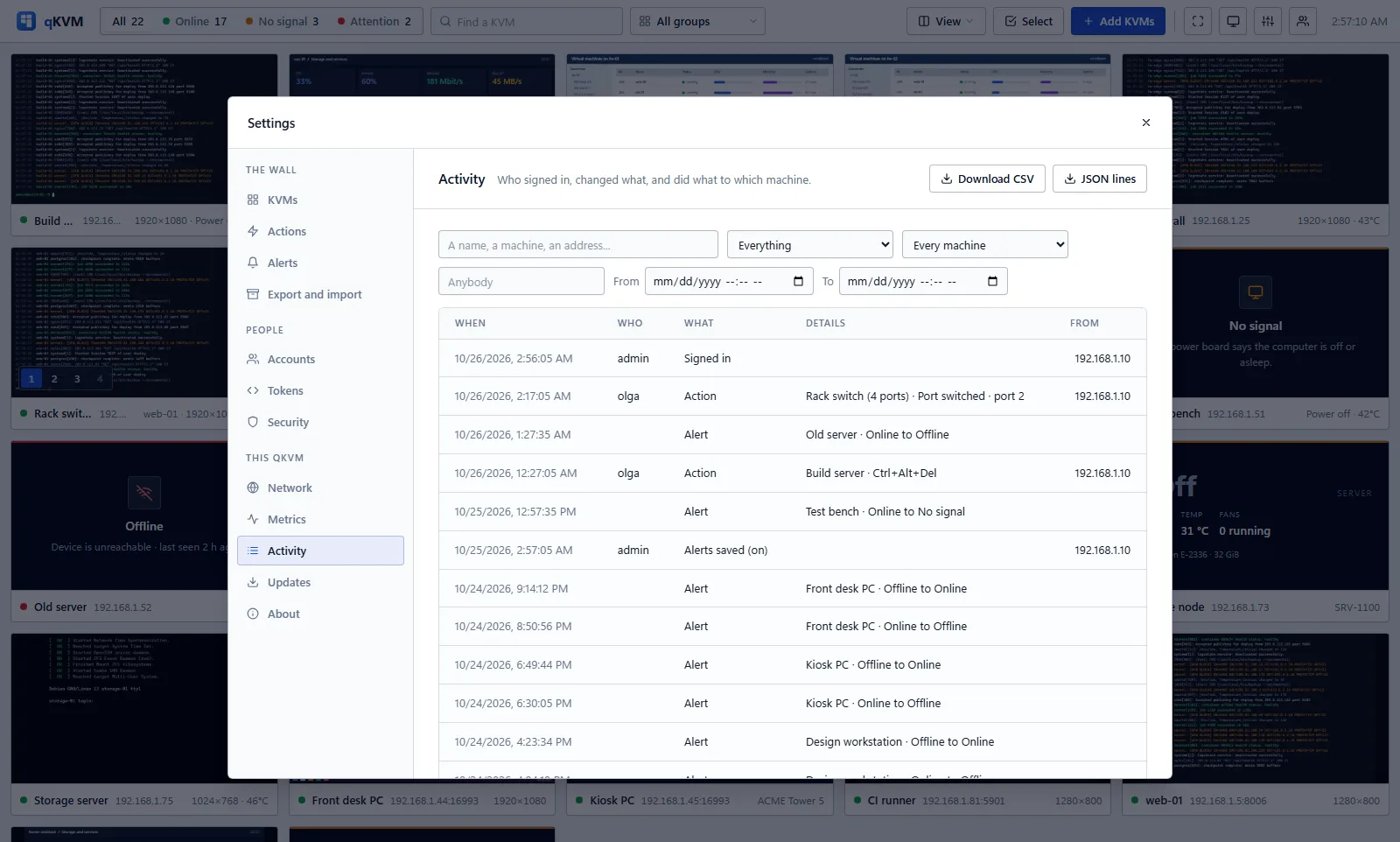
Viewer, operator and admin, two-factor sign-in that can be required, and a recovery key.
An account, a token or an alert destination can be held to chosen groups or machines. The others do not exist for it.
Suspend an account or end all its sessions at once, for a laptop left on a train.
Entra ID, Google Workspace, Authentik or Keycloak, their groups as roles, a local admin kept for a bad day. Free, like everything else.
Authelia, authentik or oauth2-proxy in front: people arrive signed in as the account of their name.
A role, the machines it is for and an end date, and no password in it.
Every request is held to the account's role and machines; whatever is not opened to others takes an admin.
Wrong passwords lock their address out for longer each time; wrong codes lock the account the same way.
API v1 written down and kept, and a conformance tool that holds a running wall to it, reading only.
Machines by state, and for each one whether it answers, when it was last heard from and how warm it is.
Their machines found by the wall, and a certificate browsers trust on your tailnet name.
The whole wall daily at the hour you choose, with a key of its own as a printable recovery kit, Verify, and an alert if a run fails.
MeshCentral, RustDesk or Remote Desktop from a tile's menu, as plain links.
A certificate it makes, one from your own authority, or your reverse proxy in front.
Name the addresses that may use it; everybody else is turned away before a sign-in page.
It updates itself in place when you ask, only with the publisher's signature, and goes back by itself if the new version does not start.
Python 3.11 or newer on Linux or Windows, or the container for amd64 and arm64.
pip install qkvm, then qkvm, then open http://127.0.0.1:8787/ (where pip refuses, pipx install qkvm)qkvm/qkvm: read-only, with nothing in it but what qKVM needsThe demo is the real page with made-up machines. Nothing to sign up for.