
Devices
One Wall, Whatever Is Behind It
KVMs of different makes side by side, servers seen through their own controllers, business PCs through Intel AMT, and virtual machines. Each with its live screen, its state, its power and its keyboard and mouse.
- GL.iNet Comet
- PiKVM
- JetKVM
- Redfish
- AMI MegaRAC
- OpenBMC
- Intel AMT
- Proxmox VE
- VNC
IP KVMs, Side by Side
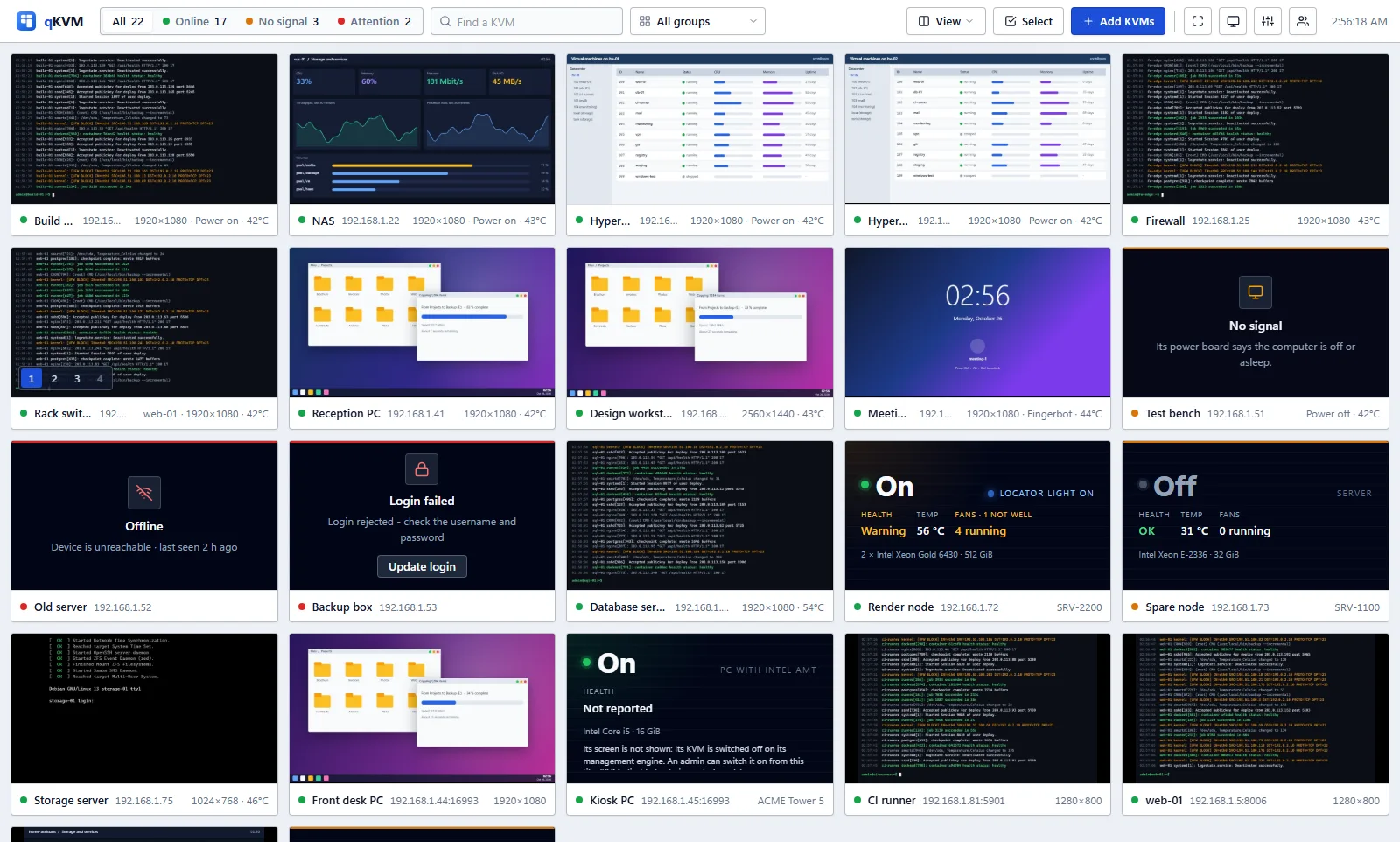
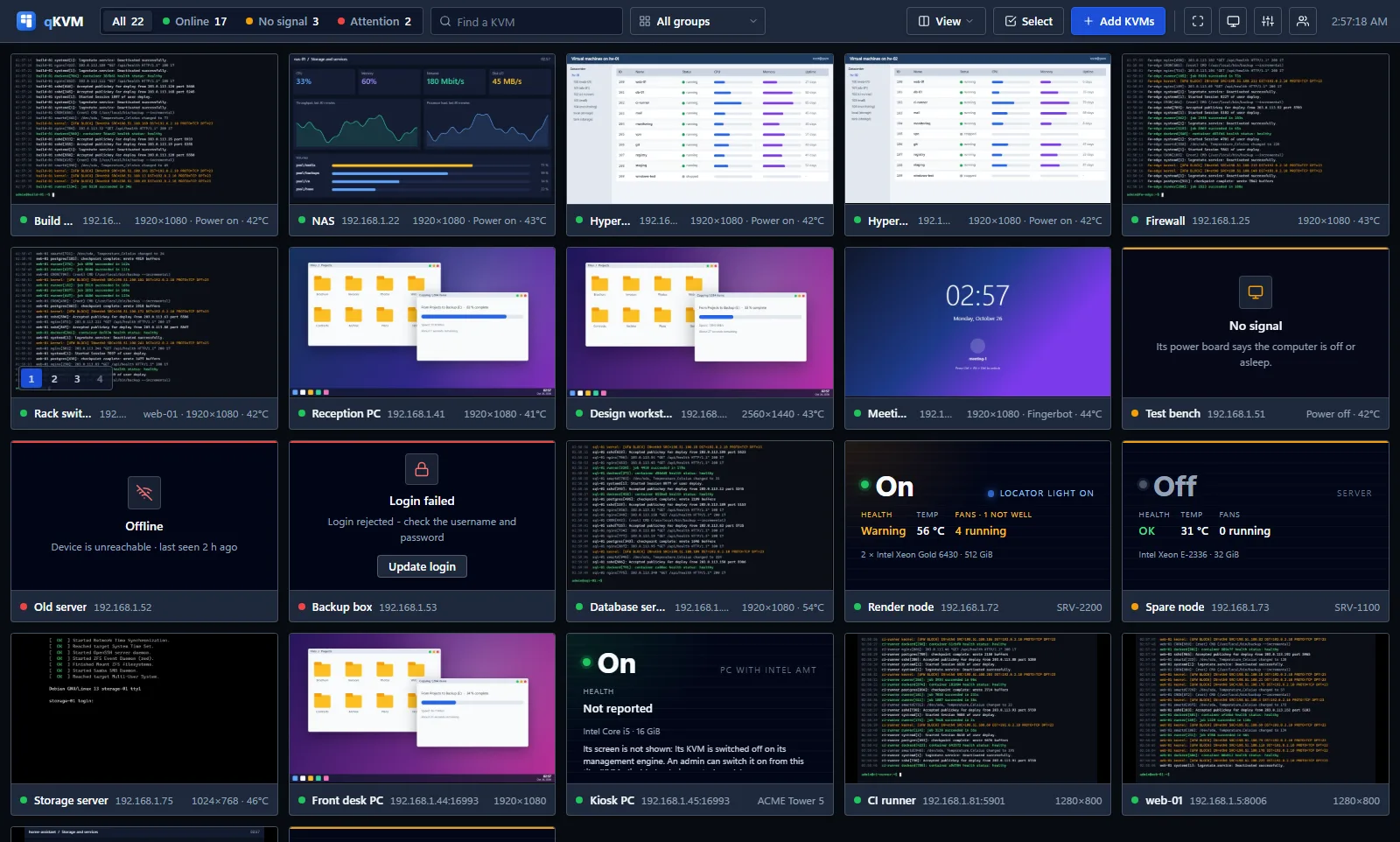
Any KVM, one page
Devices of different makes on the same wall, each with its live screen, its state, its buttons, and its keyboard and mouse in the browser.
- GL.iNet Comet and Comet Xwith its ATX power board, or a GL.iNet Fingerbot on the power button
- PiKVM and other kvmd KVMswhatever speaks the kvmd interface; its H.264 passed on as it comes
- JetKVMover its own channel for keys, typing in the layout its computer uses
- Virtual mediaan ISO in the KVM's own drive, uploaded through the wall
The Server Itself, Without a KVM
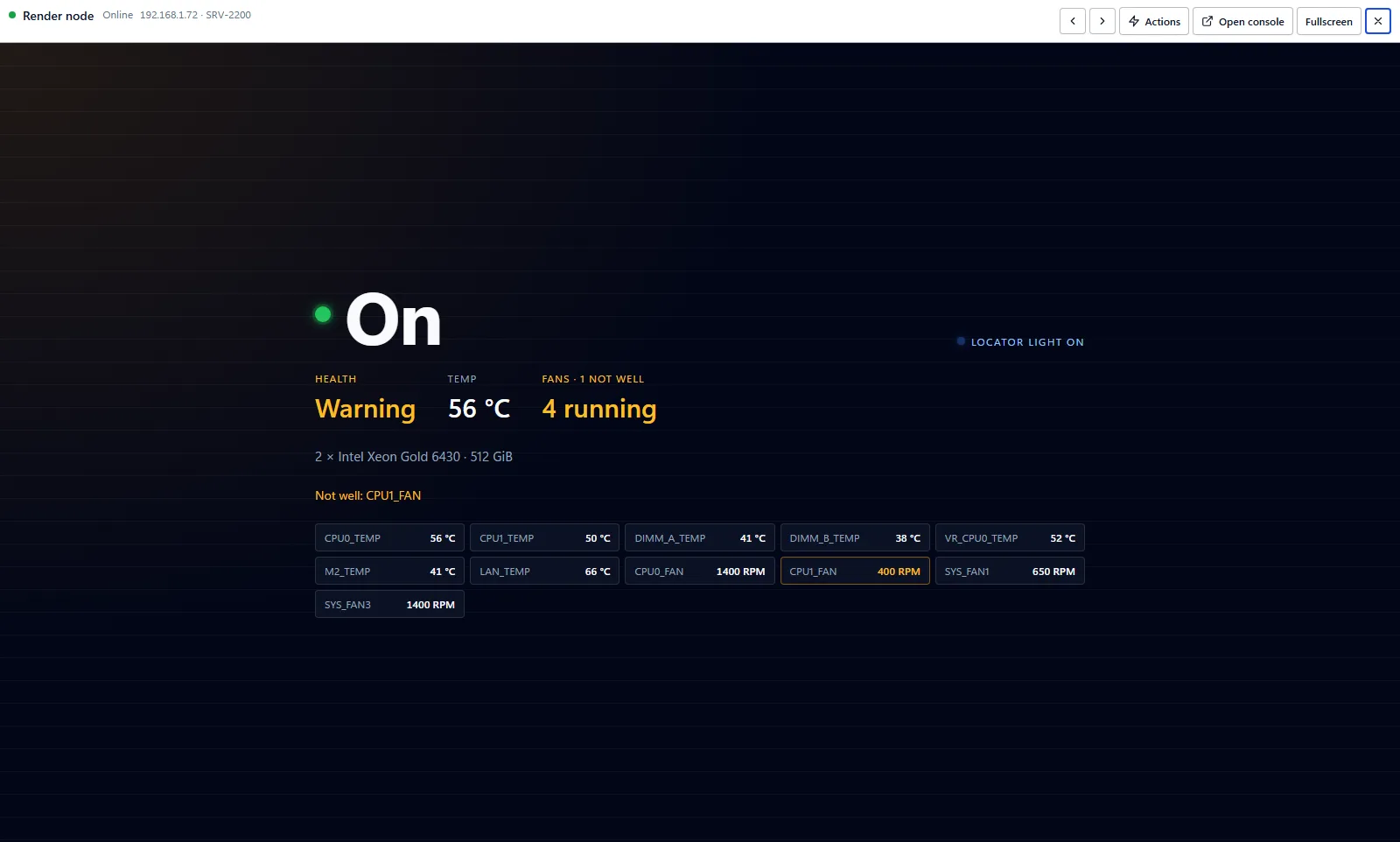
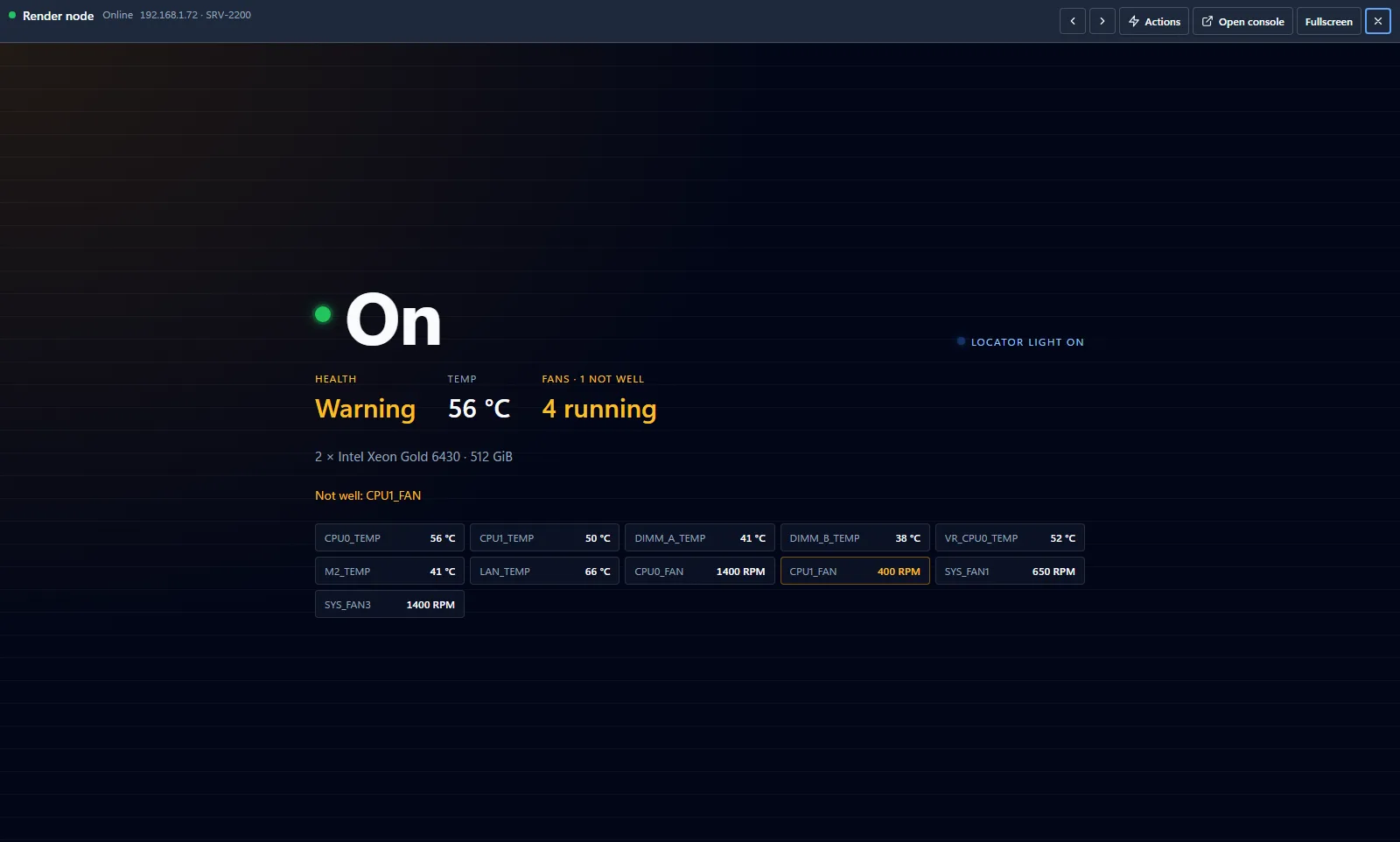
By its own controller
A server's management controller goes on the wall over Redfish: power, health, temperatures and fans. Where its console can be read, the tile shows the server's own screen.
- Redfishstate, sensors and power of controllers that follow the standard
- AMI MegaRACscreen, keyboard and mouse, and Start into BIOS setup
- OpenBMCthe server's screen and keys, from its console
- Locator light, BIOS setupand an image in its virtual drive
Business PCs, No KVM on the Desk
Through Intel AMT
PCs with Intel vPro go on the wall through their own management engine: whether they are on, their power buttons, and their screen through Intel's own KVM.
- Poweron, off, reset, and Start into BIOS setup
- The screena still now and then, live while somebody looks
- Said plainlya PC that asks for a consent code, has no KVM, or is in use by another viewer
- Triedon six real business PCs
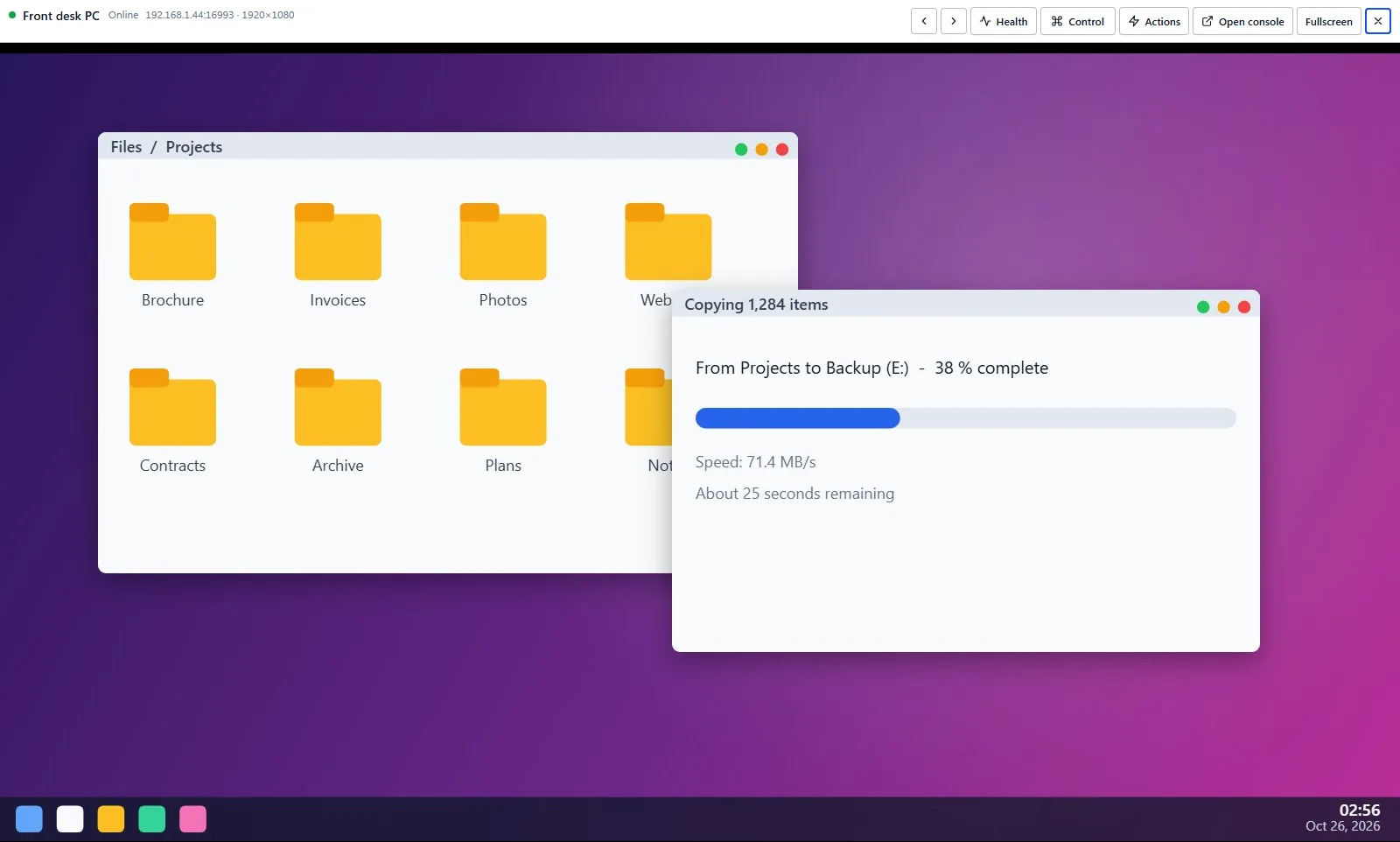
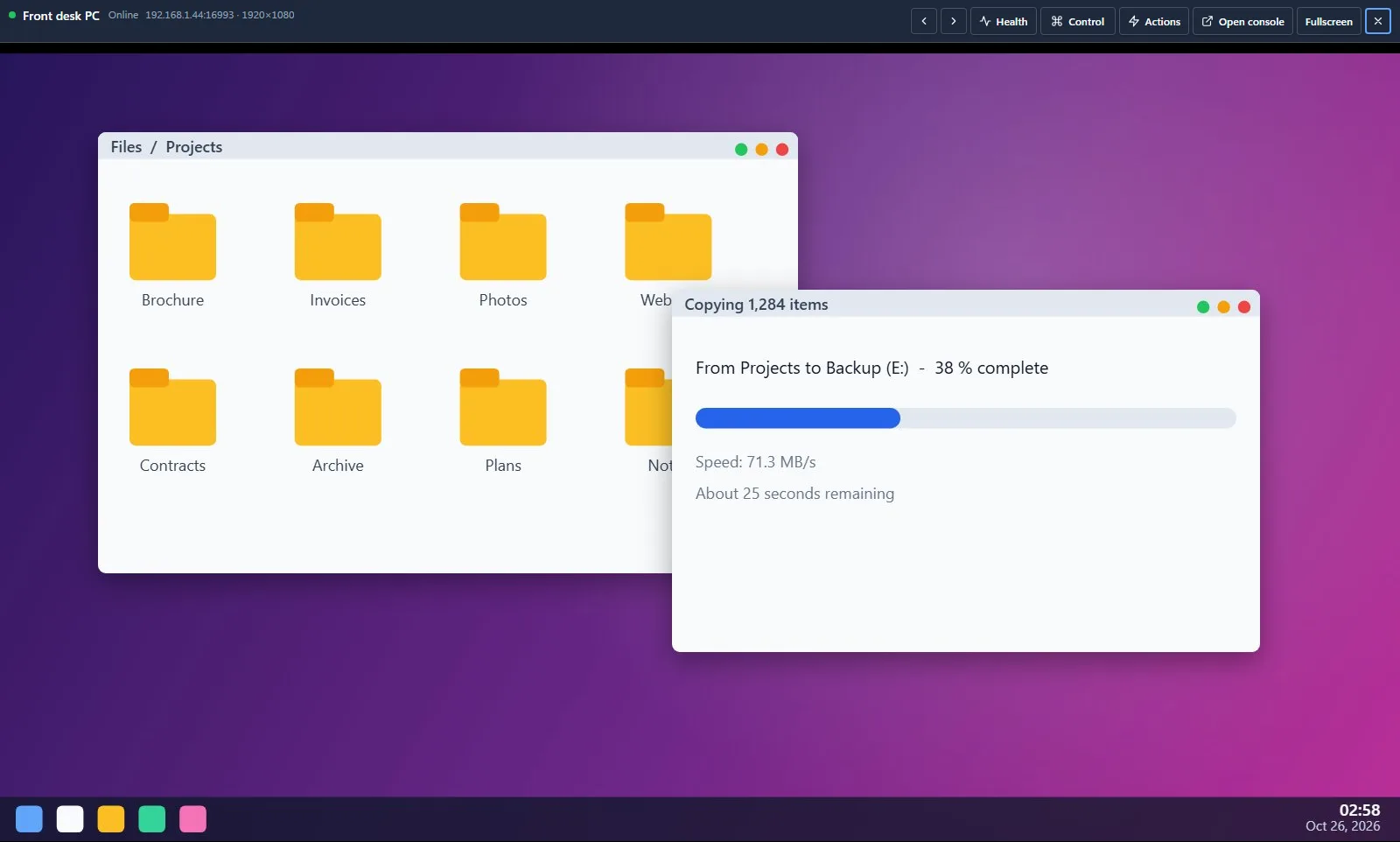
Virtual Machines and VNC
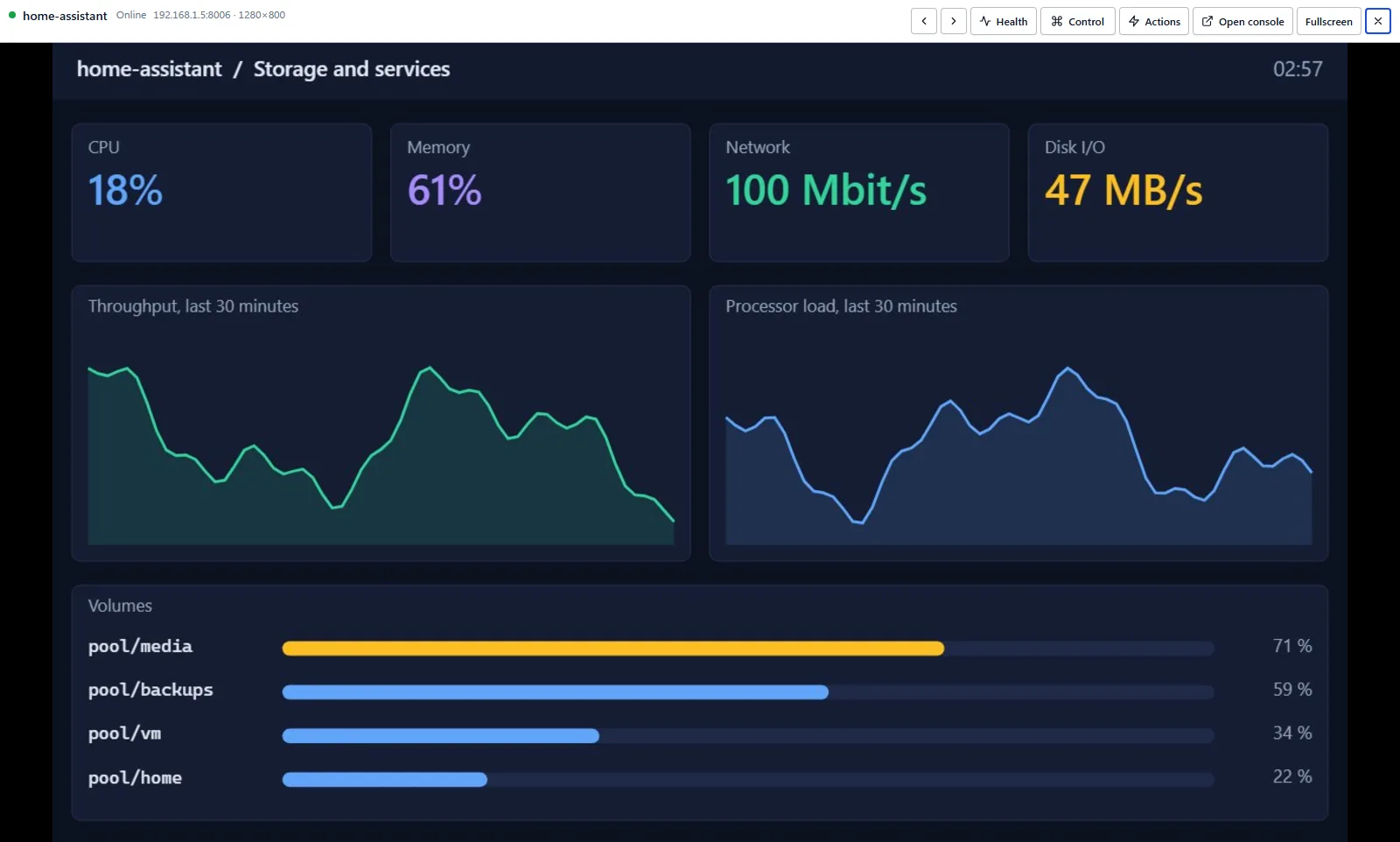
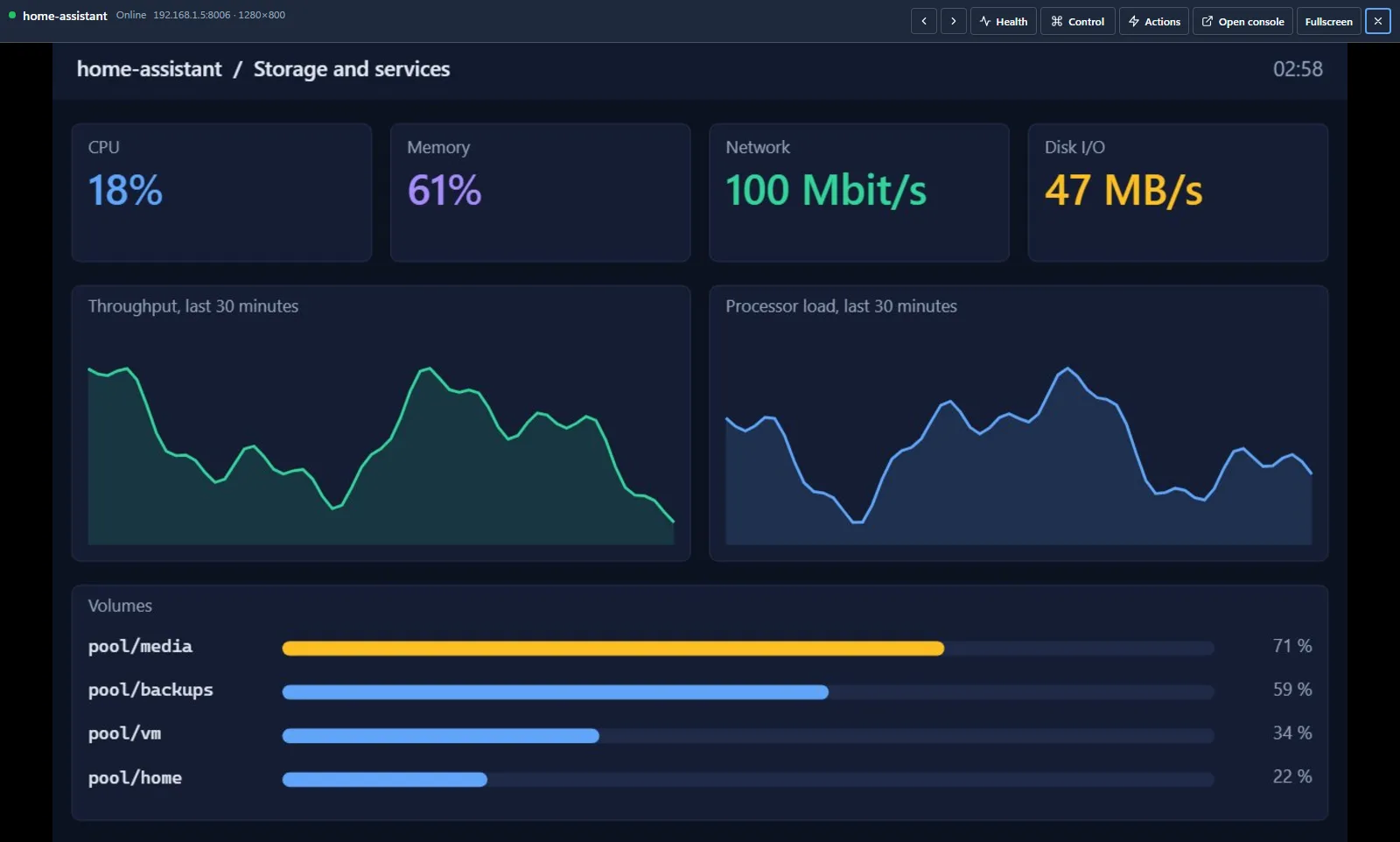
Guests and VNC servers, each a tile
Guests of Proxmox VE through Proxmox's own API with a token of their own, and any machine with a VNC server.
- Proxmox VEscreen, keyboard and mouse, power, and ISOs to start from; nothing installed in the guest
- VNCQEMU, libvirt and Unraid guests, TigerVNC and other VNC servers, live with keyboard and mouse, over TLS where they offer it
- Known by its own numbera new guest under an old number is not acted on
What Was Tried, and on What
A thing is said to work when it worked on real machines. Where it was tried against a maker's test environment or a stand-in, the documentation says so.
| Machine | Screen | Keyboard and mouse | Power | Tried on |
|---|---|---|---|---|
| GL.iNet Comet | Live, H.264 | Yes | ATX board, or a Fingerbot | Real devices, used daily |
| PiKVM and kvmd KVMs | Live, H.264 | Yes | ATX, built; not pressed on a real one | A real PiKVM and kvmd's test environment |
| JetKVM | Live | Yes | Its ATX extension | A real JetKVM |
| Servers, AMI MegaRAC | Live | Keys and typed text | Redfish | Real Gigabyte and ASRock Rack boards |
| Servers, OpenBMC | Built from its source | Keys and typed text | Redfish | QEMU and a stand-in; no real one yet |
| Dell, HPE, other Redfish | State and sensors | Not yet | Redfish | Dell's and HPE's emulators; others not yet |
| PCs with Intel AMT | Stills, live while watched | Yes | Yes | Six real business PCs |
| Proxmox VE guests | Live | Yes | Yes | A real Proxmox VE |
| VNC servers | Live | Yes; mouse tried on a stand-in | Not by VNC | TigerVNC, QEMU and a libvirt guest |
See Them Side by Side
The live demo has every kind of machine on one wall, made up.