
Metrics
A Prometheus endpoint behind a token of its own: machines by state, and for each one whether it answers, when it was last heard from and how warm it is.
The live screen of every IP KVM, server and virtual machine you run, on a single page, with keyboard and mouse in the browser. Open source.
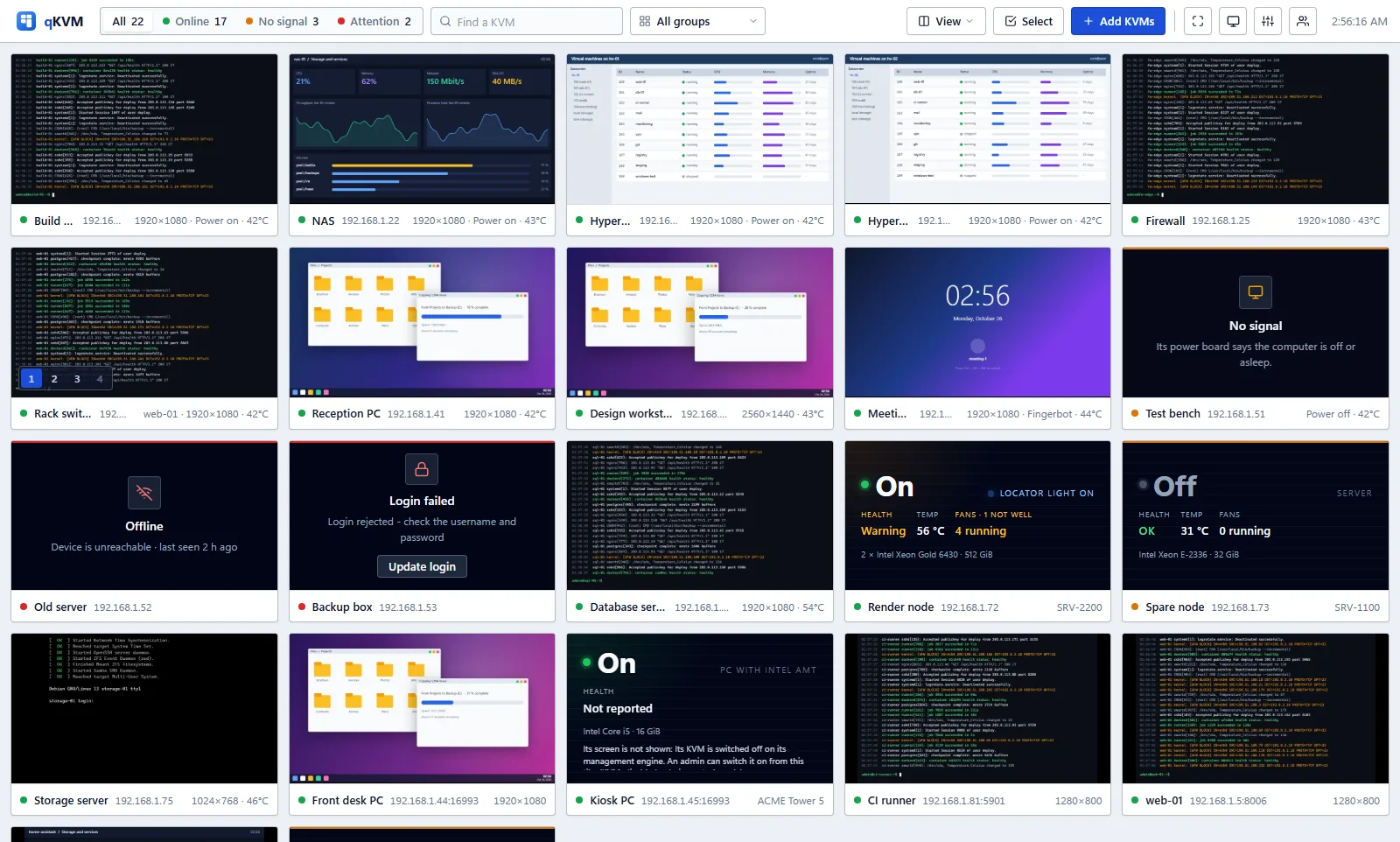
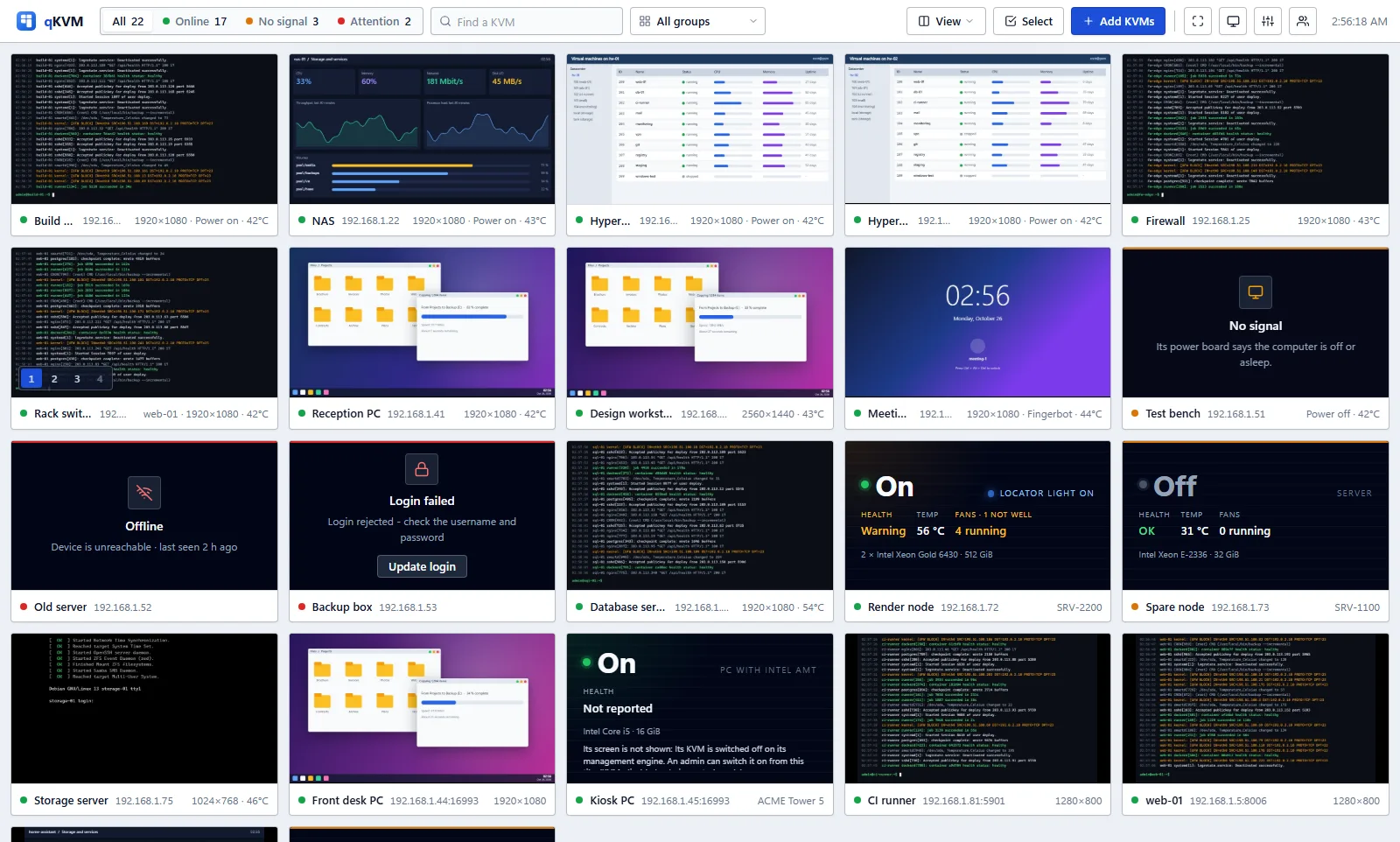
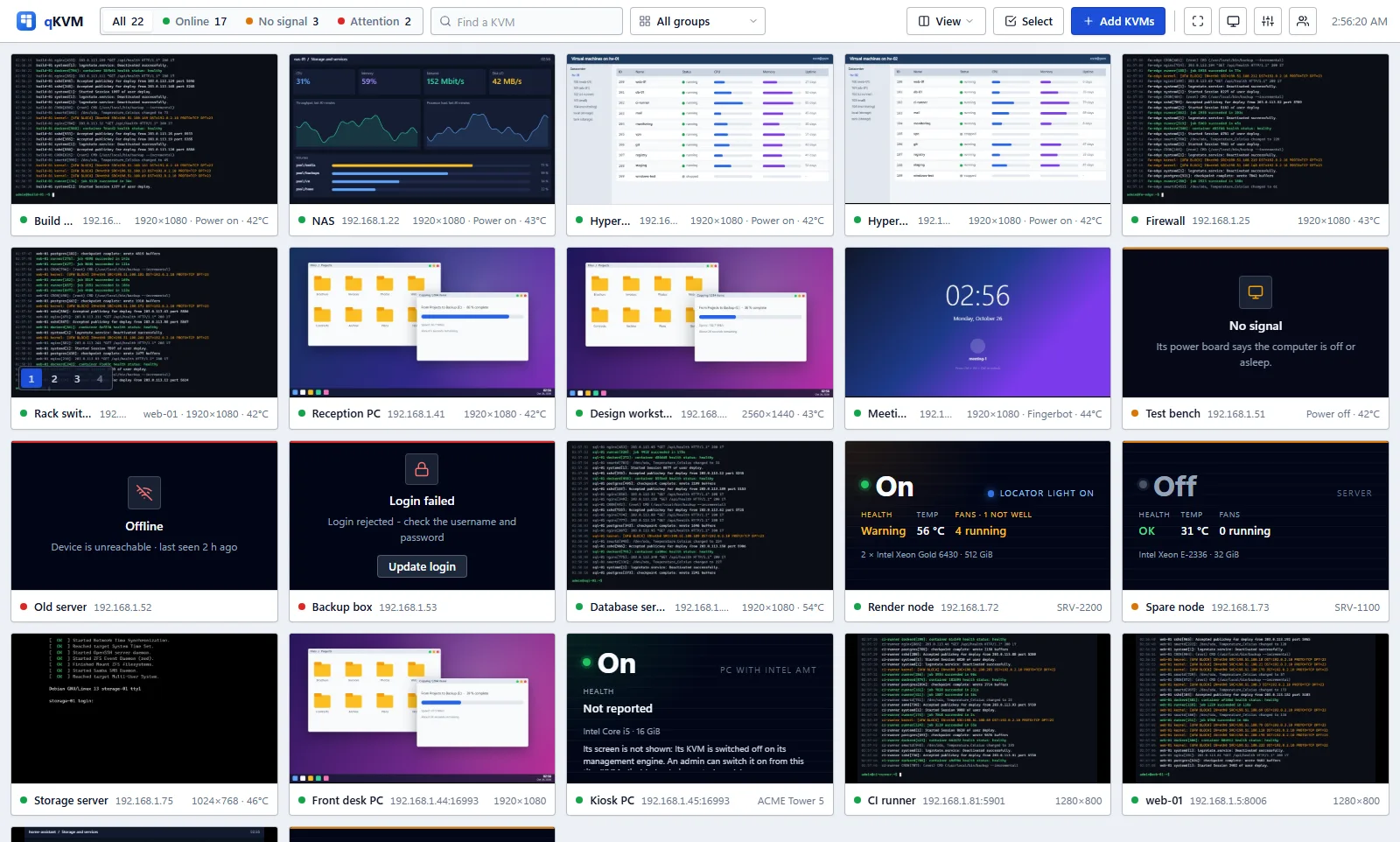
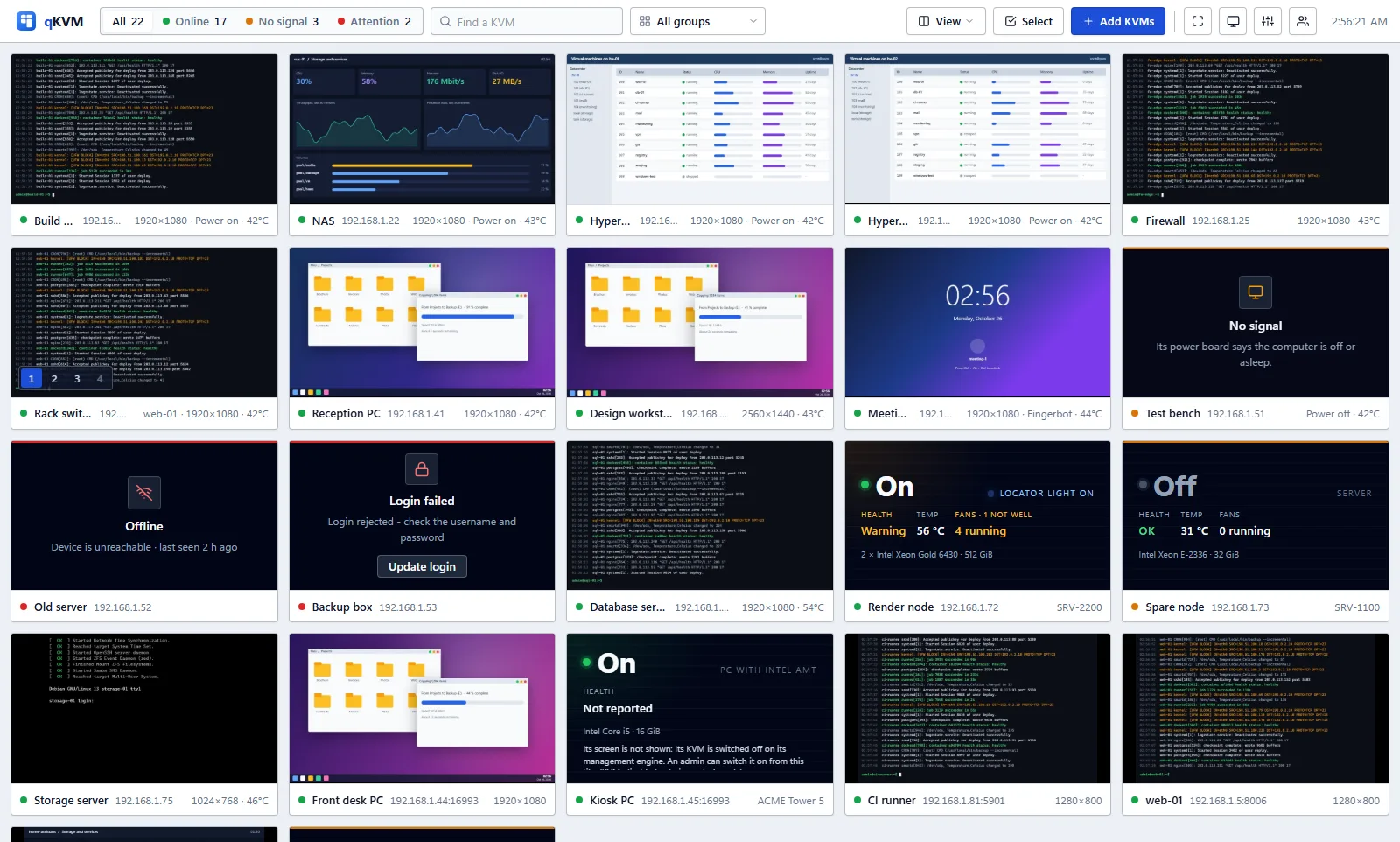
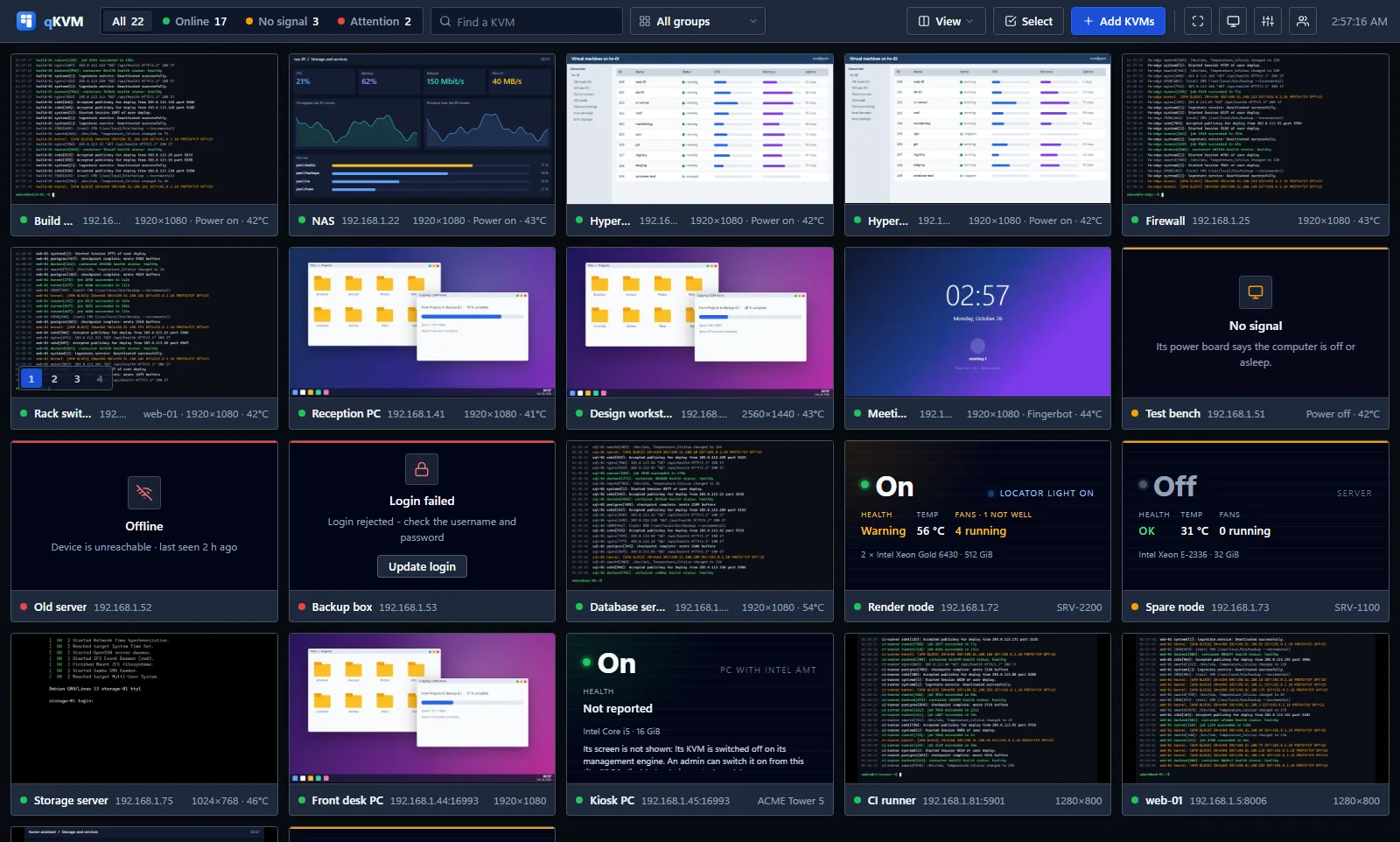
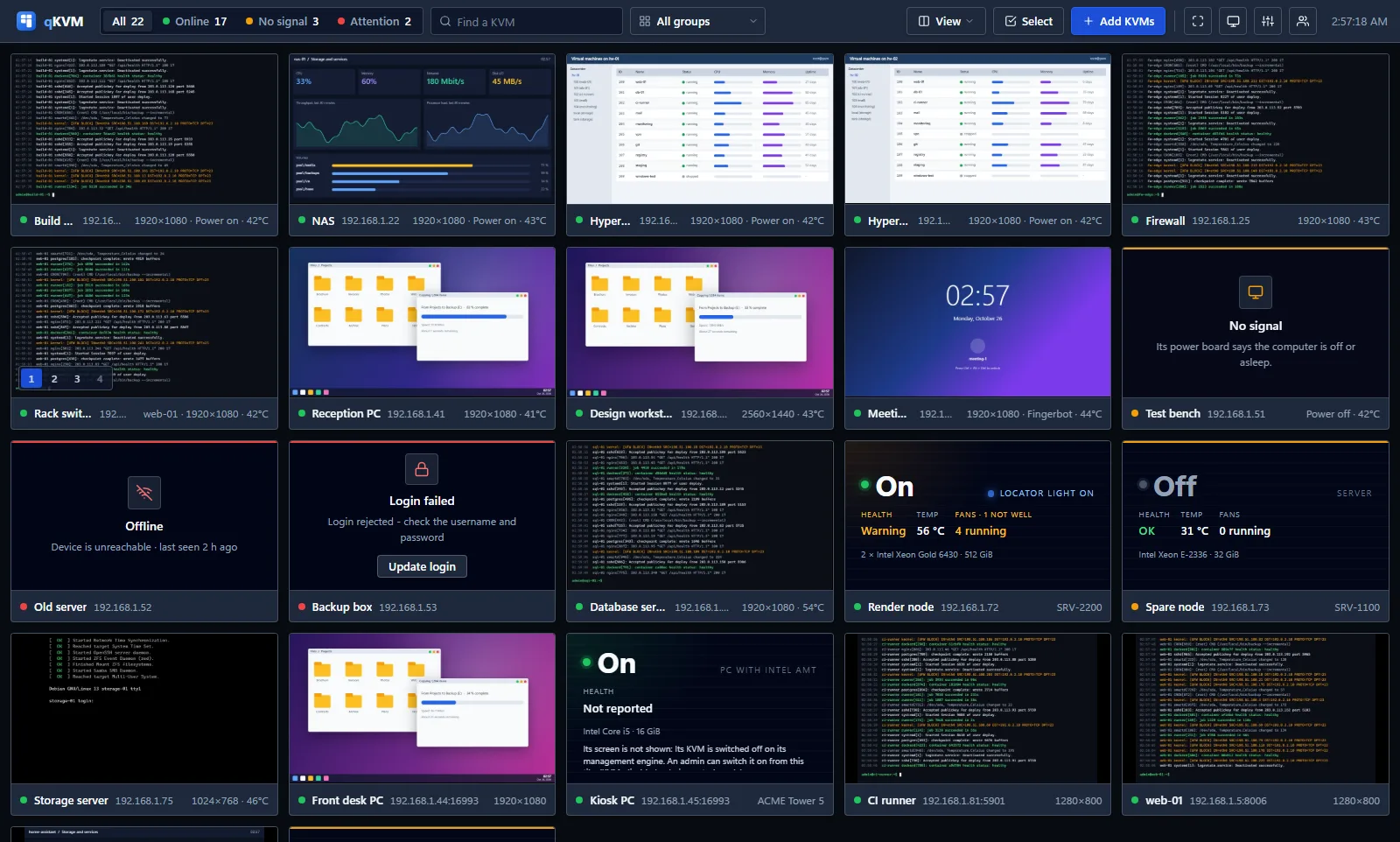
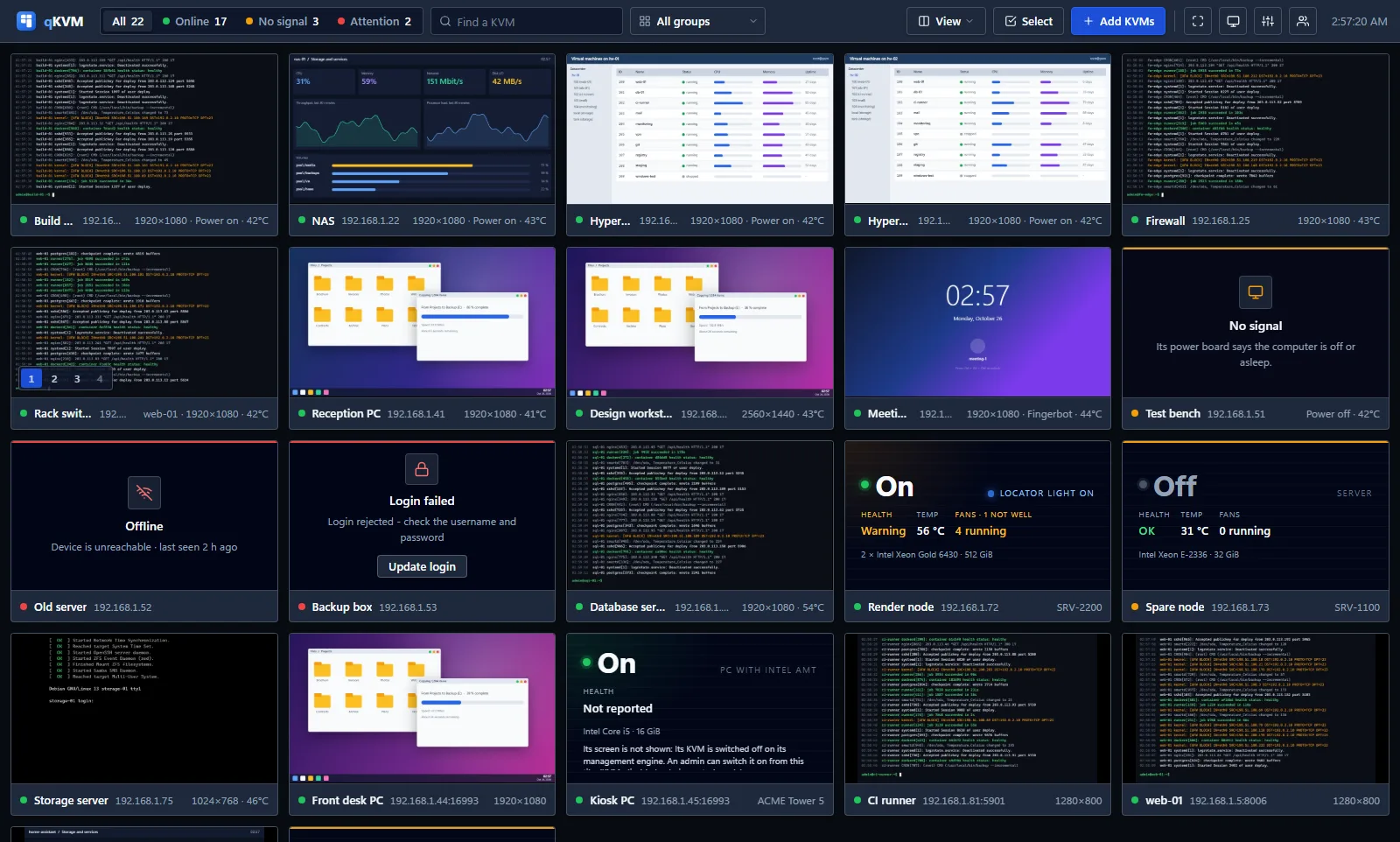
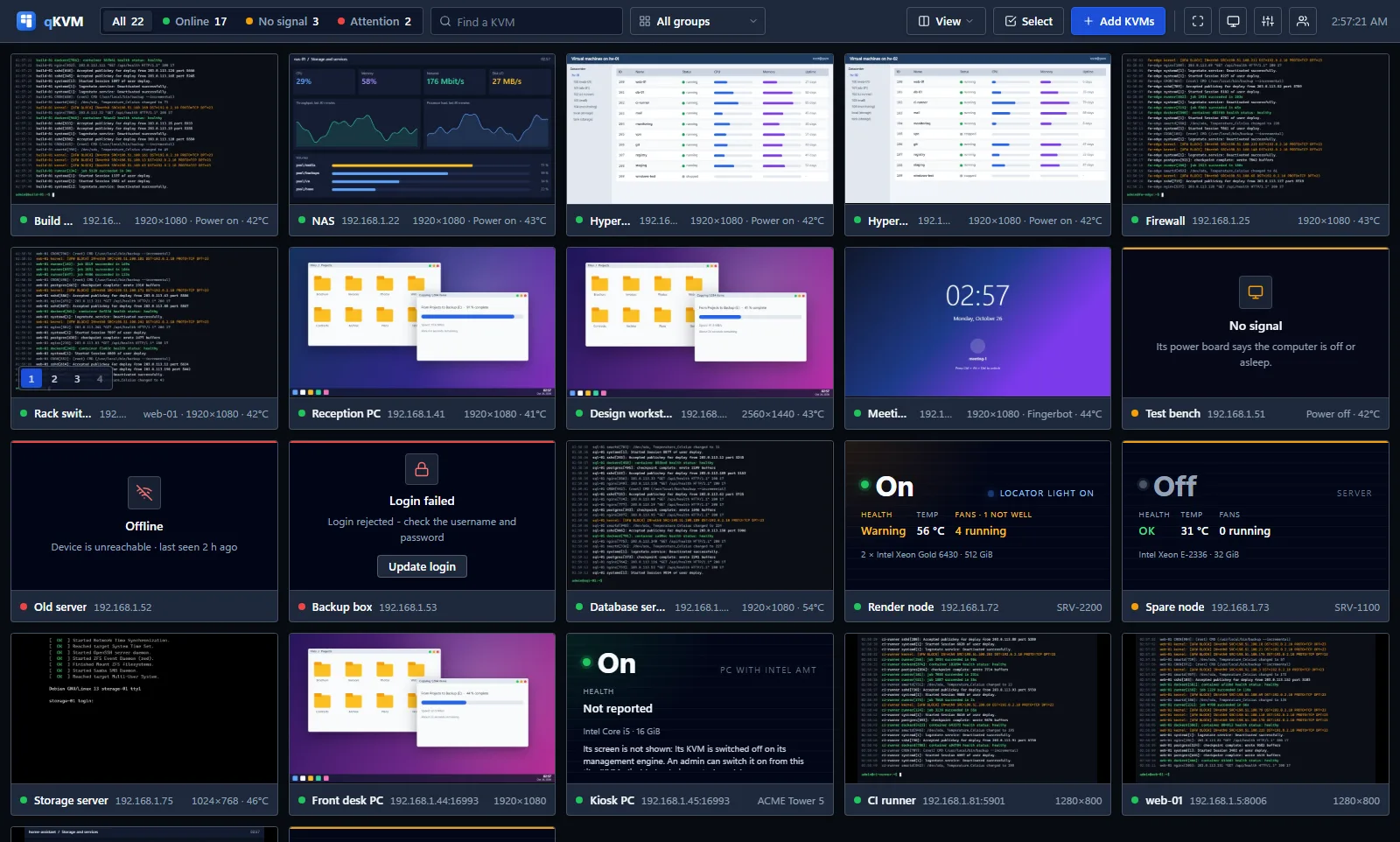
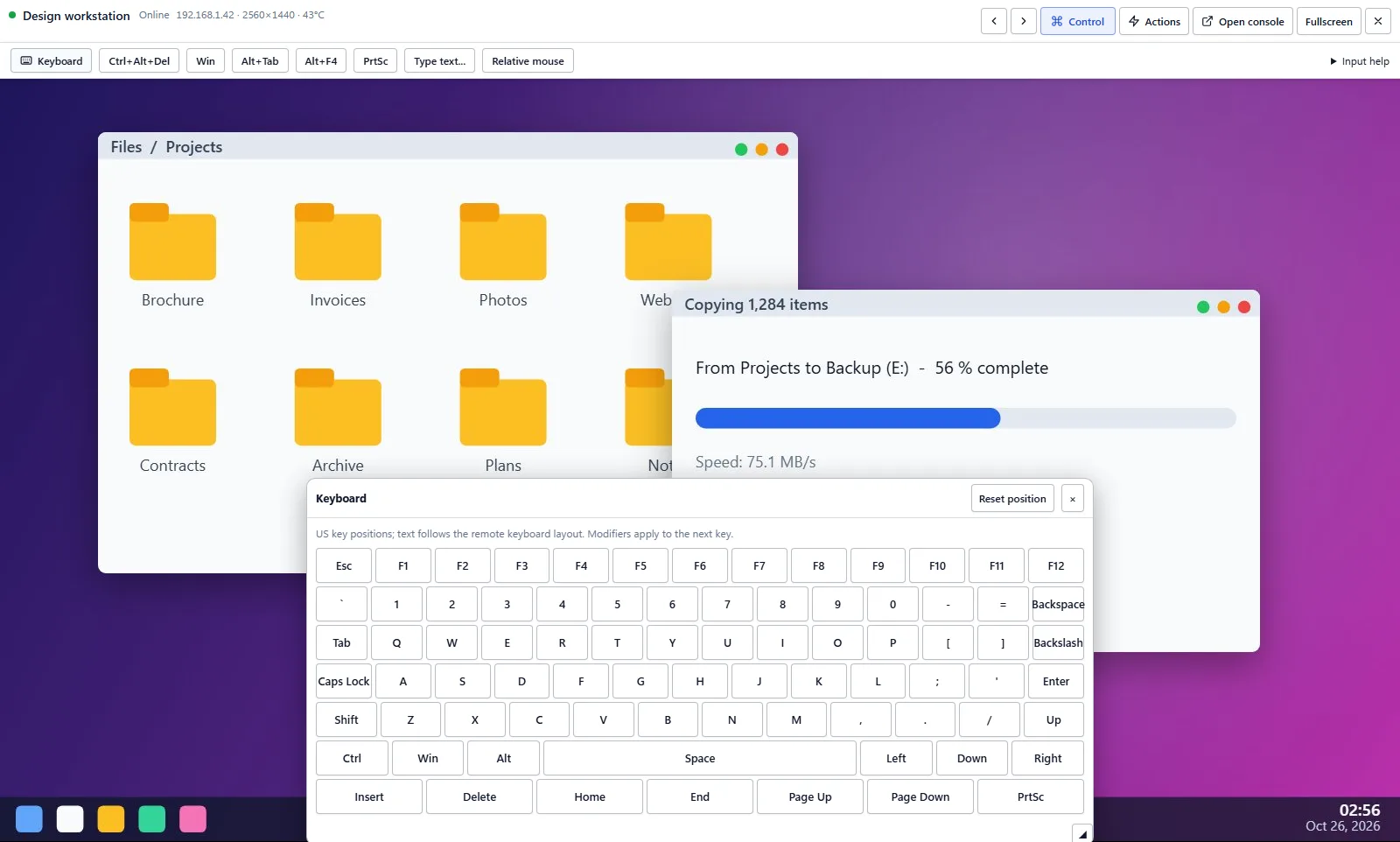
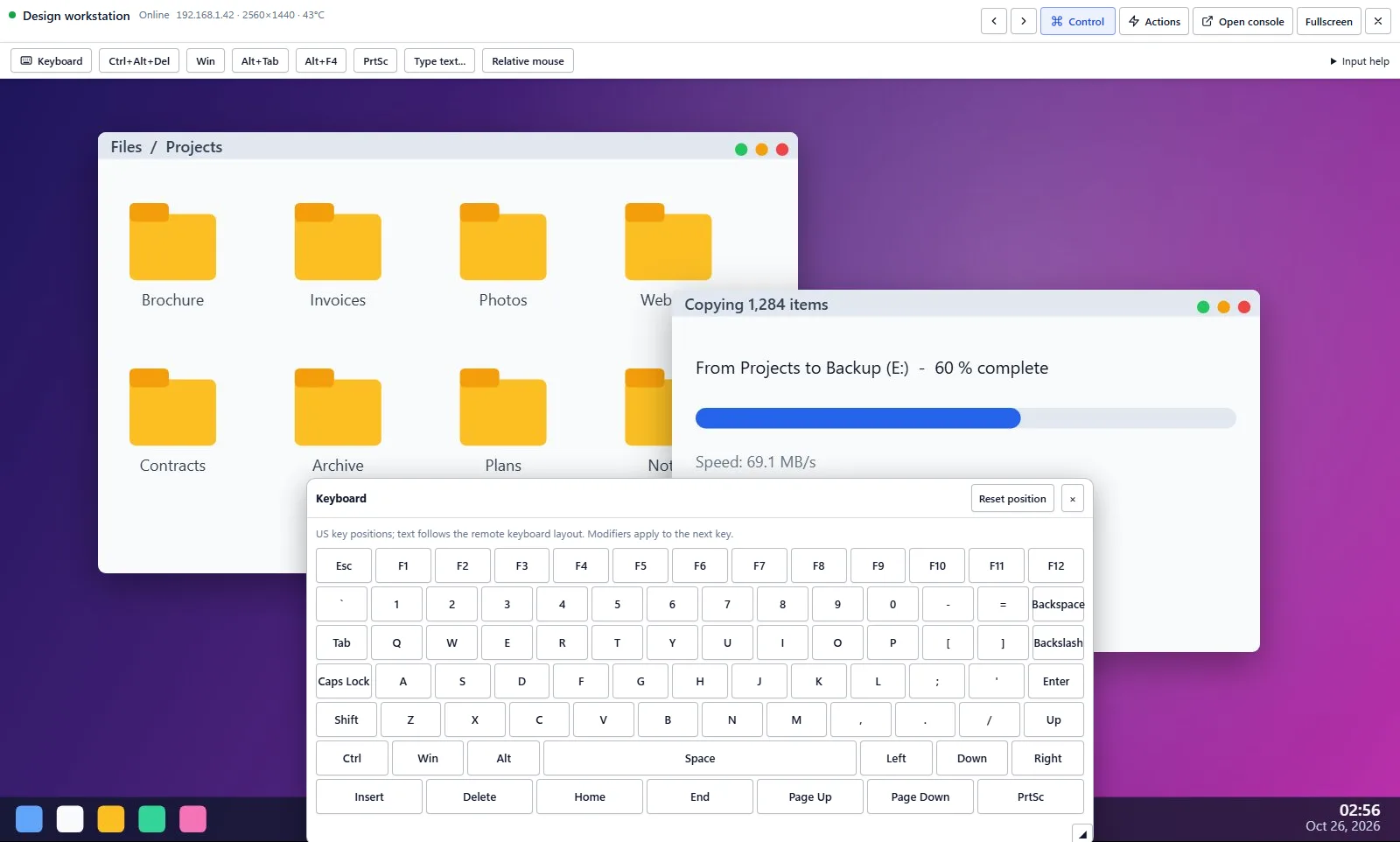
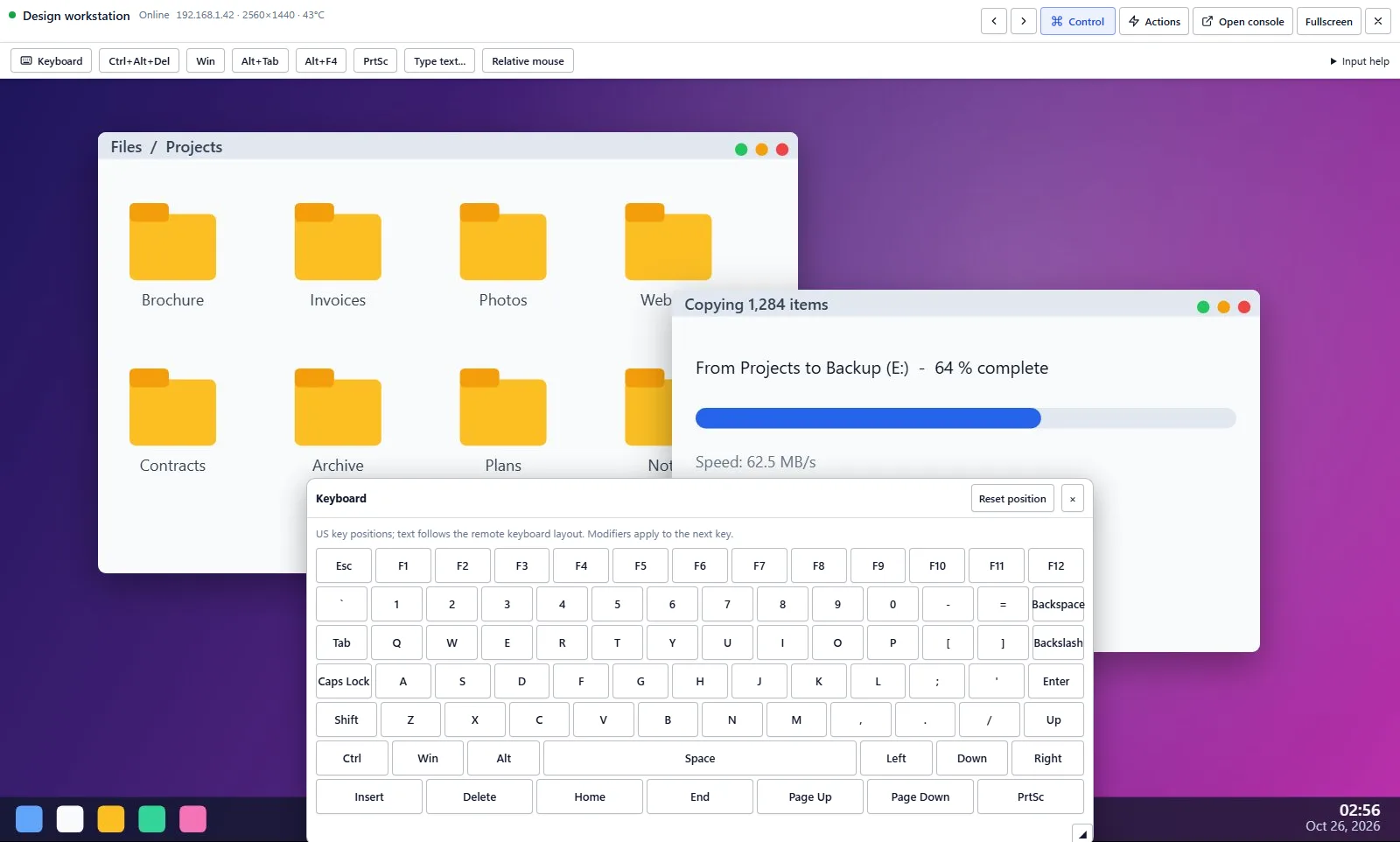
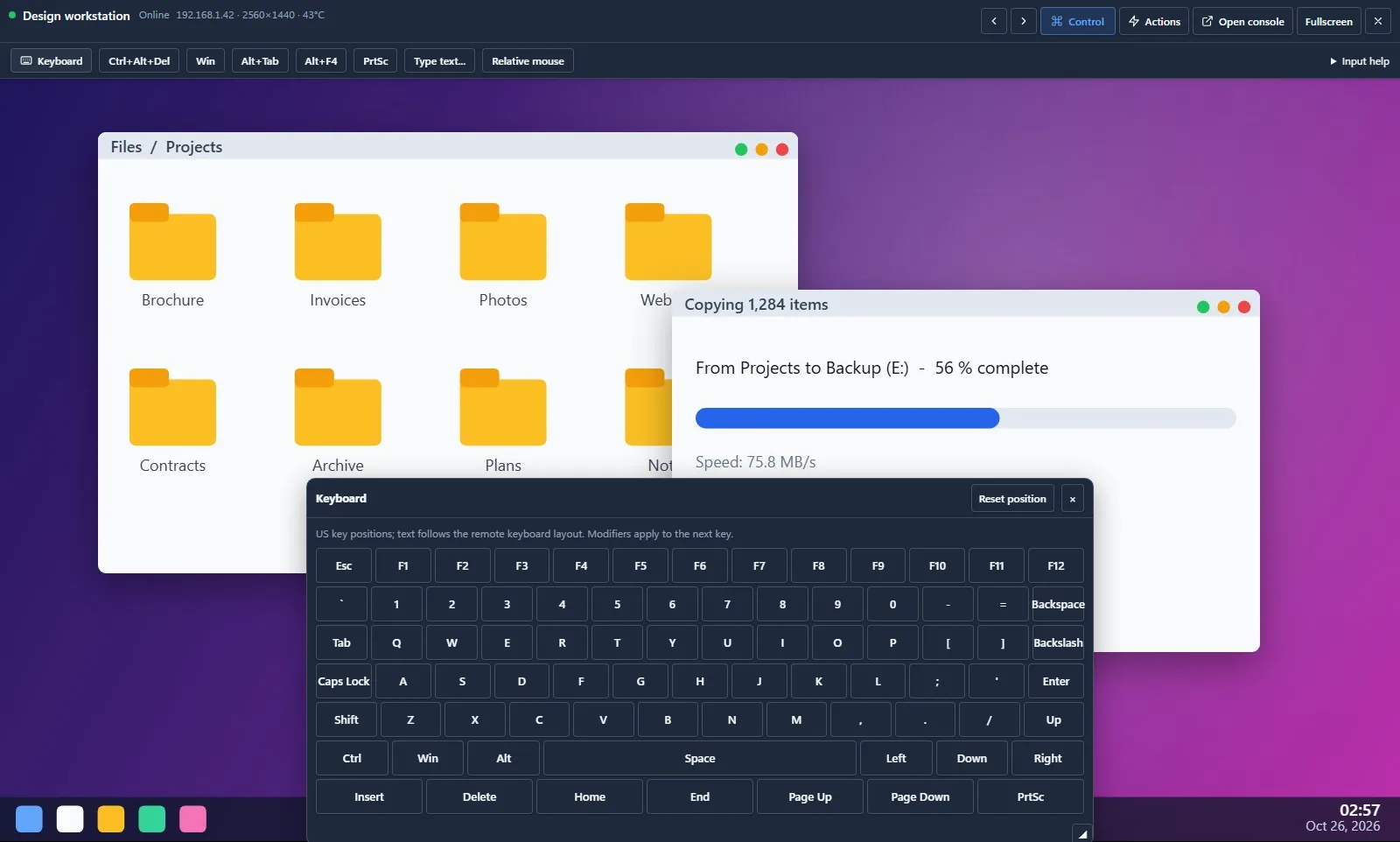
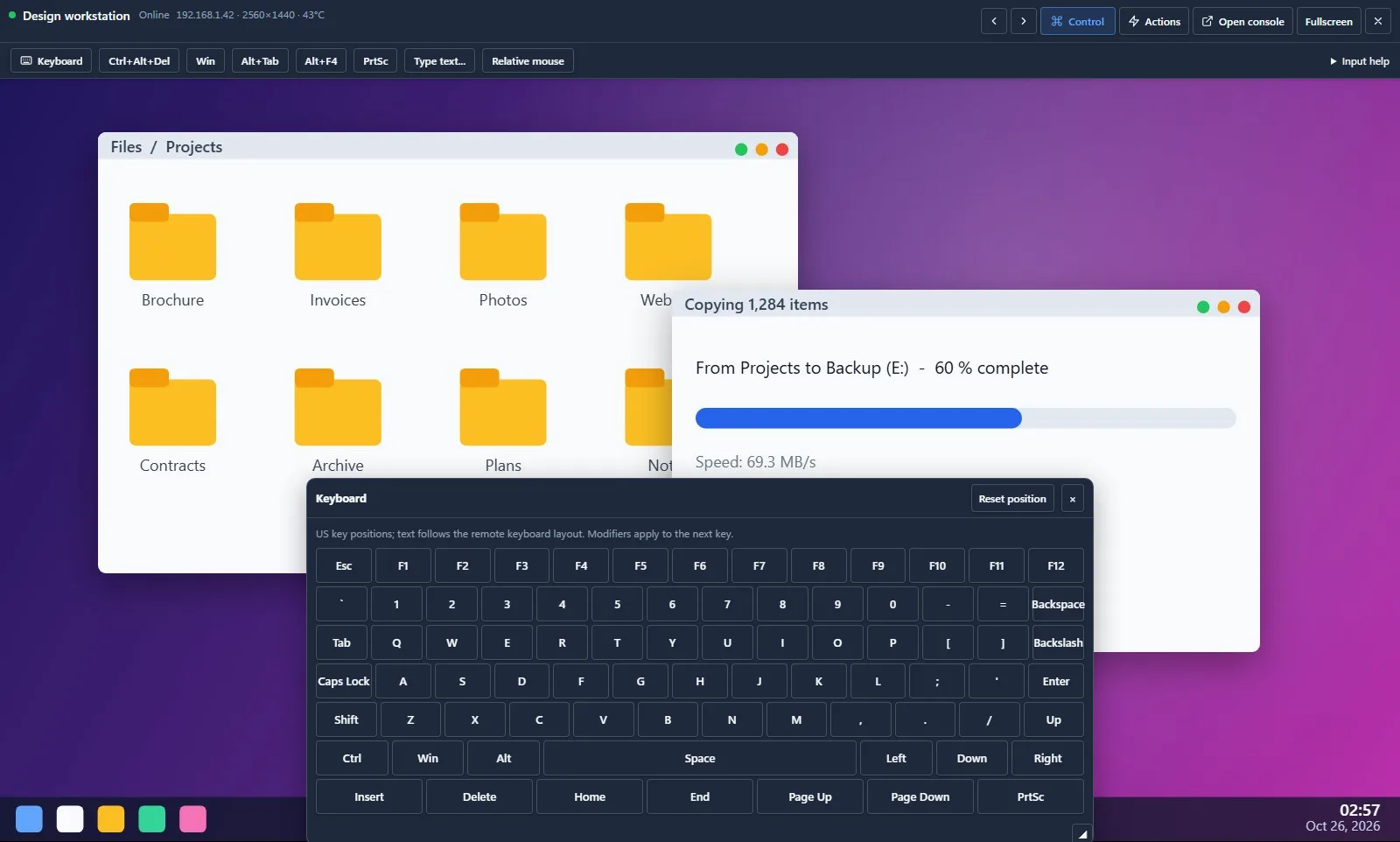
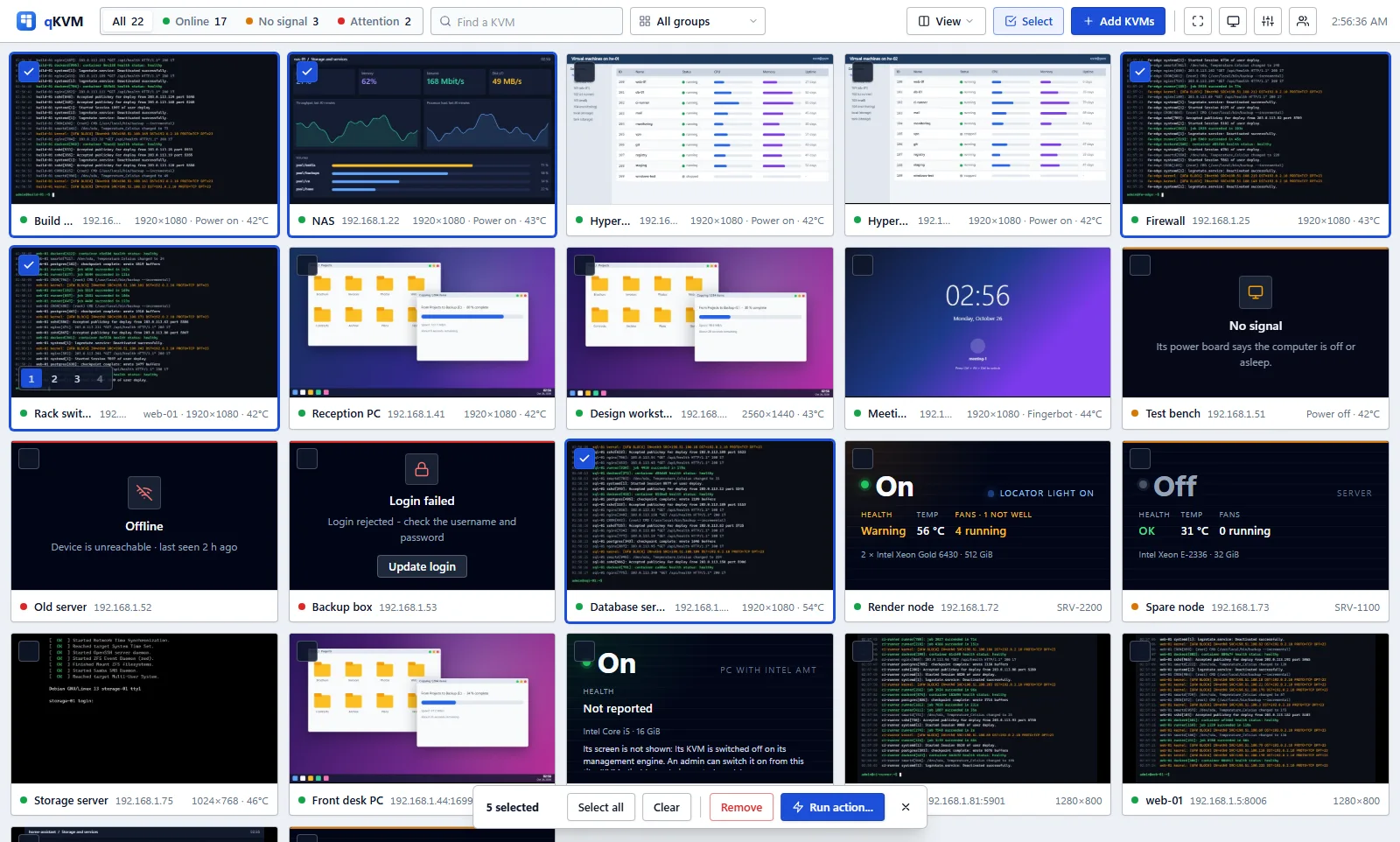
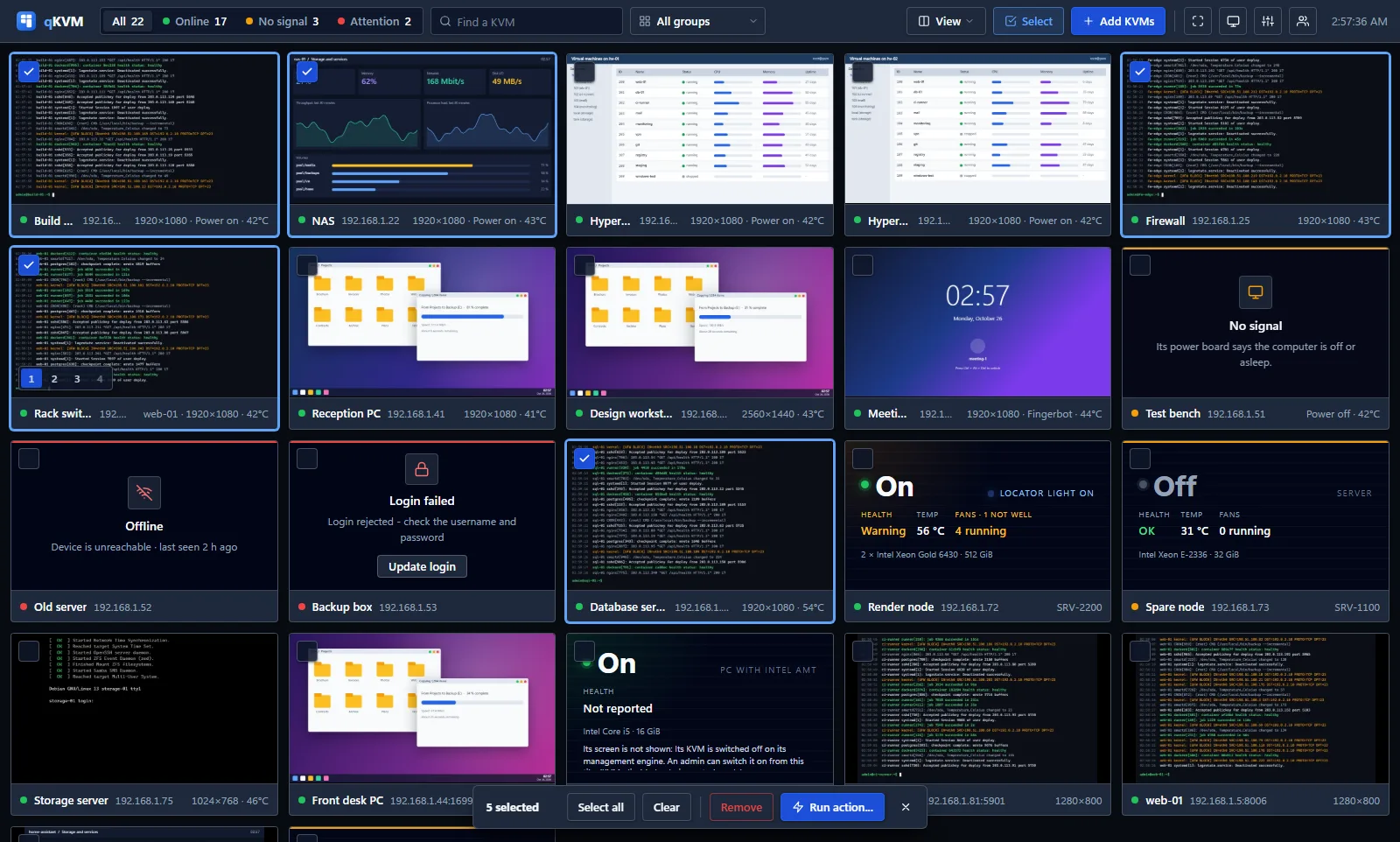
Every machine, live. Green is online, amber has no signal, red needs you.
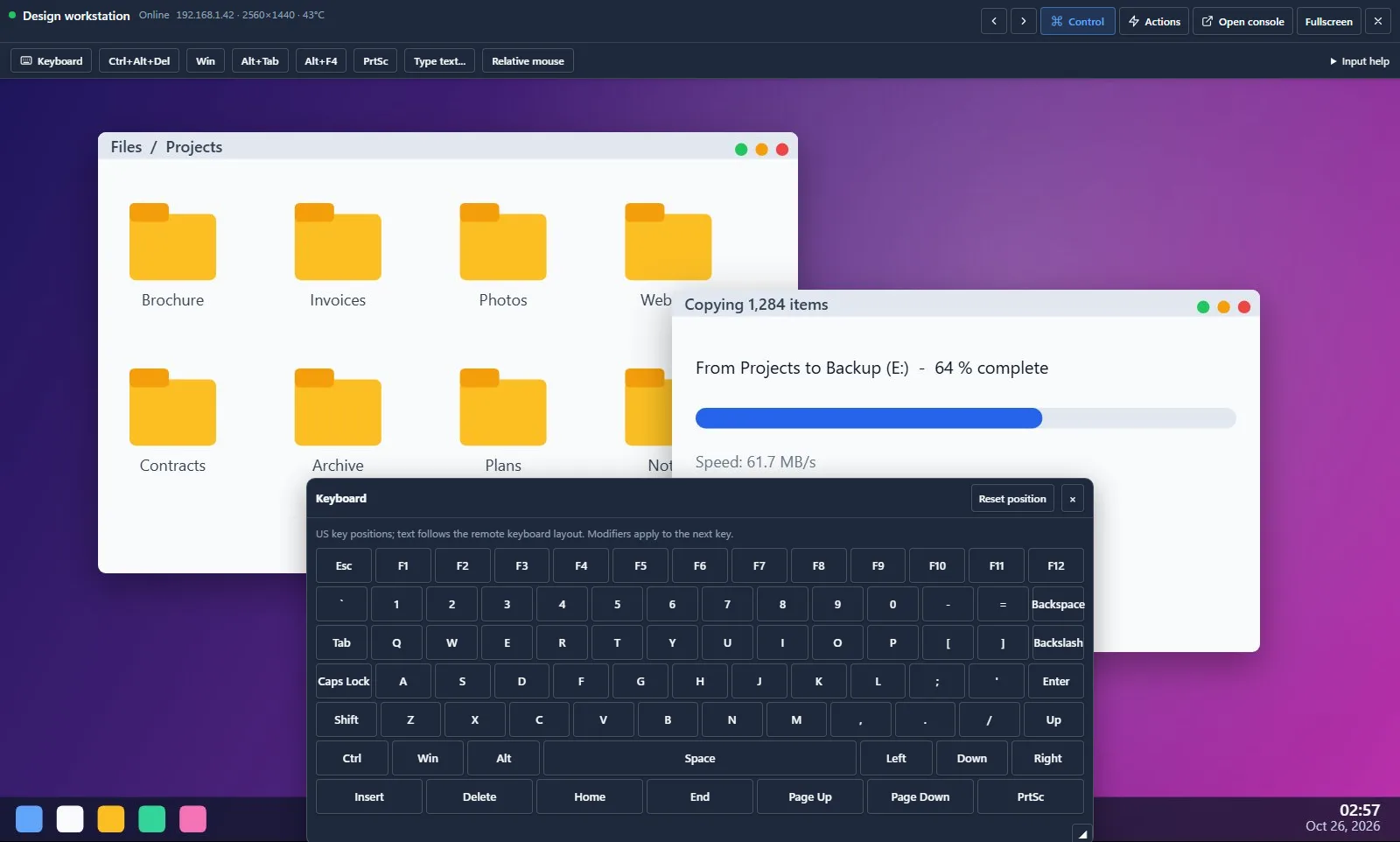
Take a machine's keyboard and mouse in the browser. One person at a time; an admin can take over.
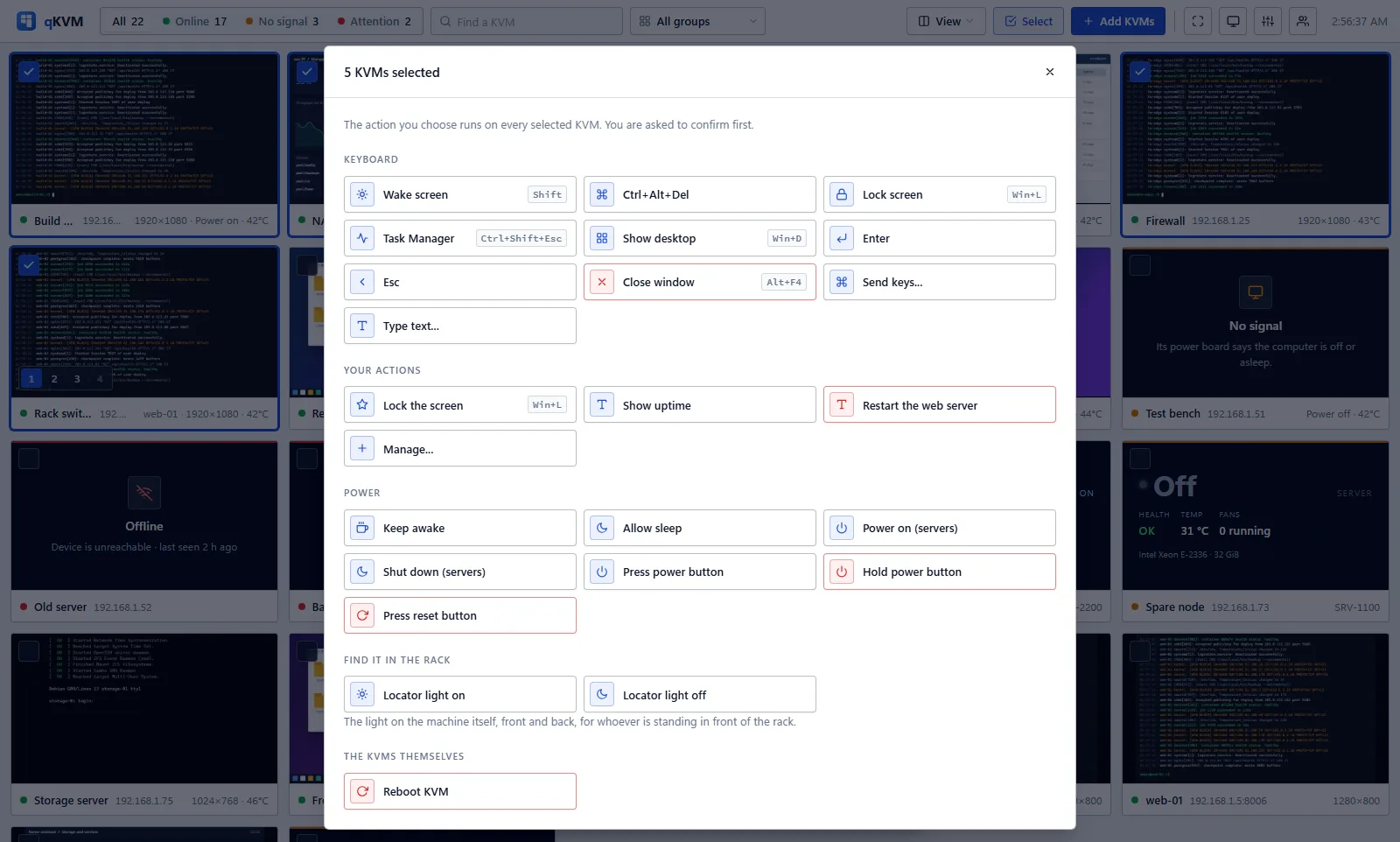
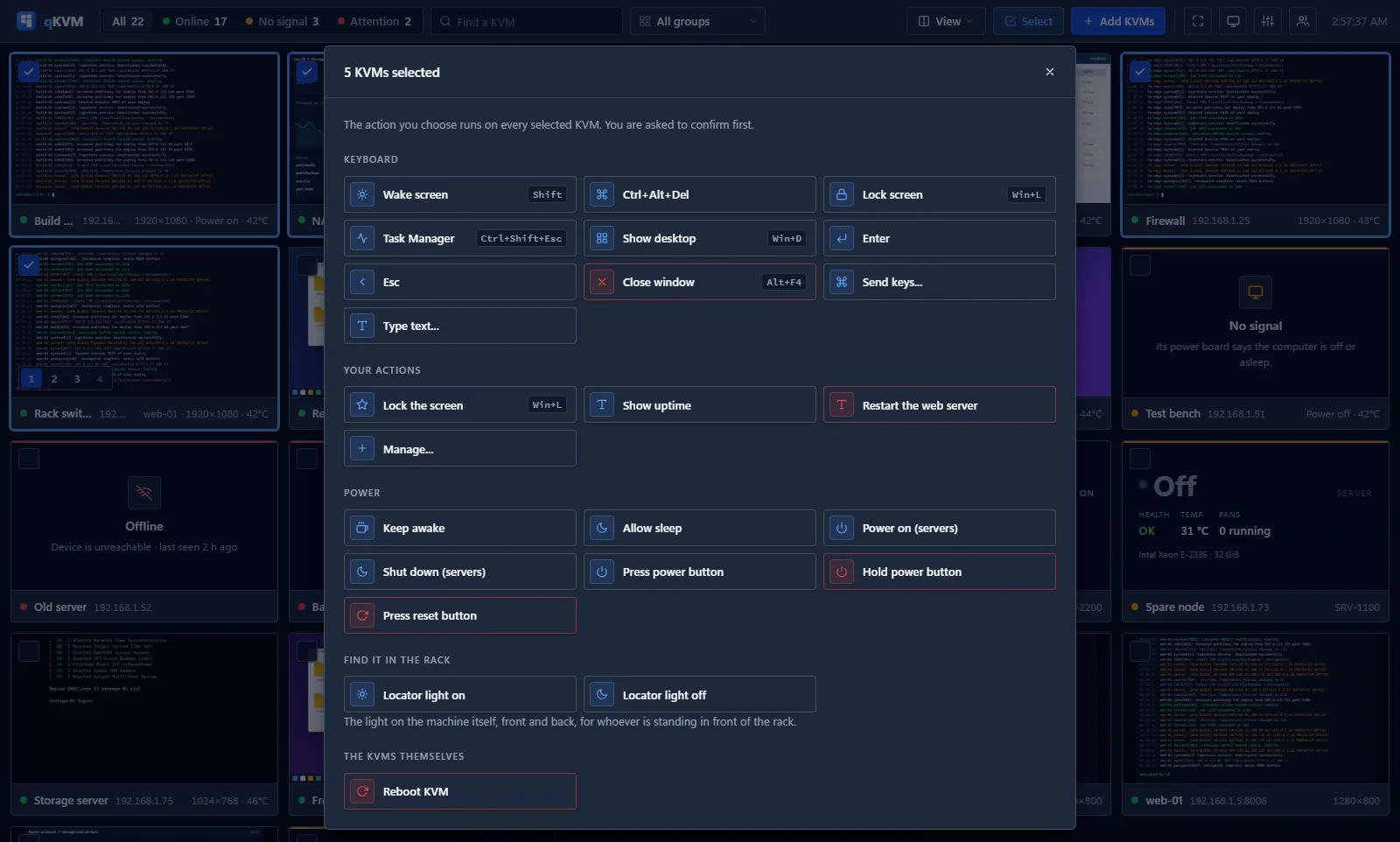
Tick several, choose one action, confirm once.
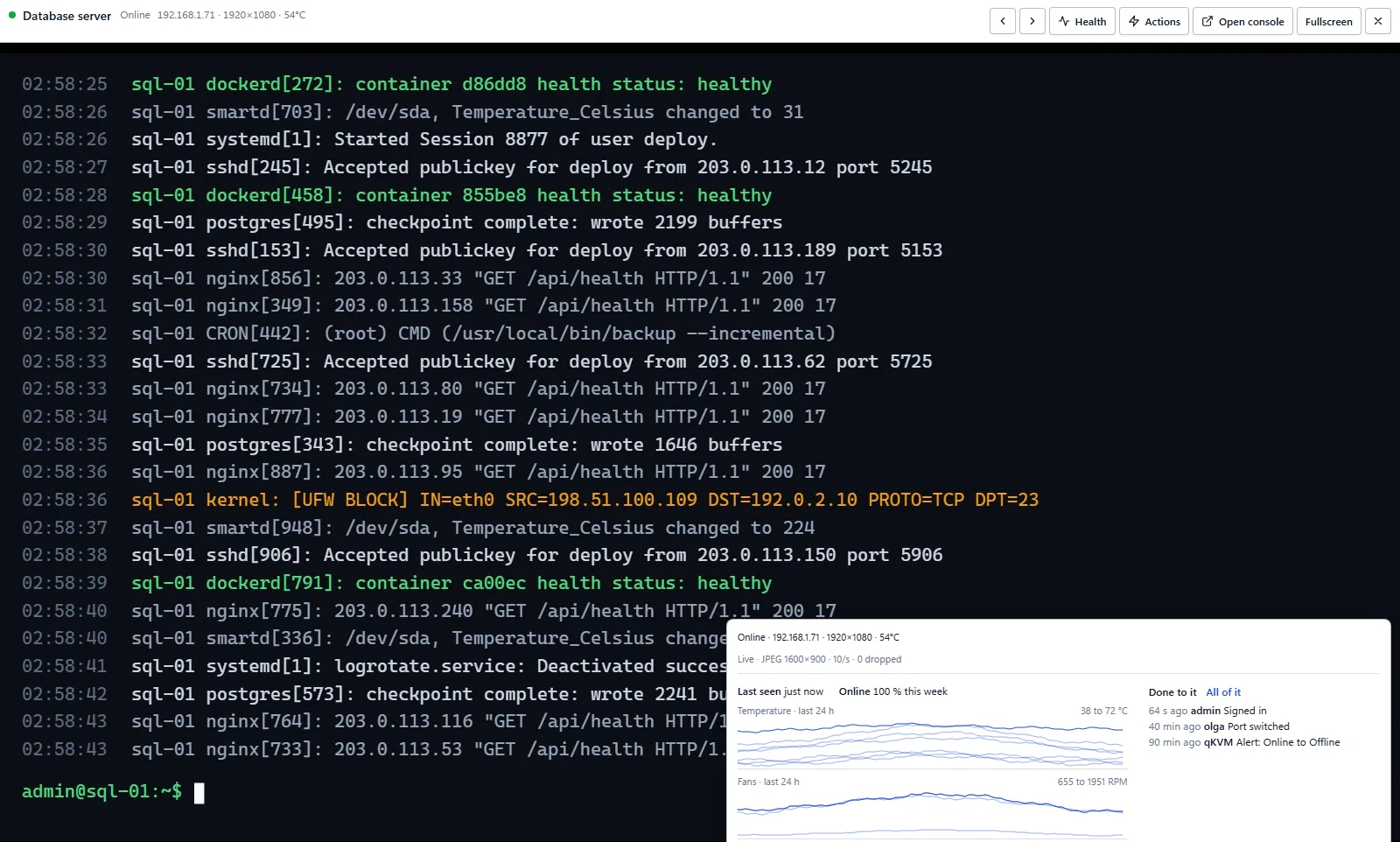
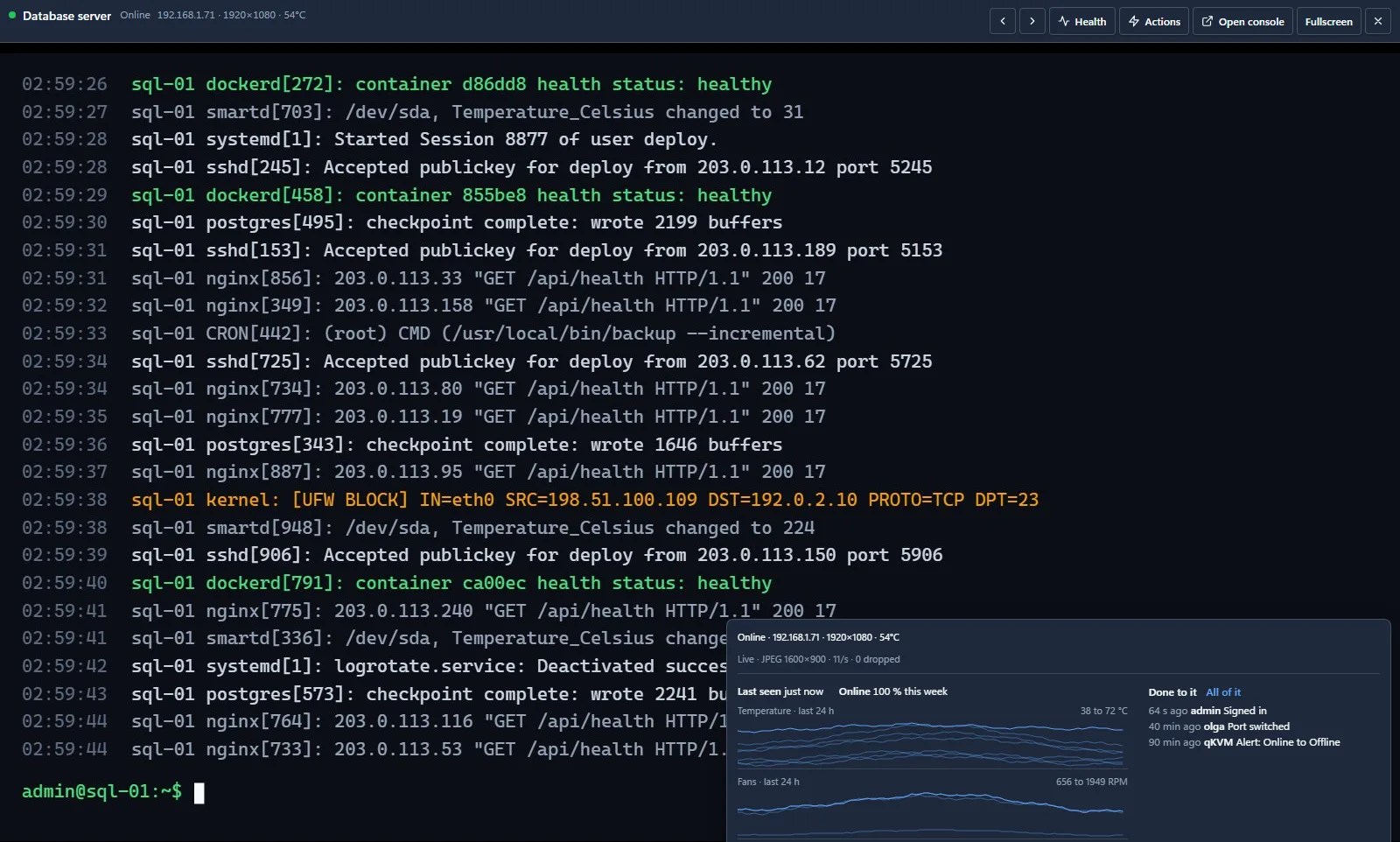
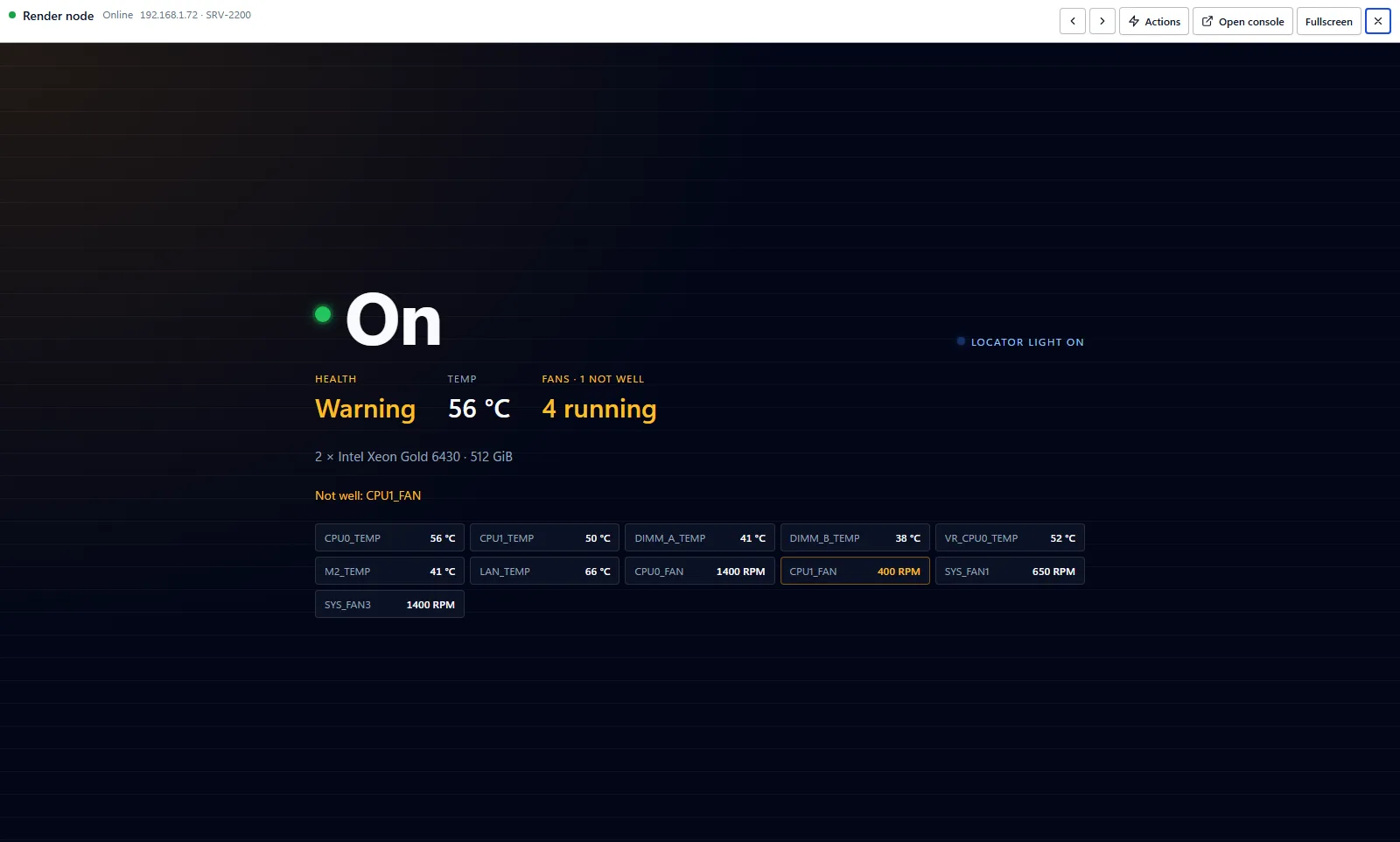
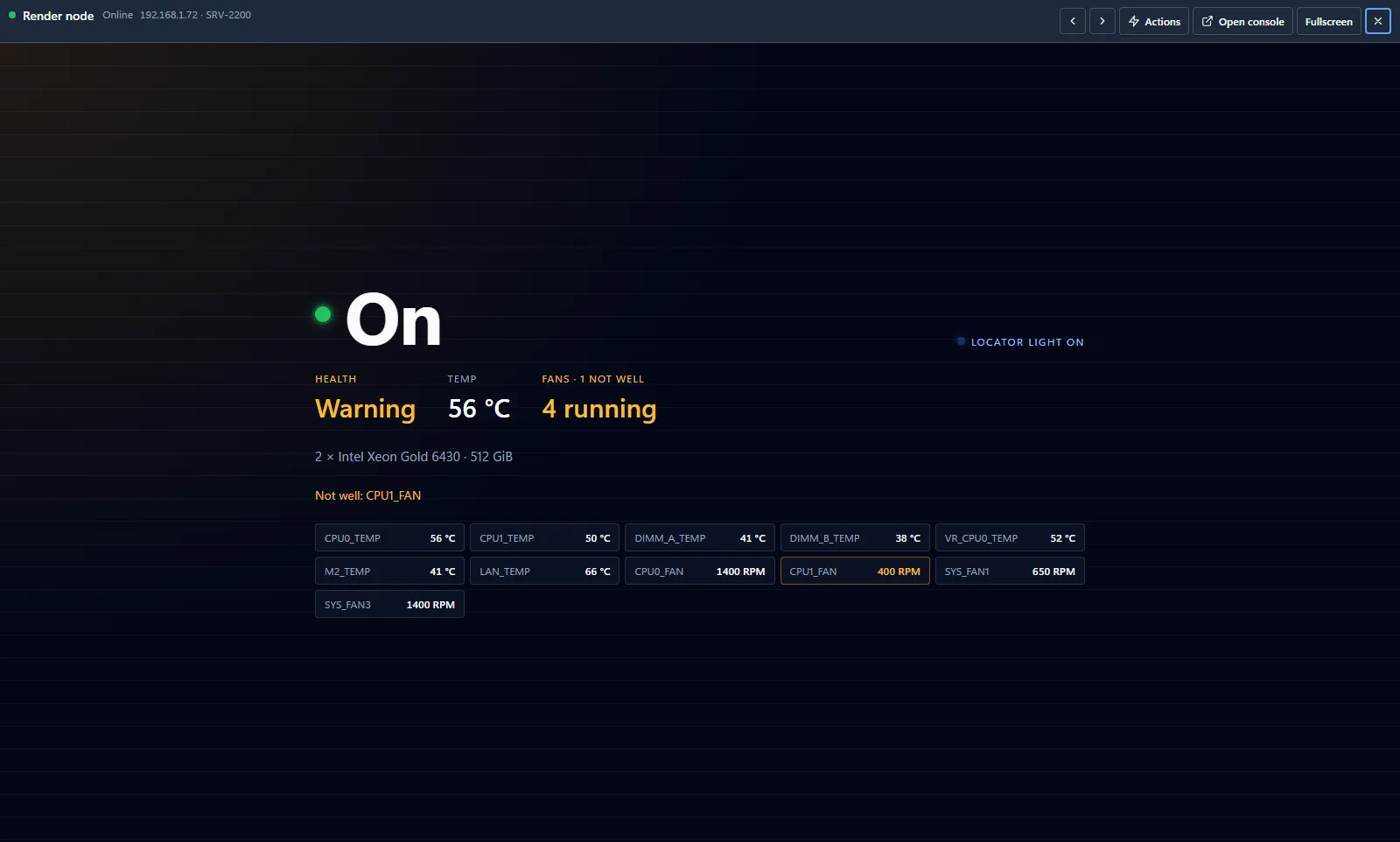
A server by its own controller: power, health, temperatures, fans, and its screen where the controller shows it.
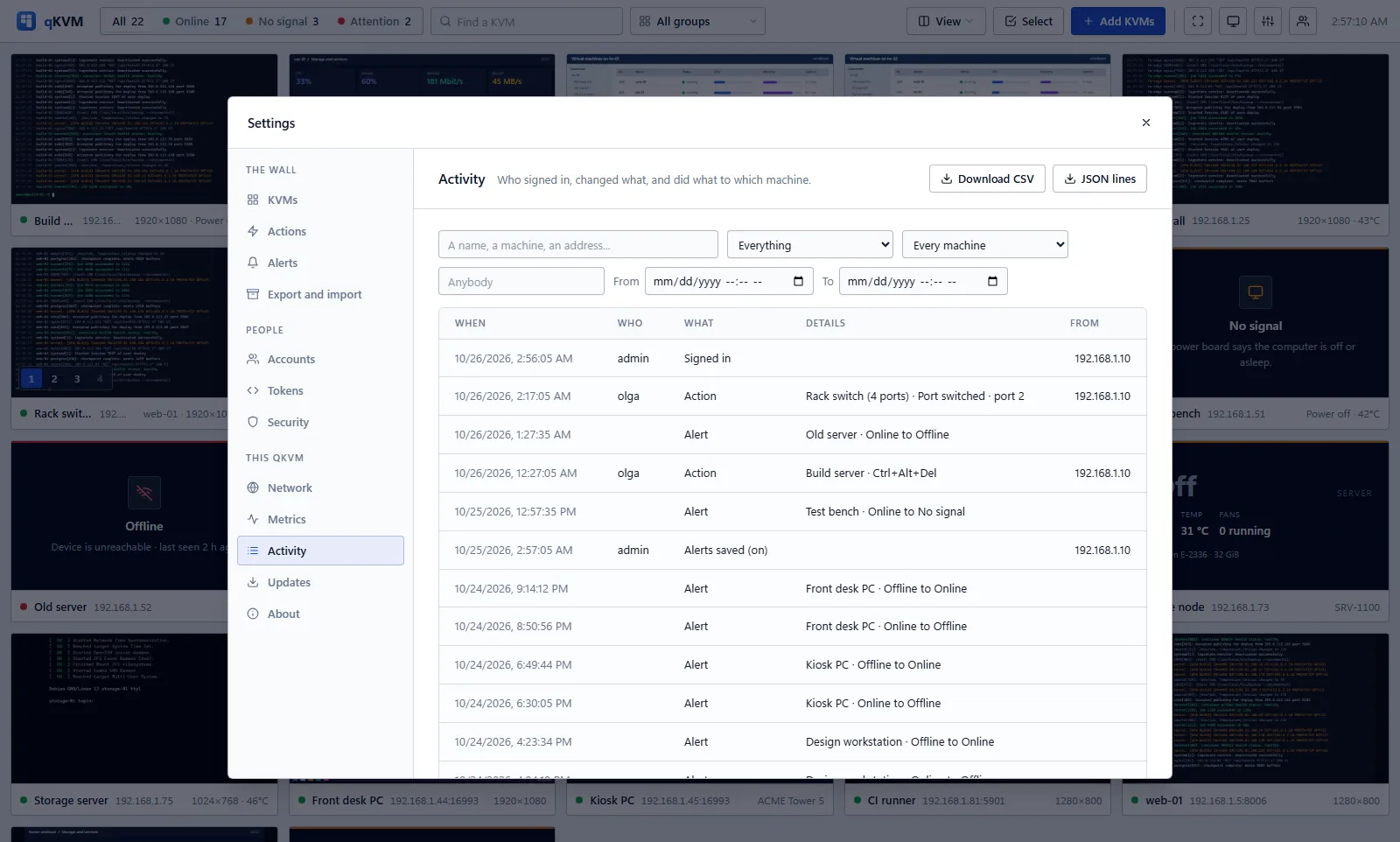
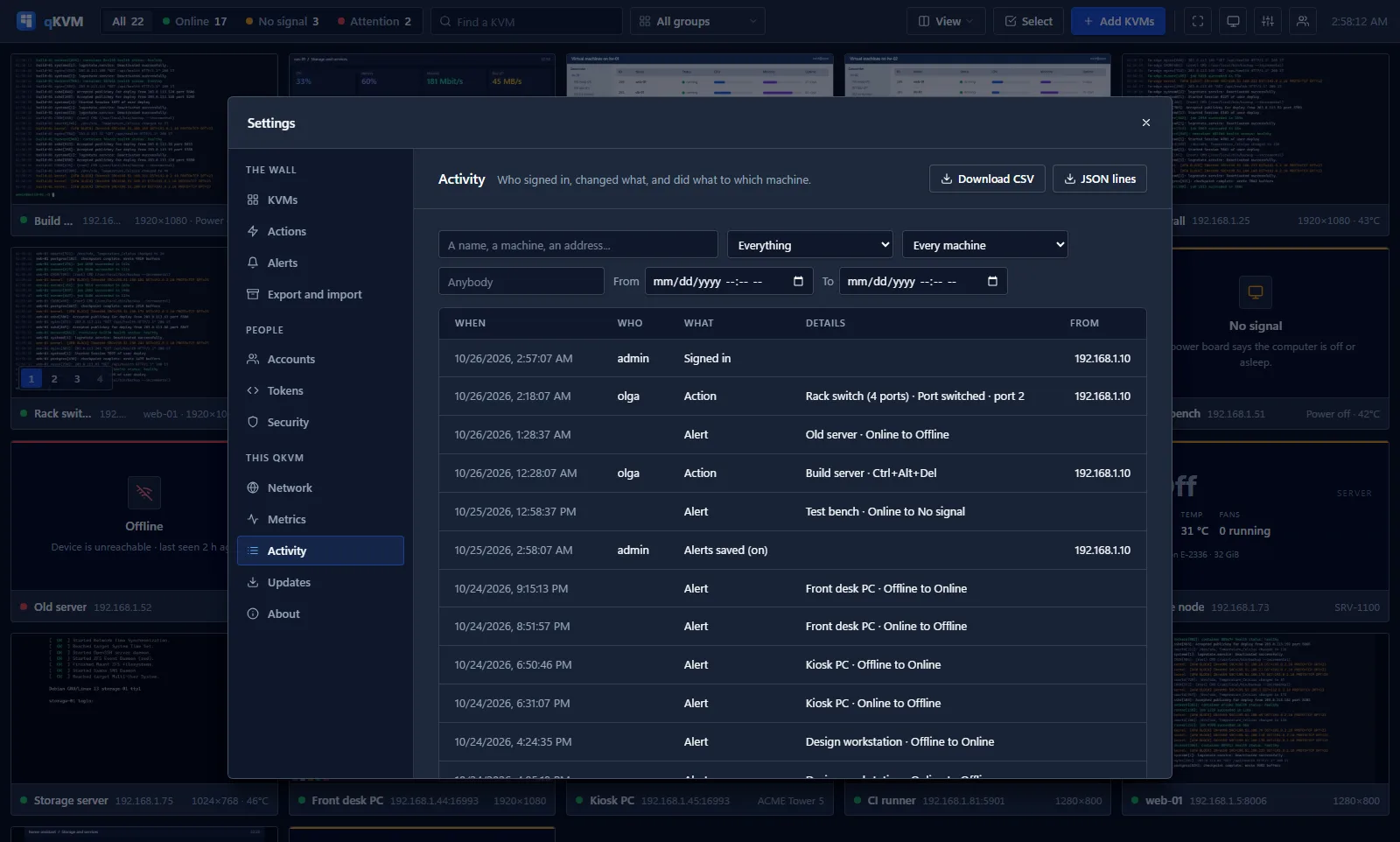
What each machine went through, and who did what to it, searched at once.
Shown: the live demo. Its machines are made up. Version 0.2.0, its release notes on GitHub, free software.
Tested on real hardware from
Devices of different makes on the same page, each with its live screen, its state, its buttons, and its keyboard and mouse in the browser.
A server's management controller goes on the same wall over Redfish: power, health, temperatures and fans. Where its console can be read, the tile shows the server's own screen.
PCs with Intel vPro go on the wall through their own management engine: whether they are on, their power buttons, and their screen through Intel's own KVM. Experimental.
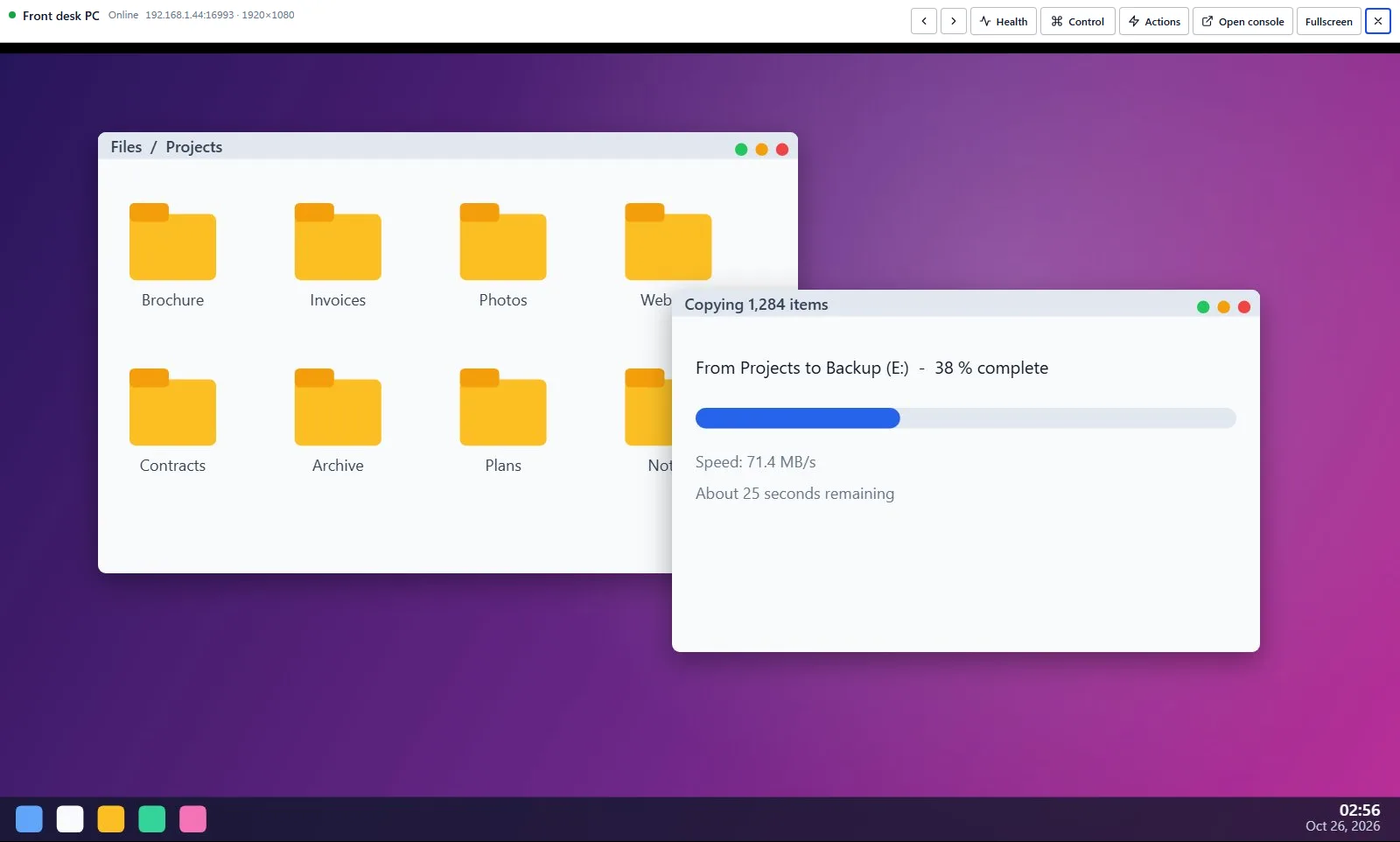
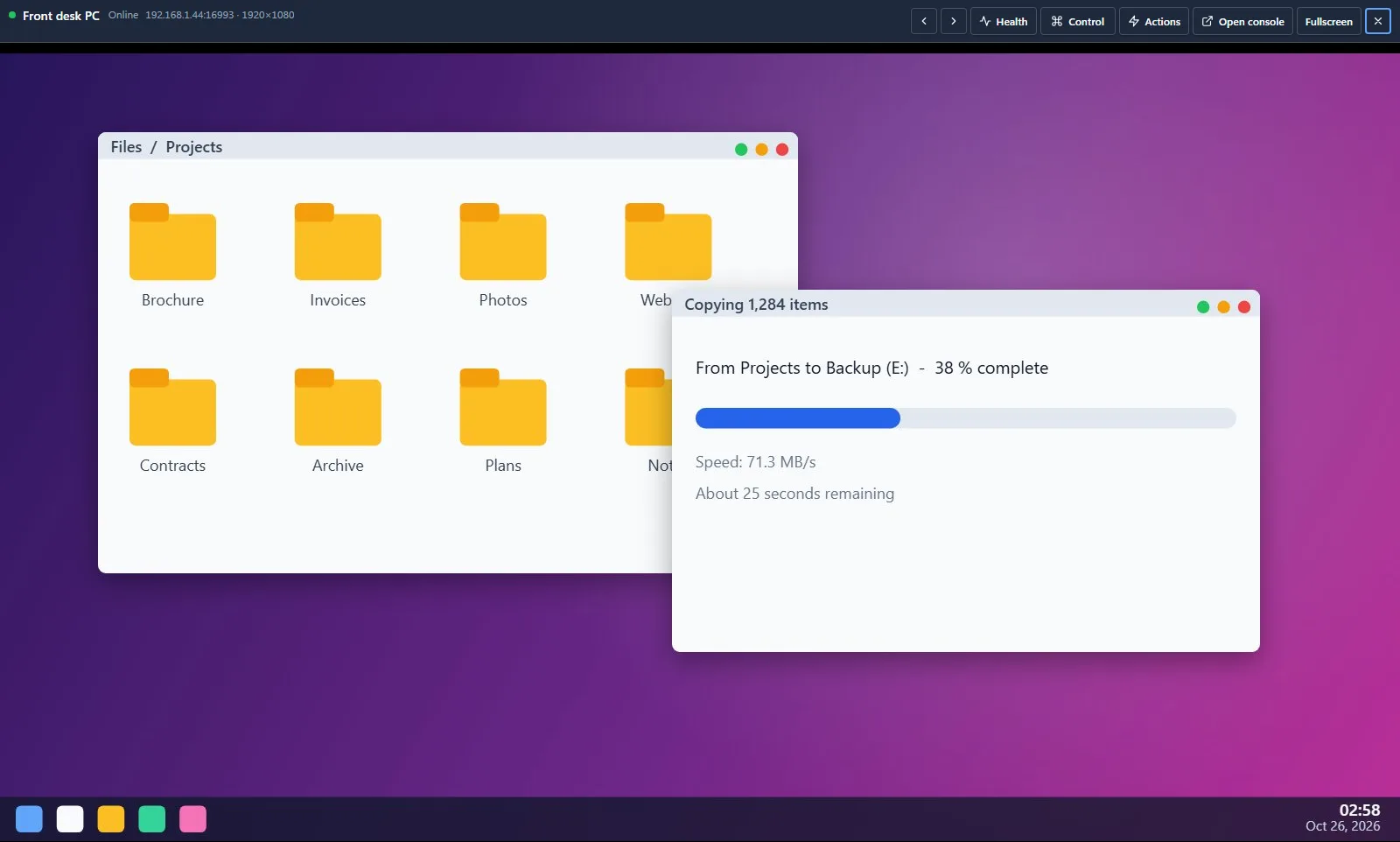
Guests of Proxmox VE, through Proxmox's own API with a token of their own, and any machine with a VNC server, each a tile of its own.
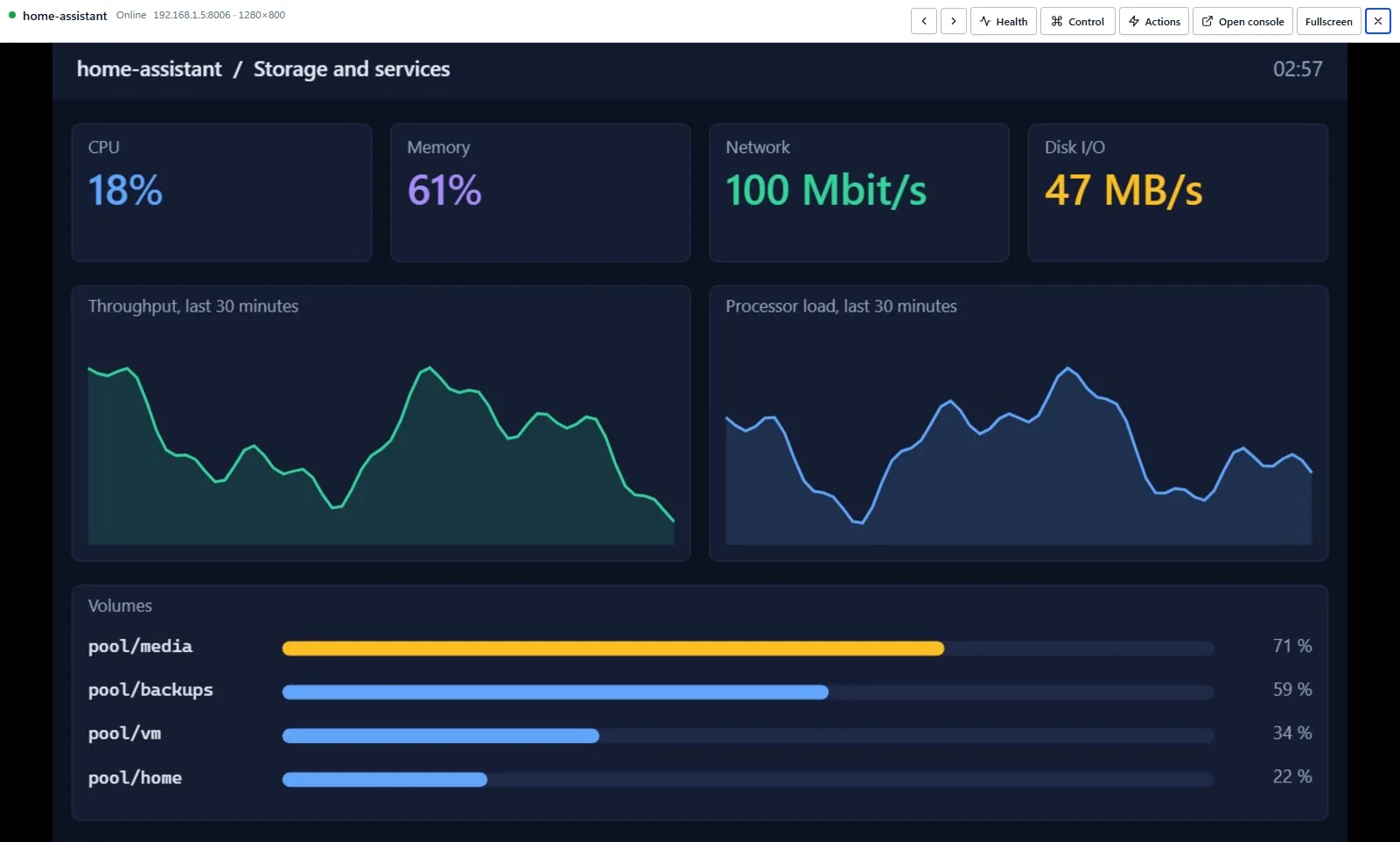
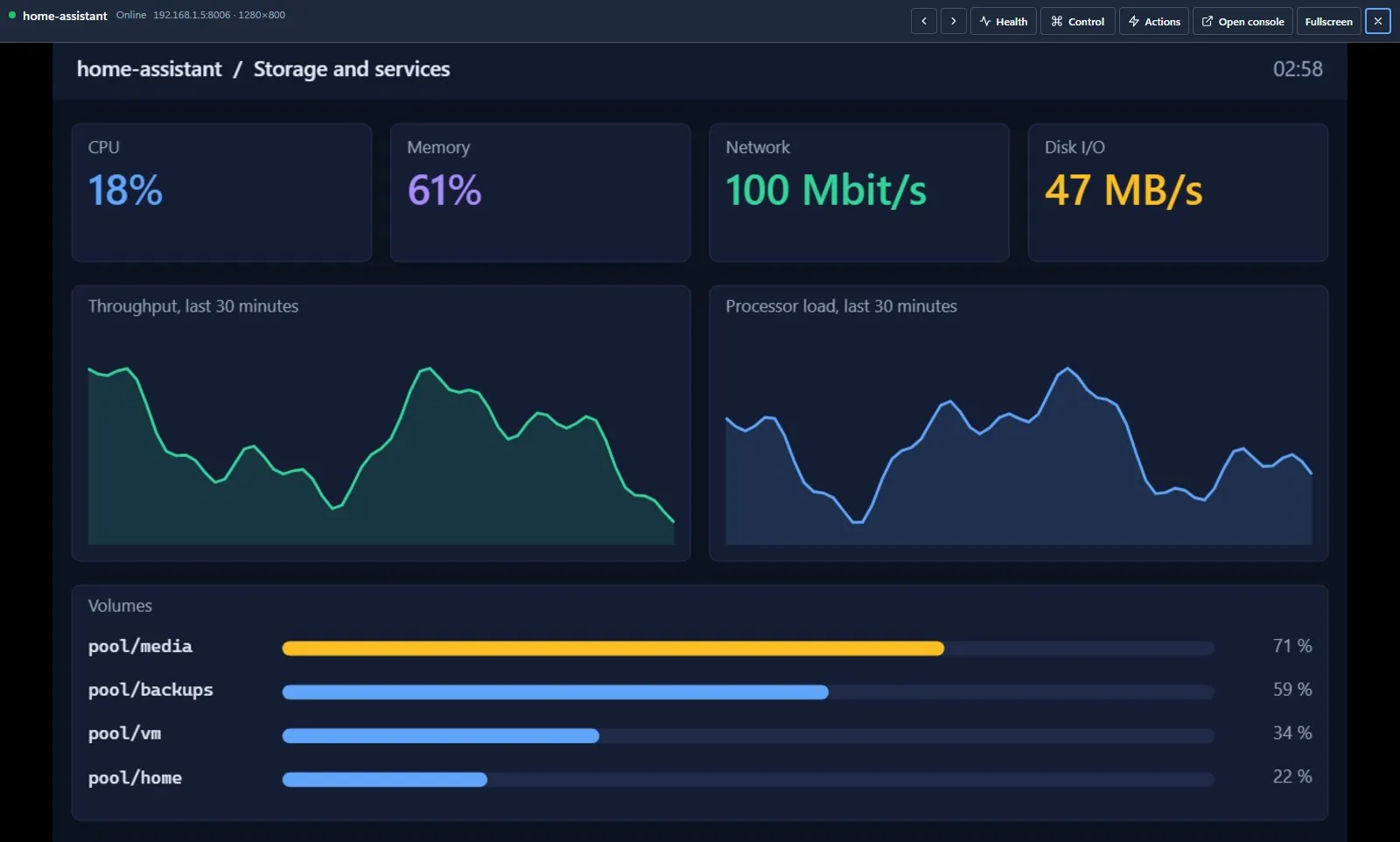
qKVM keeps the passwords of your KVMs and can press the power button of what is behind them. So the question is not whether it has a sign-in page. It is what somebody walks away with.
If somebody copies the data folder
The settings, the accounts and every saved password are sealed with a storage key that is kept outside that folder, in a file or a volume of its own: back it up apart from the folder. The activity log and the history are in the folder in clear.
If somebody answers at a device's address
A device's certificate is remembered the first time, like an SSH host key, and anything else at that address is refused. A server, a PC with Intel AMT and a Proxmox guest are known by their own number as well: another machine in their place is sent no power button, no keys and no console.
If somebody takes over a KVM
It can show a wrong picture and report a wrong state. What it sends is read only up to a limit and reduced to plain values, and its video is decoded in a locked-down process of its own that is given no password (seccomp on Linux, an AppContainer on Windows). It cannot send qKVM elsewhere, or put a page of its own in your browser.
If somebody lures you to a page
Every change has to come from qKVM's own page, which runs under a strict content security policy and loads nothing from other servers.
If somebody guesses at passwords
Repeated wrong passwords lock the address they come from out, for longer each time. Two-factor sign-in asks for a code on top, and qKVM can be told to answer your own networks only.
If somebody tampers with an update
qKVM installs a new version of itself only when it carries the publisher's signature, and never without you asking for it.
One process, one folder and its key. The rest is the tools you have: your monitoring, your proxy, your certificates, your backups.
A Prometheus endpoint behind a token of its own: machines by state, and for each one whether it answers, when it was last heard from and how warm it is.
Encrypted from the first request with a certificate it makes, with one from your own authority, or behind your reverse proxy, which is believed about its visitors only if you name it.
Behind your identity proxy (Authelia, authentik, oauth2-proxy), people are signed in as the qKVM account of their name: its role and its machines, your second step, no password here.
Give it the addresses that may use it, and everybody else is turned away before there is a sign-in page to guess at.
A token for a script has a role, the machines it is for and an end date, and no password in it. A link for a wall screen keeps that screen on across restarts.
Ninety days of each machine's state, power and readings, and every sign-in, change and action with the account behind it: searched at once, and sent on to your syslog collector.
A pip package, a read-only container for amd64 and arm64 with nothing in it but what qKVM needs, or a systemd service under a user of its own. A health check says when it is up.
Everything is in one folder that can be copied while it runs, and its storage key is kept apart. Or take the devices and settings to a second qKVM as one file, sealed with a passphrase.
Without dates: a thing is said to be there when it works on real machines.
Keyboard and mouse in the browser, the servers' own screens, PCs with Intel AMT, Proxmox guests and VNC servers, history and a searchable activity log.
A native app for Windows that reaches your KVMs directly, and your qKVM server too where you have one.
The wall in your pocket, as a client of your own qKVM.
Also not there yet: a live view of a VNC server, keys to an OpenBMC console, OIDC or SAML spoken by qKVM itself (sign-on is through your identity proxy), macOS, and an outside security audit.
One small program for a computer that can reach your devices: a server, a mini PC, the machine on your desk. Python 3.11 or newer on Linux or Windows, or a container.
pip install qkvm
qkvm
now open http://127.0.0.1:8787/
where pip refuses (Debian, Ubuntu): pipx install qkvm
docker run -d --name qkvm --restart unless-stopped -p 8787:8787 \
-v qkvm-data:/data -v qkvm-keys:/keys qkvm/qkvm --https --setup-code
docker logs qkvm
now open https://<this machine>:8787/ with the setup code from the log
qkvm-keys holds the storage key: back it up apart from qkvm-dataThe demo is the real page with made-up machines. Nothing to sign up for, nothing to install.