
Power buttons
Power on, hold power, reset, Start into BIOS setup, and shut down in order where Intel's own service runs in Windows. Shutting down stays until the PC is seen off.
Intel AMT
A PC with Intel vPro has a KVM inside: its management engine. qKVM puts it on the wall with its power buttons and its screen, even while the PC is off, asleep or hung. Nothing of ours to install in Windows.
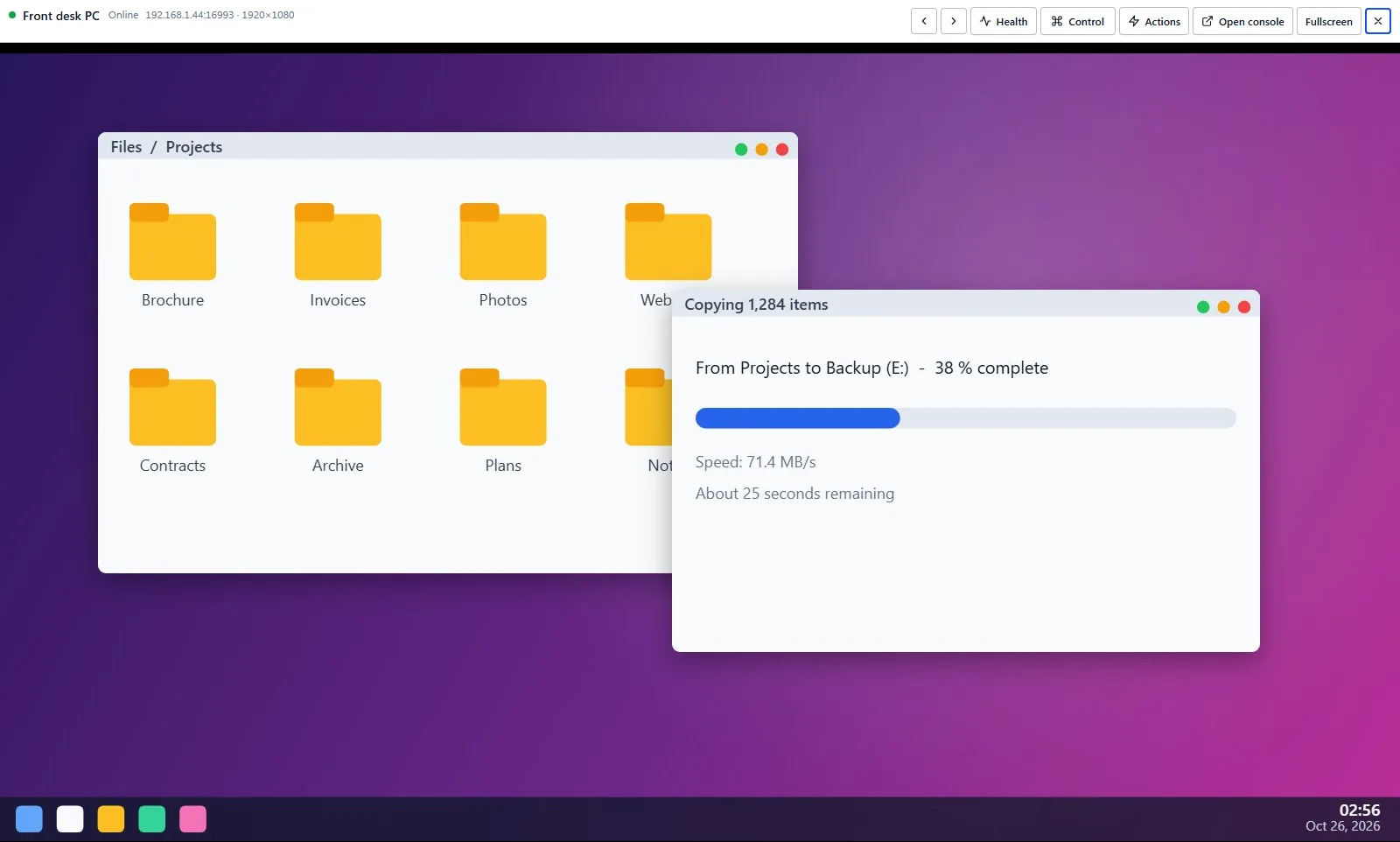
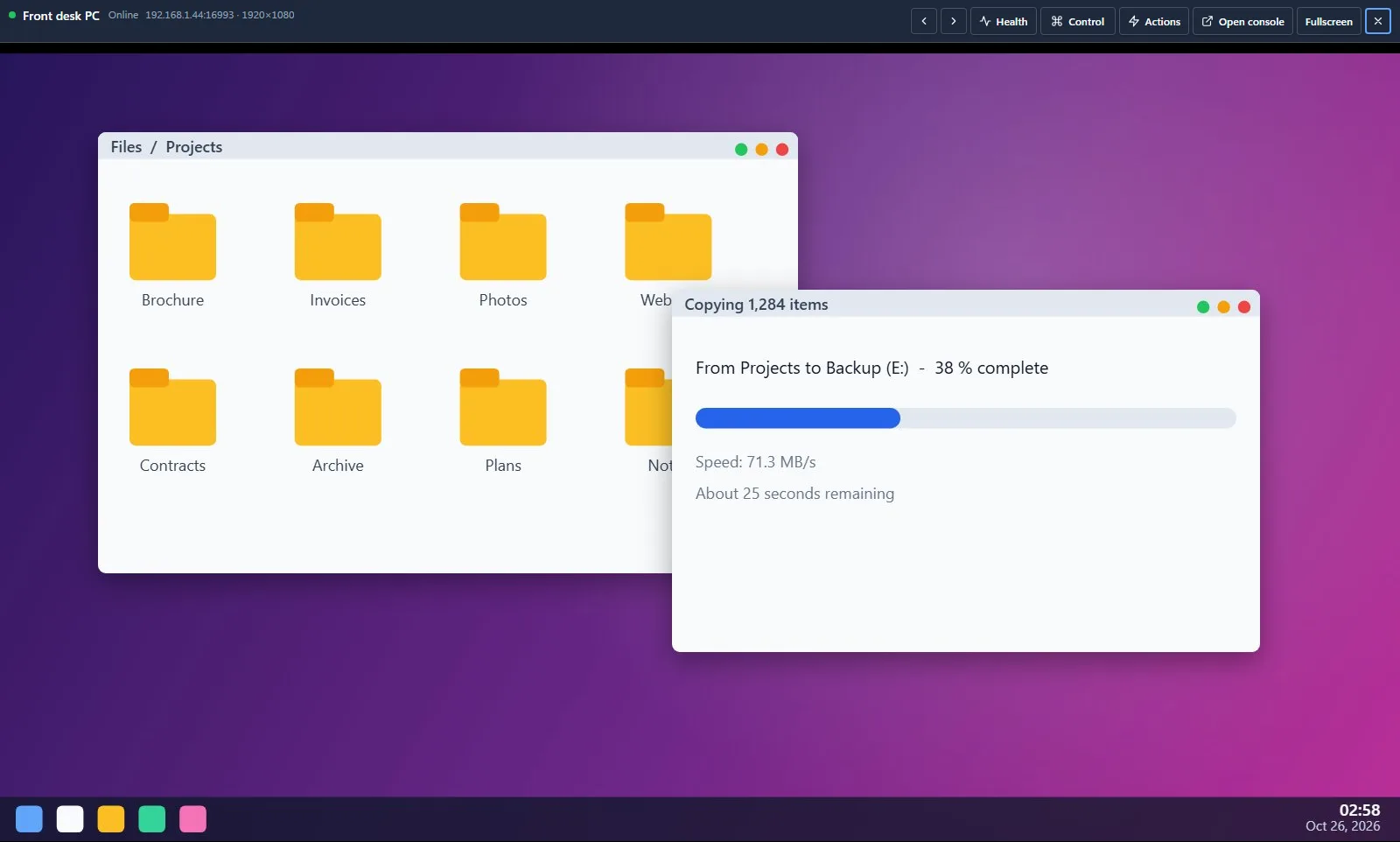
Shown: the live demo, with a made-up PC.
Power on, hold power, reset, Start into BIOS setup, and shut down in order where Intel's own service runs in Windows. Shutting down stays until the PC is seen off.
With the large view open, the session starts before Power on, so the BIOS and the boot are on screen.
Stills take one frame every five minutes, so Intel's coloured border shows only for seconds. Or health only, with no KVM session at all.
Why there is no screen: the KVM is off, a vPro Essentials PC has none, a consent code is asked, another viewer has it, or the engine is refusing for now.
Make, model, serial, processor, memory, BIOS and AMT version, and whether it is on, off, asleep or hibernating.
Known by its platform number: another PC at the address is sent no password and no button.
An admin can switch the engine's KVM and its redirection listener on from the tile.
On the same wall as your KVMs, servers and virtual machines, with the same accounts, alerts and activity log.
Today PCs with Intel AMT are on the Web App's wall. On the Desktop App's own wall they are planned next.