
IP KVMs
GL.iNet Comet, PiKVM and other kvmd KVMs, and JetKVM: screen, keyboard, mouse and power.
qKVM Desktop App, beta 0.2.0
A native app for Windows that talks to your KVMs, servers, VNC servers and Proxmox VE guests itself. No server to run, nothing in a cloud. Your own keyboard and mouse, the Windows key and Alt+Tab included.
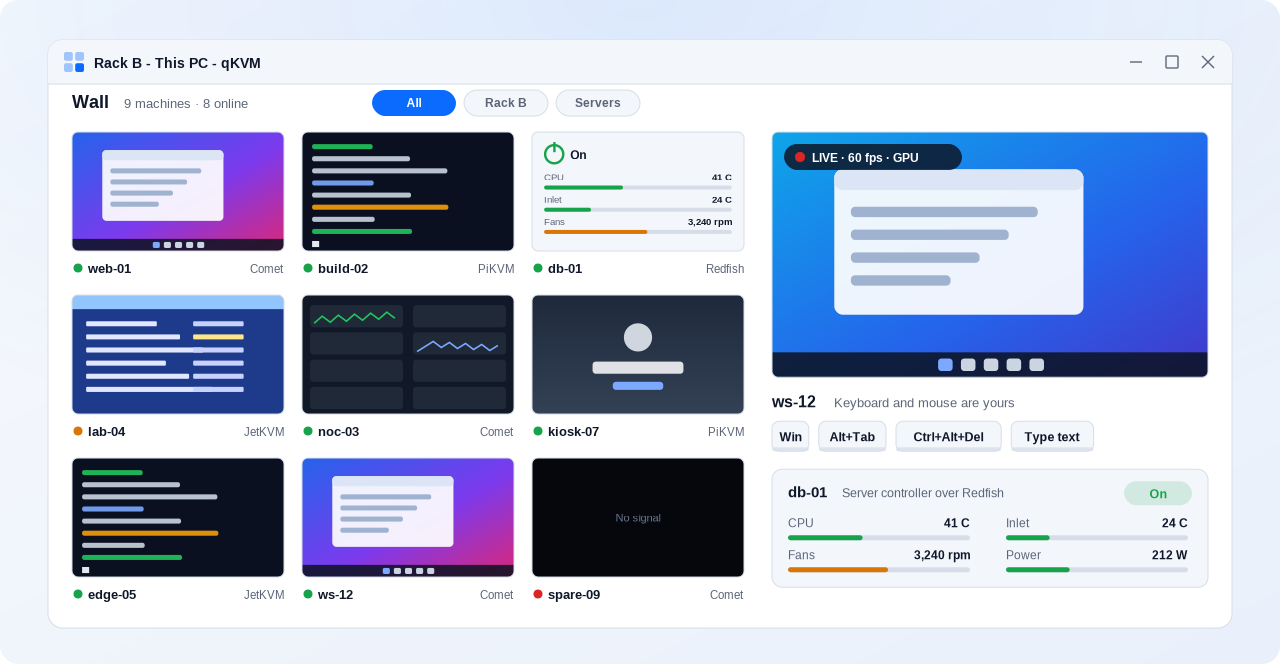
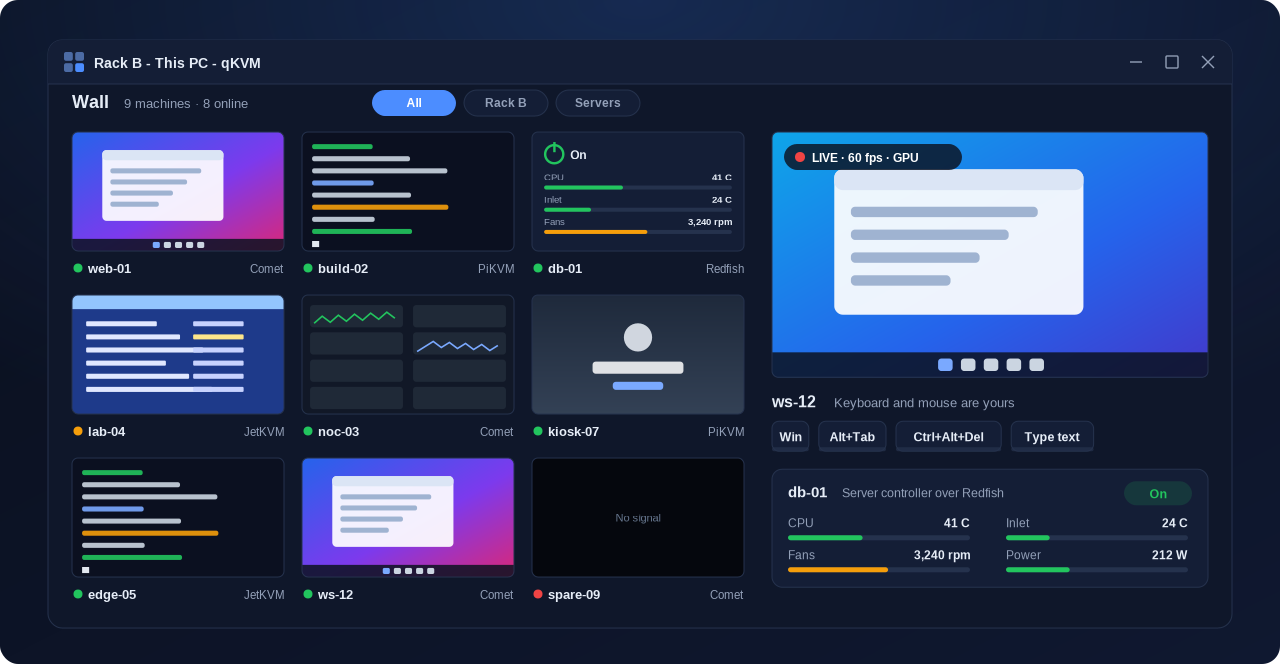
Written in C++ for Windows, not a web page in a frame. Video is decoded on your graphics card, and the keys go where you meant them to.
GL.iNet Comet, PiKVM and other kvmd KVMs, and JetKVM: screen, keyboard, mouse and power.
Any Redfish controller, with the server's own screen on AMI MegaRAC and OpenBMC consoles.
Proxmox VE guests through Proxmox's own API, and any VNC server, over TLS where it offers that.
Everything a qKVM Web App 0.3 or later has, in the same window as what the app reaches itself.
The Windows key, Alt+Tab and the other keys Windows keeps for itself go to the machine you work on.
Mount an ISO on a Comet, a PiKVM, a JetKVM or a virtual machine from the app itself.
Its saved passwords are sealed under a password of its own; lock it when you step away.
Opened with a qKVM server's display link, a PC shows that wall and acts on nothing: for the room everybody looks at.
Each window its own wall, and saved workspaces that bring back windows, groups, columns and monitors.
This PC and every qKVM server you use, with their groups and machines, in one list to browse.
When a machine goes away or comes back, in the app and as a Windows notification if you want.
From a feed signed with a key built into the app; an update cut off halfway is rolled back.
Both are free and open source. Many people run both: the Web App for the team, the Desktop App at their own desk.
Beta 0.2.0
Windows may say it protected your PC: the program is not yet signed with a certificate. Choose More info, then Run anyway. A signed release comes with 1.0.