
Its console, live
Through Proxmox's own console, with keyboard and pointer, one person at a time.
Proxmox VE
Proxmox VE guests go on the wall through Proxmox's own API, with a token of their own. Their screens live beside your KVMs and servers, with keyboard, mouse, power and ISOs to start from. Nothing is installed in the guest or on the host.
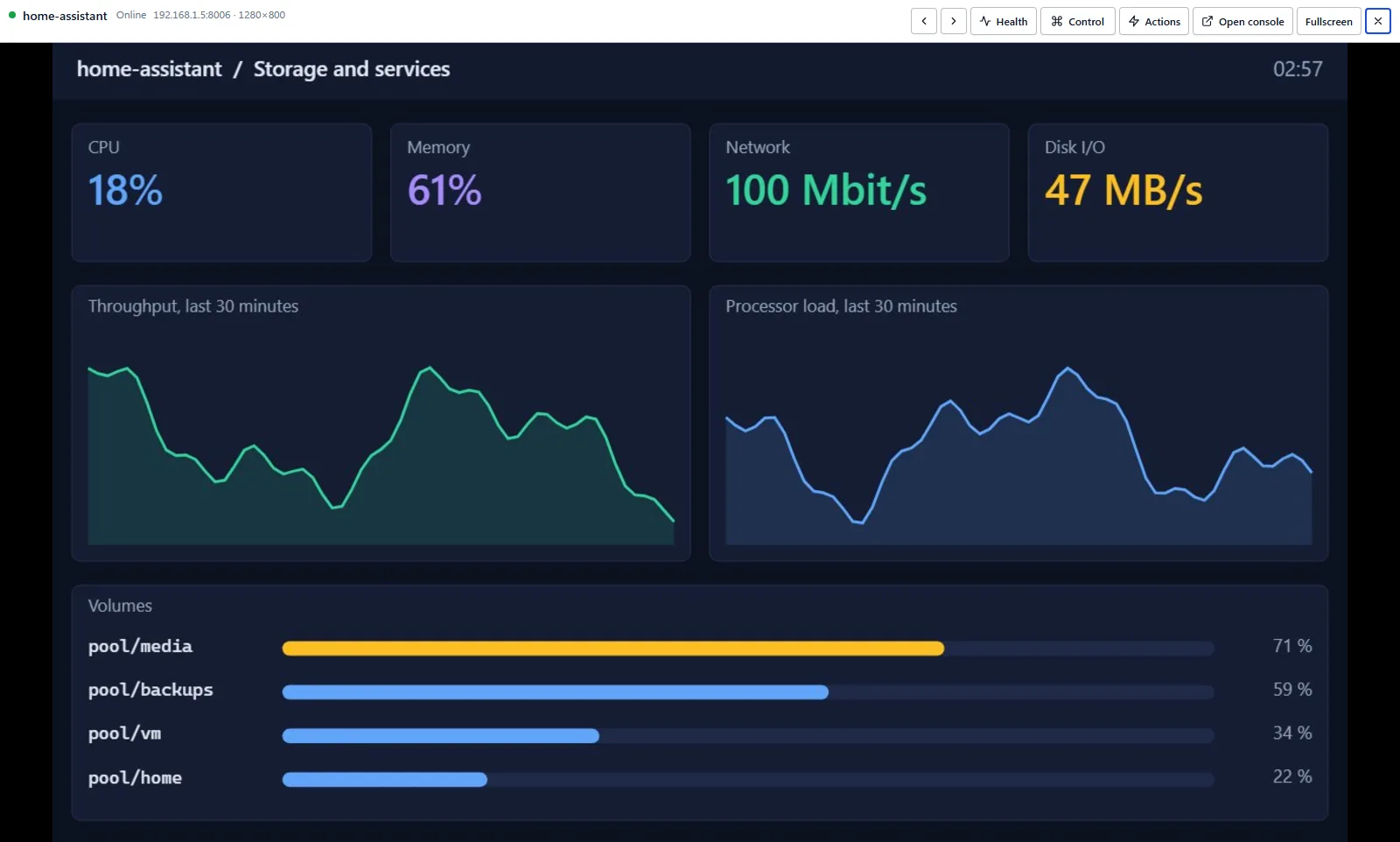
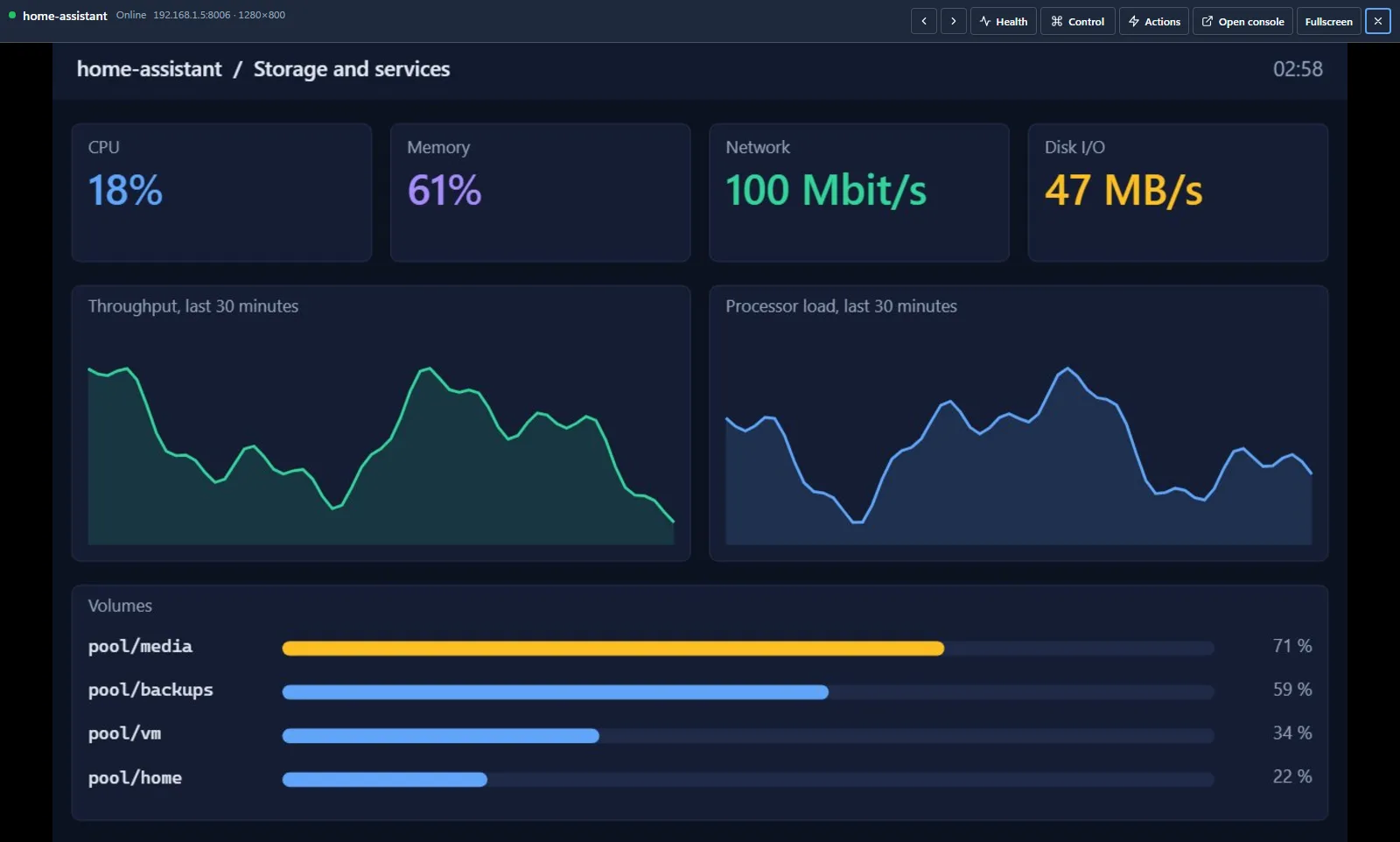
Shown: the live demo, with made-up guests.
Through Proxmox's own console, with keyboard and pointer, one person at a time.
Start, shut down by ACPI or the guest agent, stop and reset; it waits as Proxmox's high availability does.
An ISO from a Proxmox storage in the guest's CD-ROM, once or until taken out; the boot order is put back after.
Running, paused or stopped, on the tile, in its history and in alerts.
Add KVMs lists the guests the token may see: tick the ones you want, or type the host and the guest's number.
A guest migrated to another node is found there.
Known by its own UUID: a new guest under a deleted guest's number is not acted on.
One console per guest while somebody looks, given back five minutes after, so its task log stays readable.