
One holder
Only one connection holds a machine's keyboard and mouse. Everybody else sees who has them: Controlled by olga.
Feature: live view and control
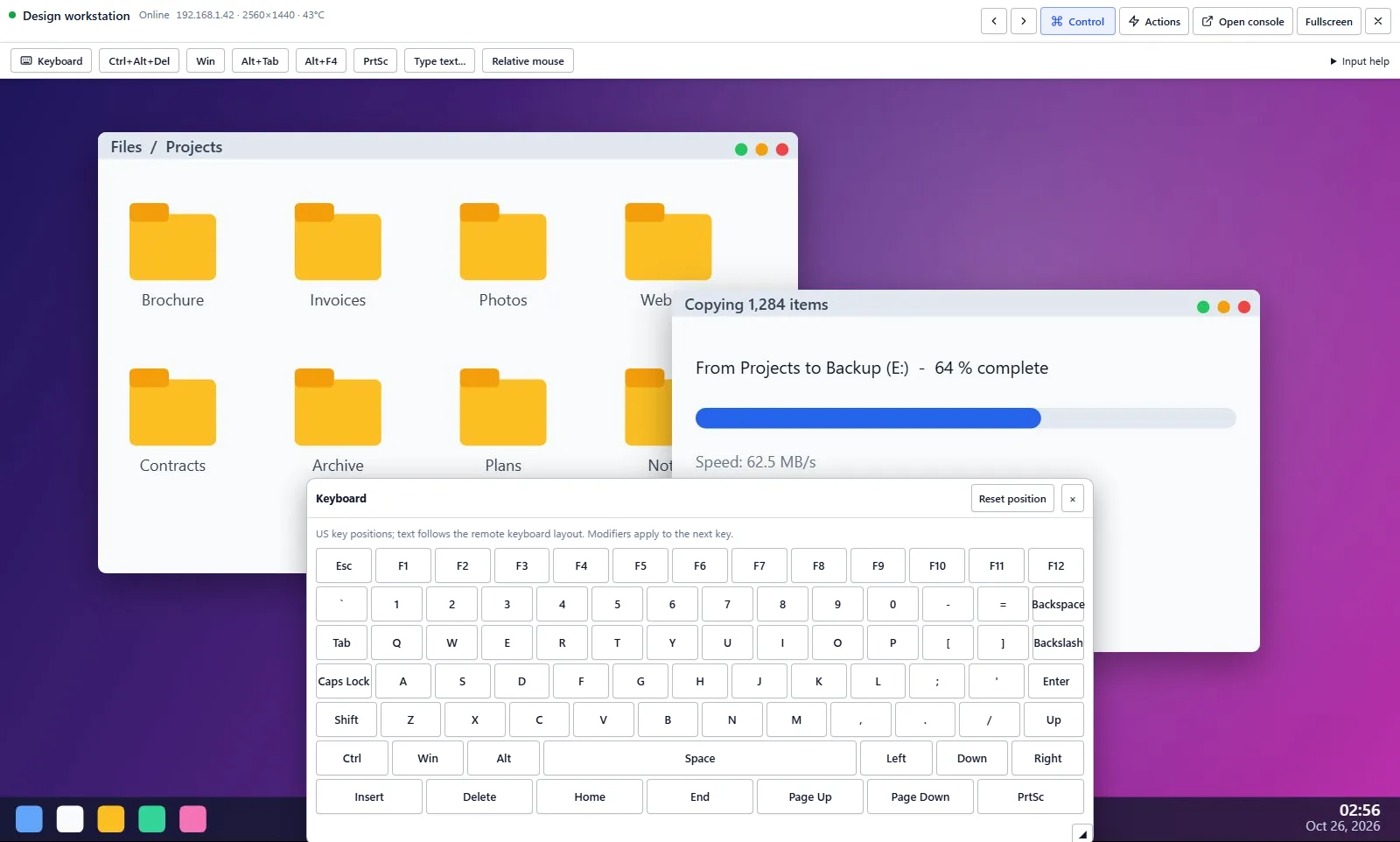
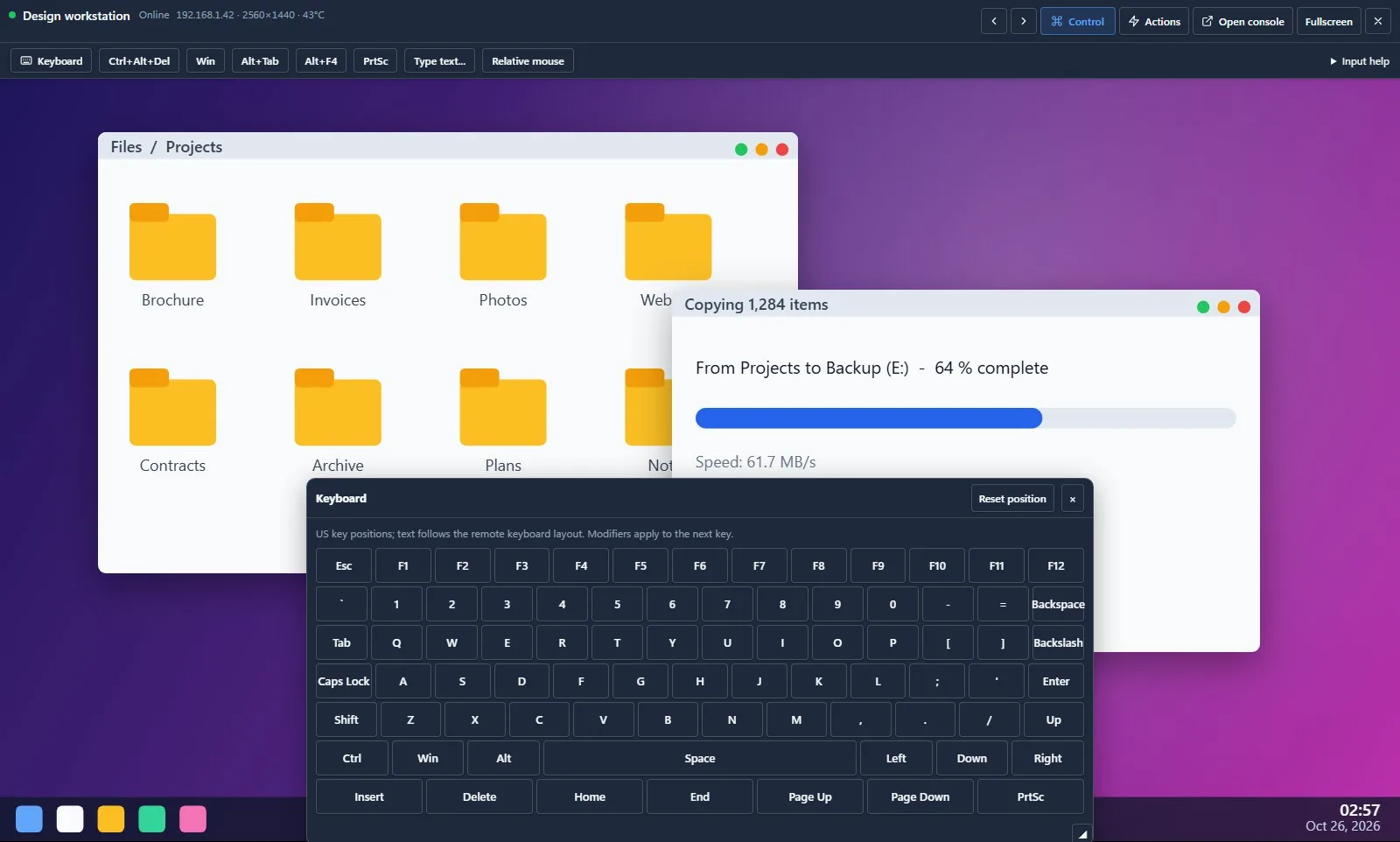
Enlarge a tile and the machine is live: its picture as it comes, and its keyboard and mouse in your browser at a press of Control. One person holds them at a time, and nothing is left held down when they change hands.
In the enlarged view, Control (or the key C) takes the machine's keyboard and mouse. From then on every key, click, drag and turn of the wheel is the machine's. The right Ctrl by itself gives them back; the picture stays.
| Machine | Picture in the live view | Keyboard and mouse |
|---|---|---|
| GL.iNet Comet on a recent firmware, stock PiKVM | H.264 passed on as it comes, one connection to the KVM shared by every viewer | Yes |
| Other kvmd KVMs | JPEG, only the pictures that changed, 30 a second at most | Yes; by steps where the KVM's mouse is set to relative |
| JetKVM | JPEG made of the frames qKVM decodes; its H.264 is not passed on | Yes |
| Servers, AMI MegaRAC | JPEG each time the screen changes | Yes; keys tried on a real board, the pointer's effect not seen yet |
| Servers, OpenBMC | JPEG each time the screen changes | Yes; built from its source, not tried on a real controller |
| PCs with Intel AMT | JPEG, where its KVM may be used (admin control mode, consent off) | Yes |
| Proxmox VE guests | JPEG through Proxmox's own console, while it runs | Yes |
| VNC servers | JPEG each time the screen changes | Yes; tried against a stand-in |
Only one connection holds a machine's keyboard and mouse. Everybody else sees who has them: Controlled by olga.
An admin, in person, may take over after a question that names the holder, who is told who took them. Never an operator, never a token.
Without a key, a click or a move for 15 minutes, keyboard and mouse are given back by themselves, and whatever was held down is let go of.
The next holder sends nothing until what the one before had down is let go of: a key never lands beside somebody else's Ctrl.
The keyboard's Power key is dropped unsent. A machine's power is under Power, and asked first.
A viewer, a wall screen or a script's token may watch. Taking the keyboard and mouse takes an operator or an admin.
Who opened a live view and for how long, who took control and who gave it back. Never a key, never where the pointer was.
A pass, then a WebSocket: the picture down, keys and mouse up, every message and the frame header described. The Desktop App speaks it.
Live view and control, in full In the Desktop App Every kind of machine