
Feature: acting on many

One Action on Many Machines, Confirmed Once

Press Select, tick the machines, choose the action. You confirm against their names, each machine reports back as it finishes, and a power-on can go one machine after the other, so they do not draw their starting current together.

Select, Tick, Run

The machines you mean, by name

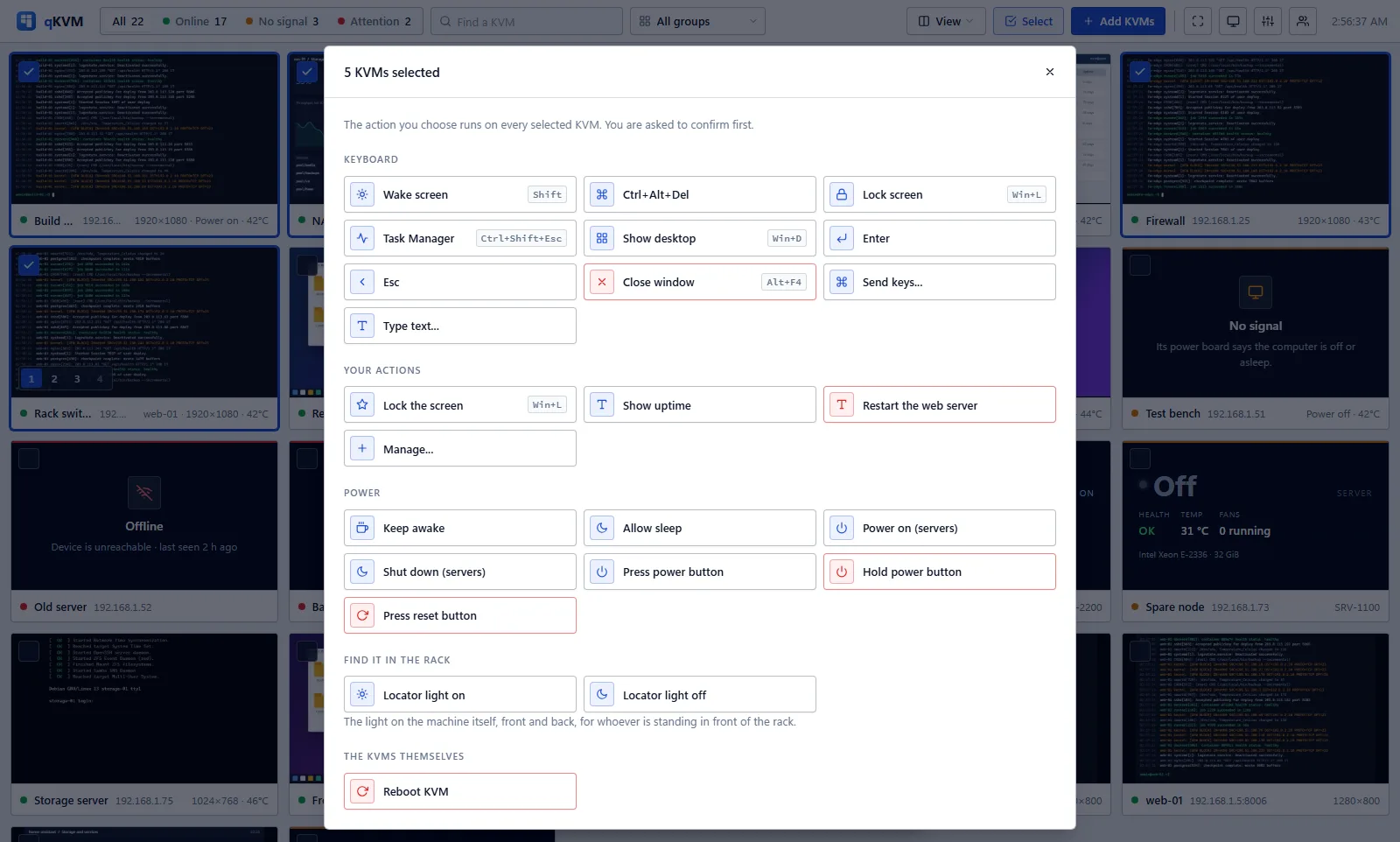
Select (or S) puts the wall in select mode. Select all takes the machines shown, so filter or search first. Run action offers keys, typed text, your saved actions and power, and the question before it names every machine.
  • An extra tickfor what can lose somebody's work: power and reset, a reboot, typed text, a saved action marked so
  • Paceda few machines at a time, or one after the other with up to two minutes between them
  • One at a timeWake-on-LAN, switching ports and Start into BIOS setup stay one machine at a time
Using it
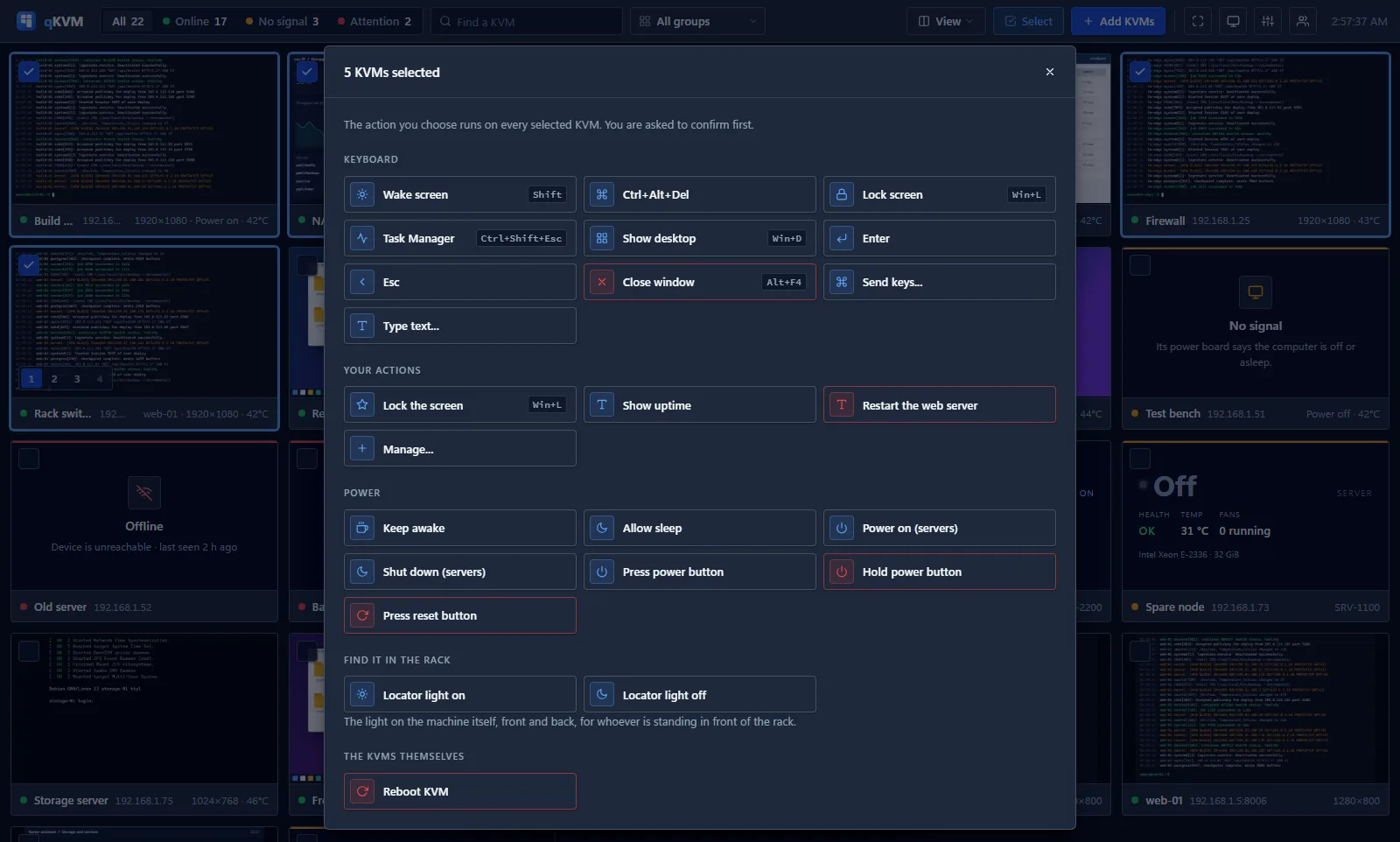
Five KVMs selected, and the actions that can run on all of them: keyboard, saved actions, power, the locator light.

Done Means Seen

Each one reports back

Every machine says how it went as it finishes, and the ones that failed get a retry.

May have been done

Where a command went out and its answer did not come, the machine says it may have been done, not that it failed. Retry failed does not press those again.

A press, seen

A KVM's power press is done when its board shows the change, a reset when the screen is seen to change. Not seen within twenty seconds, it says so and offers no second press.

After a power cut

A server's Power on leaves one that is on alone, so Power on over a whole selection brings back only the servers that stayed off.

How It Goes

  1. SelectPress S, and tick the machines, or filter and Select all.
  2. ChooseRun action, and the action: keys, text, a saved action, power.
  3. ConfirmAgainst the names, with the extra tick where it is asked, and the pace.
  4. Read the resultsEach machine as it finishes, and Retry failed.

Details

One thing per machine
While an action is on its way to a machine, a second one for it is refused, whoever sends it: a power button pressed twice does not press harder, it undoes the first press.
The machine you saw
Each action carries the machine it was asked for. Where an admin pointed the tile at another machine meanwhile, nothing is sent to either, and the page says so.
Shutting down
A short press on a running computer asks its system to shut down, which takes the time it takes: the tile shows when it is off.
Removing several
An admin can remove several machines at once. The question names each one and its address, and they go together or not at all.
On the record
Every action is in the activity log with the account that sent it, a run tied together as one act; never the text that was typed.
In the Desktop App
Select (S) and one action on many machines there too.